AI Lingerie Generator
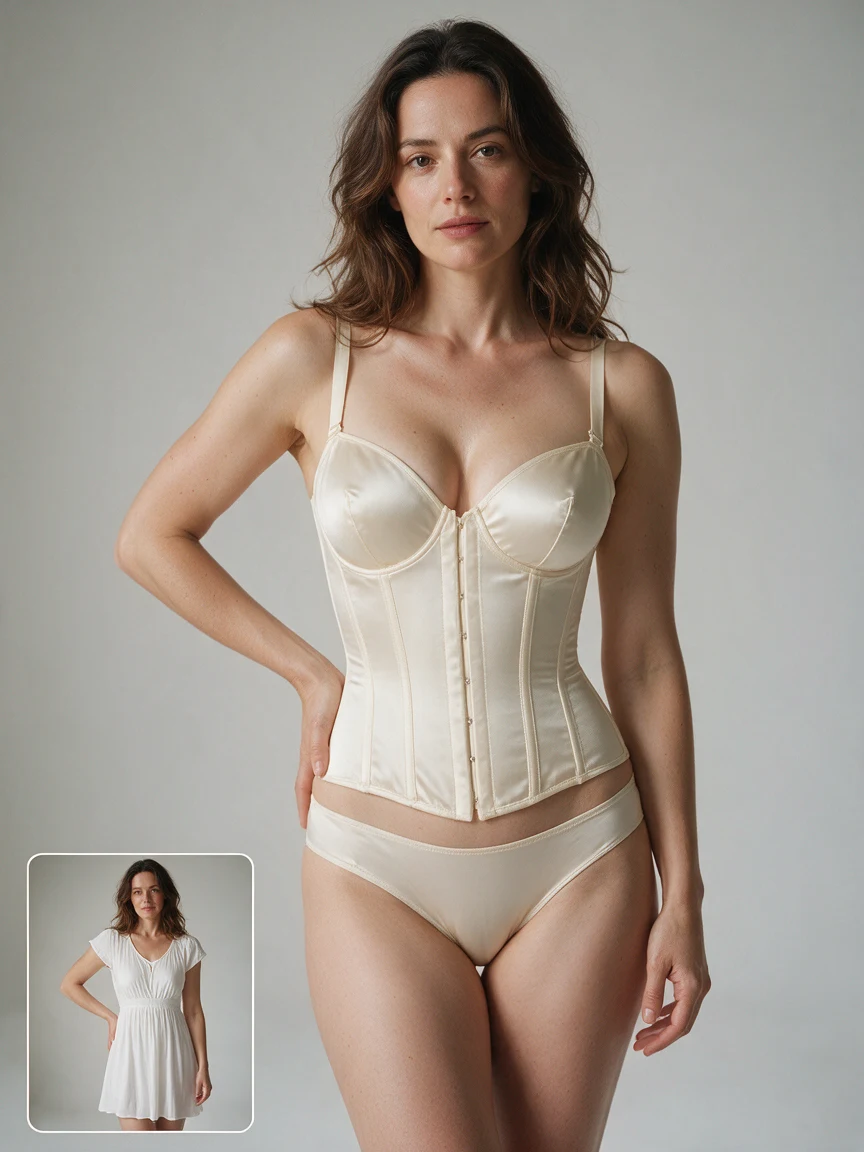
Reimagine your outfit with delicate lace, smooth satin, or a style of your own. Upload a photo to create a lingerie look inspired by your original pose and setting.
Style inspiration
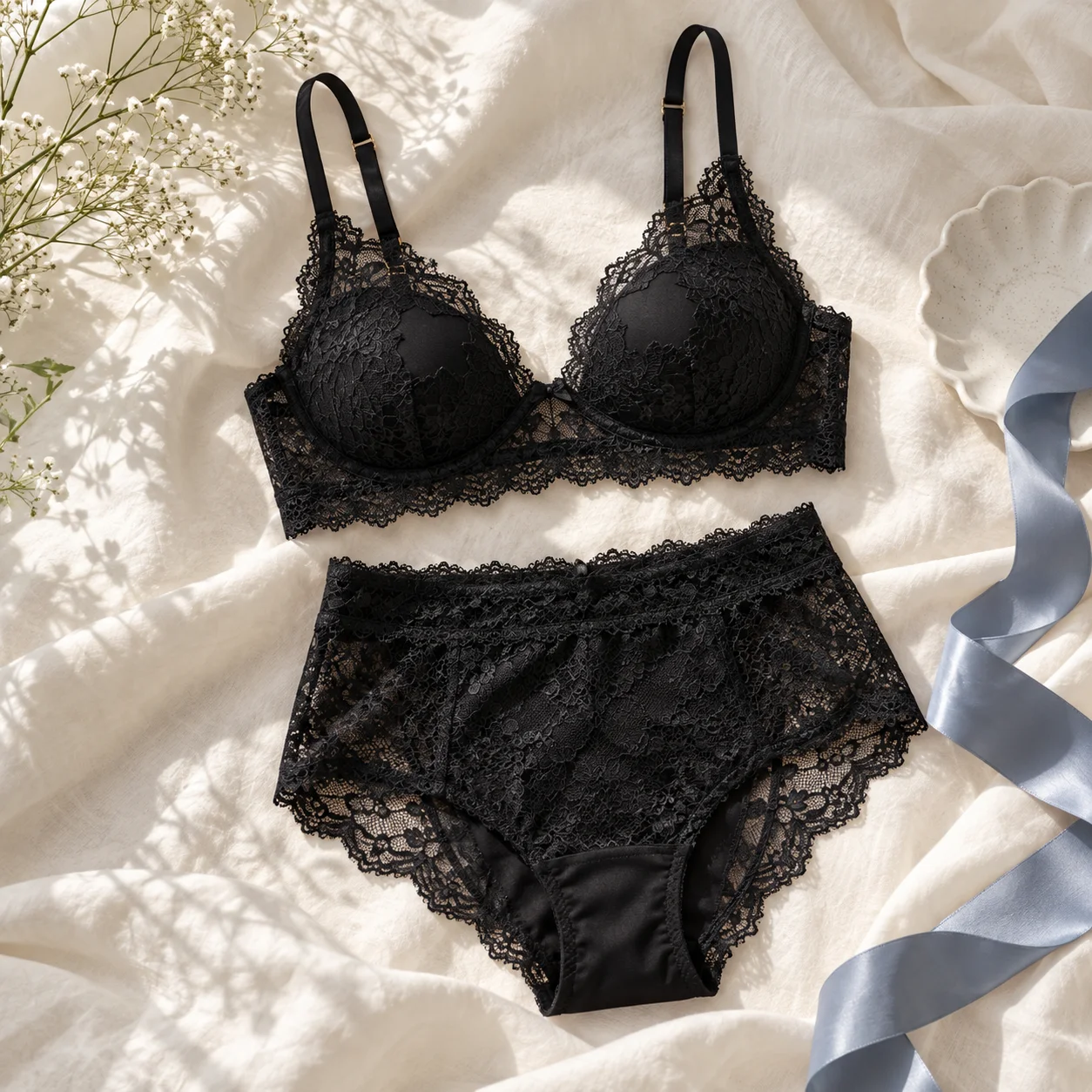
Try a look from the lingerie gallery
Explore AI lingerie in lace and satin across different colors. Click Try on a look to add its prompt to the generator, then upload your own photo.
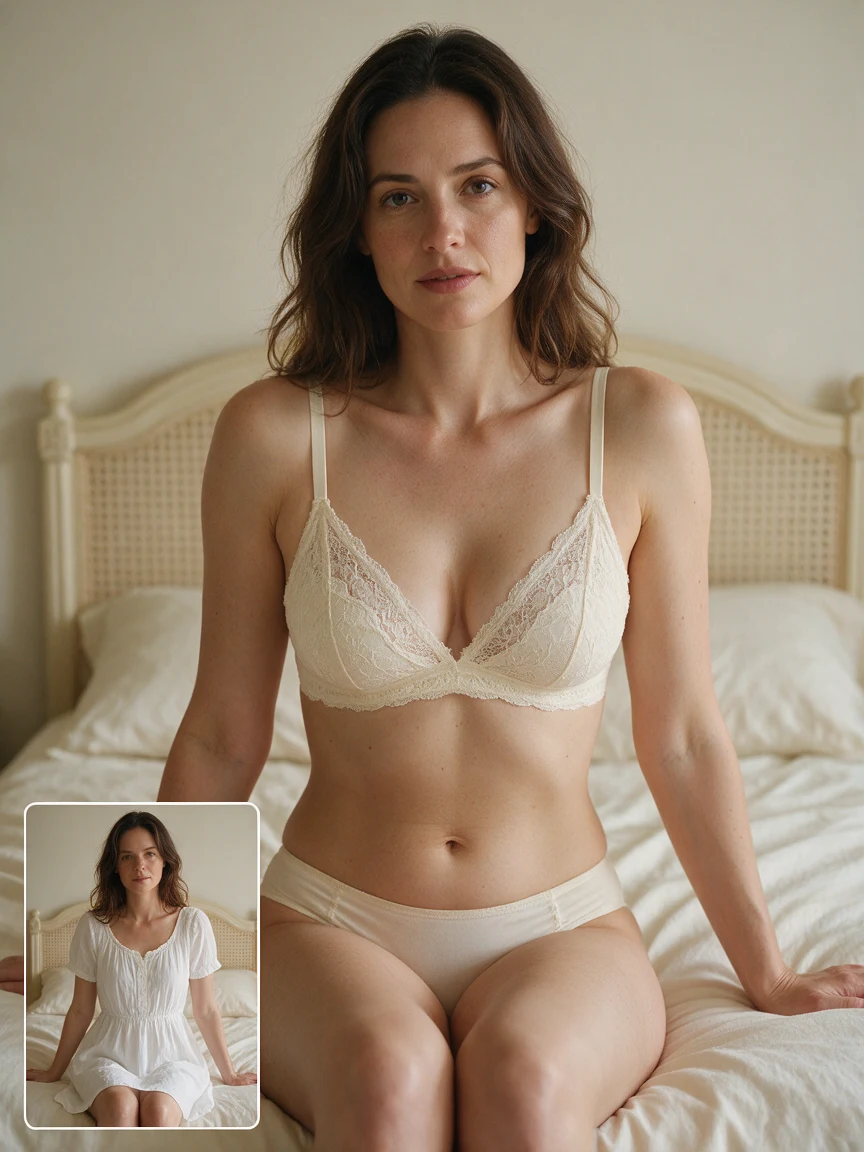
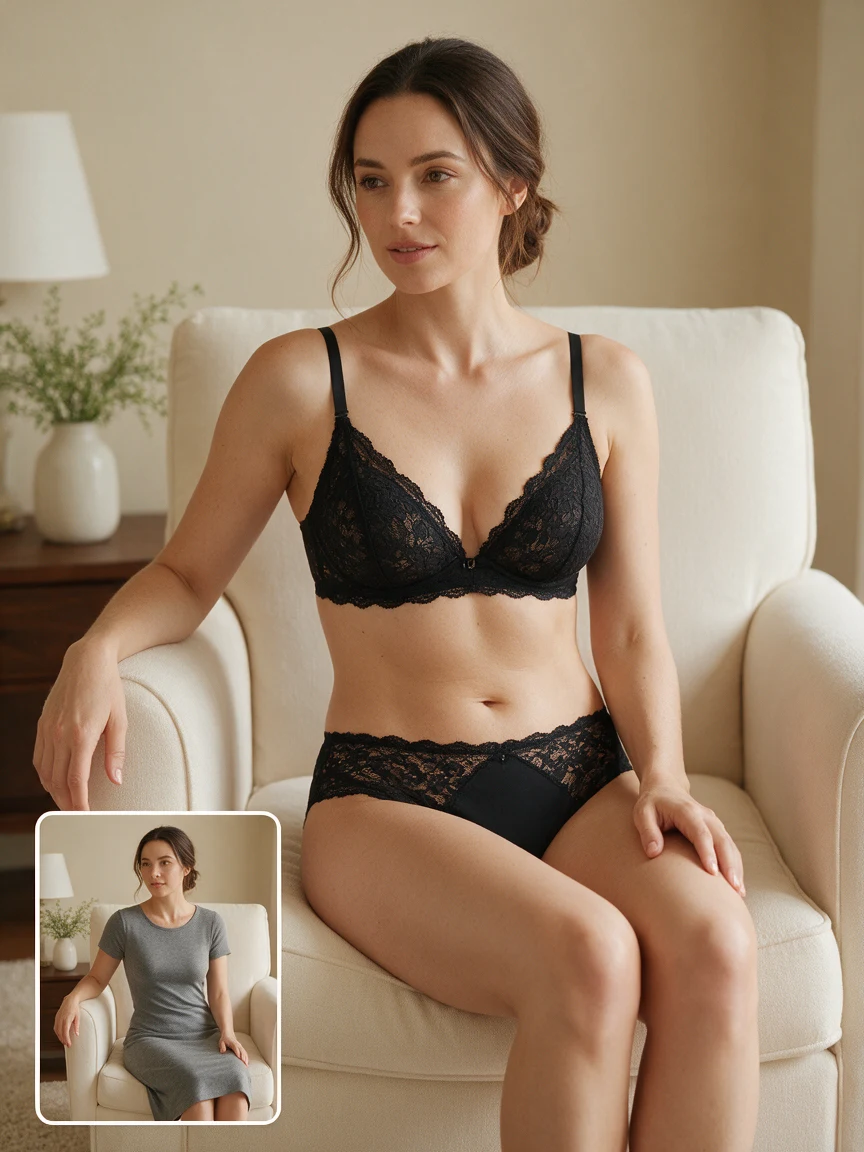
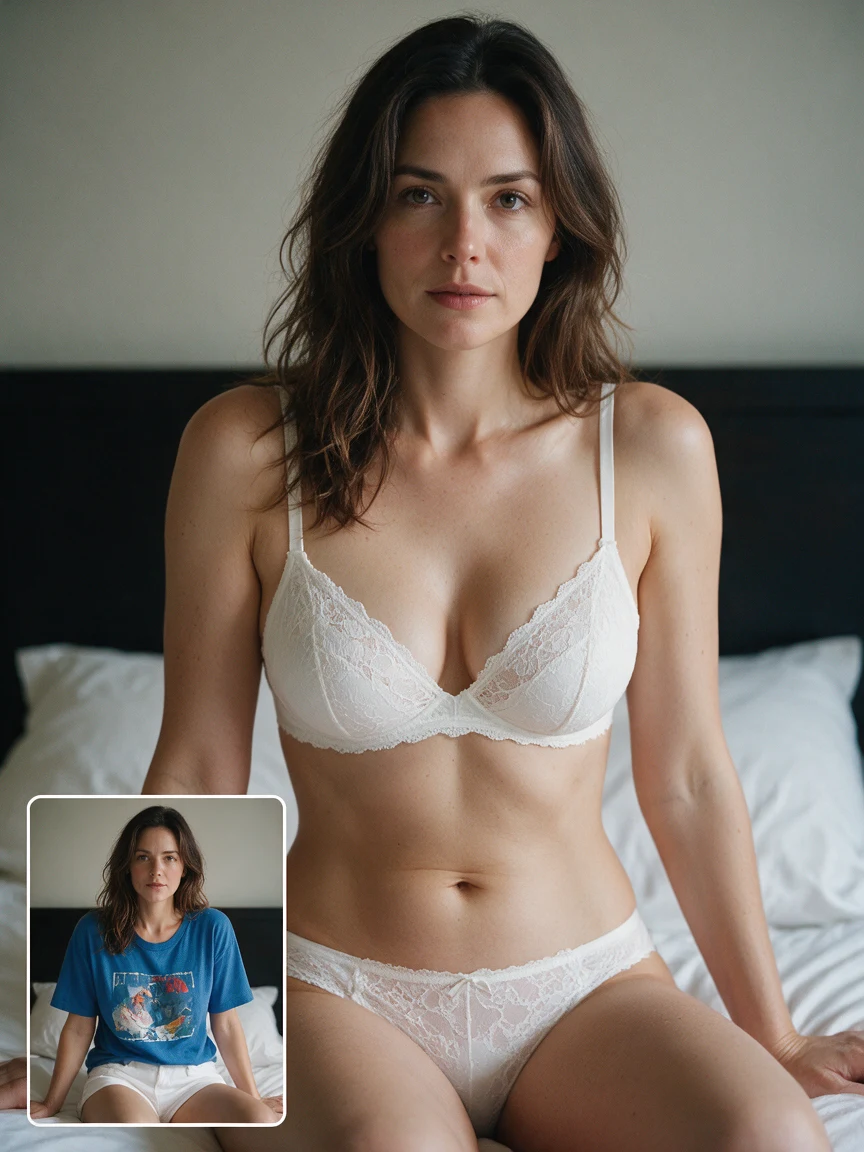
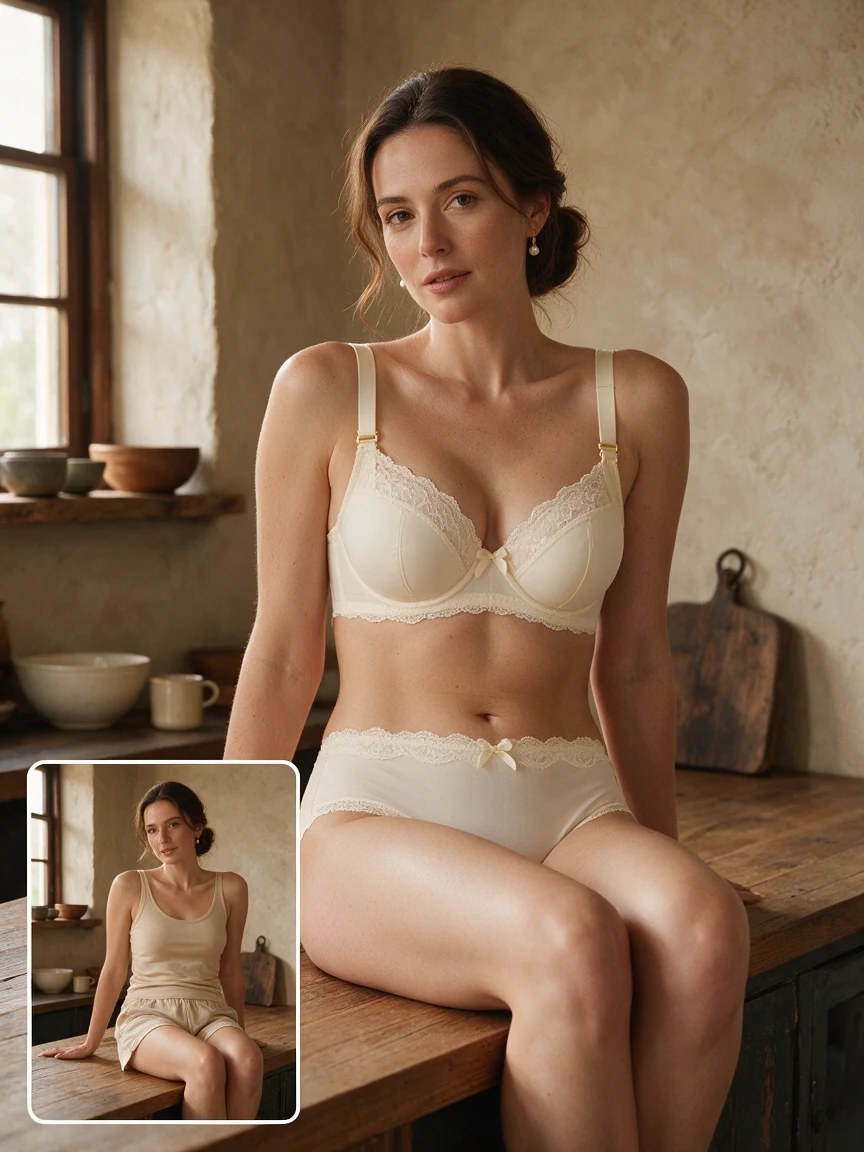
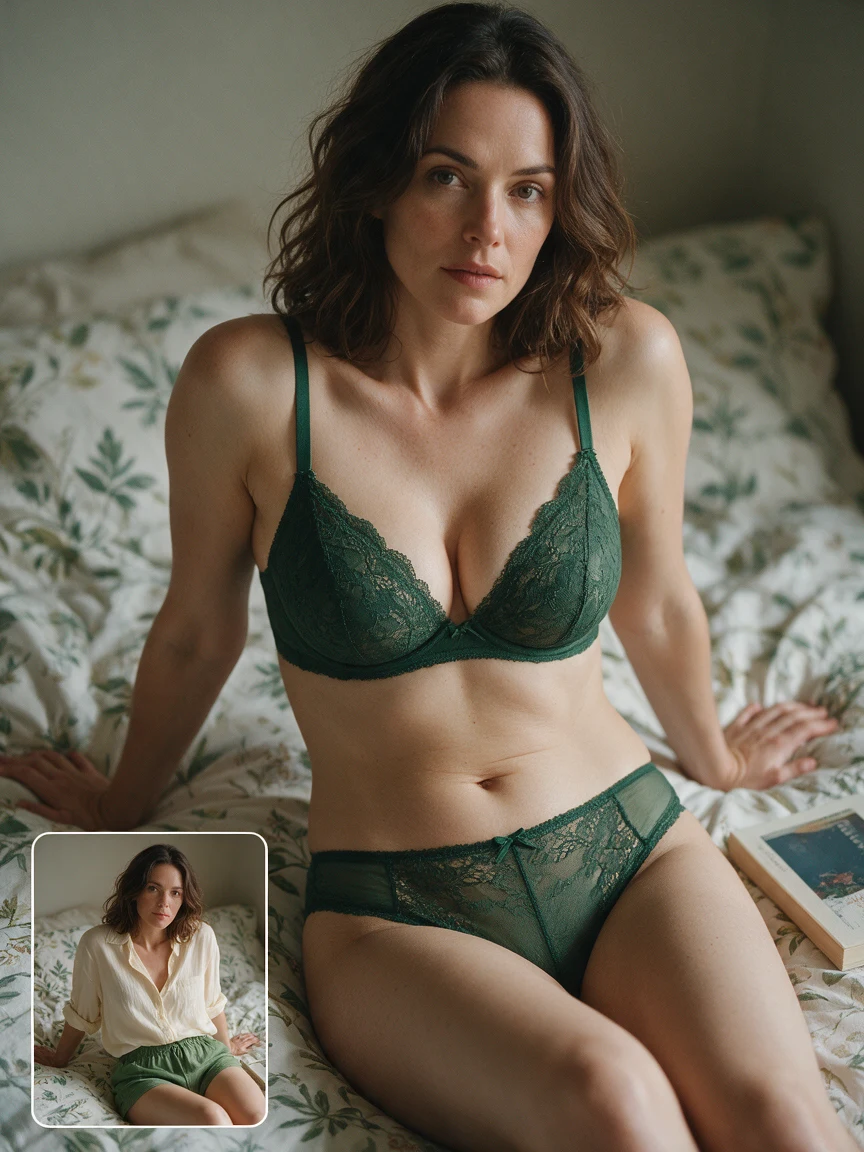
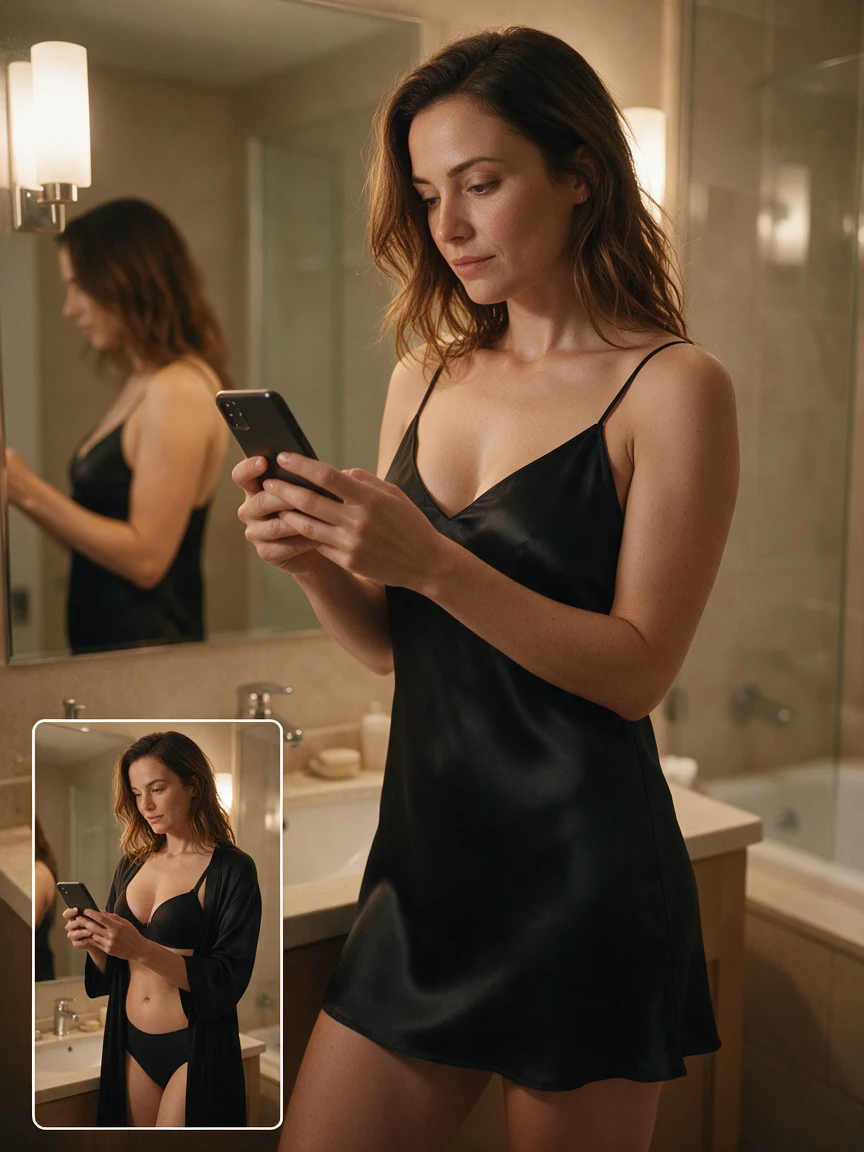
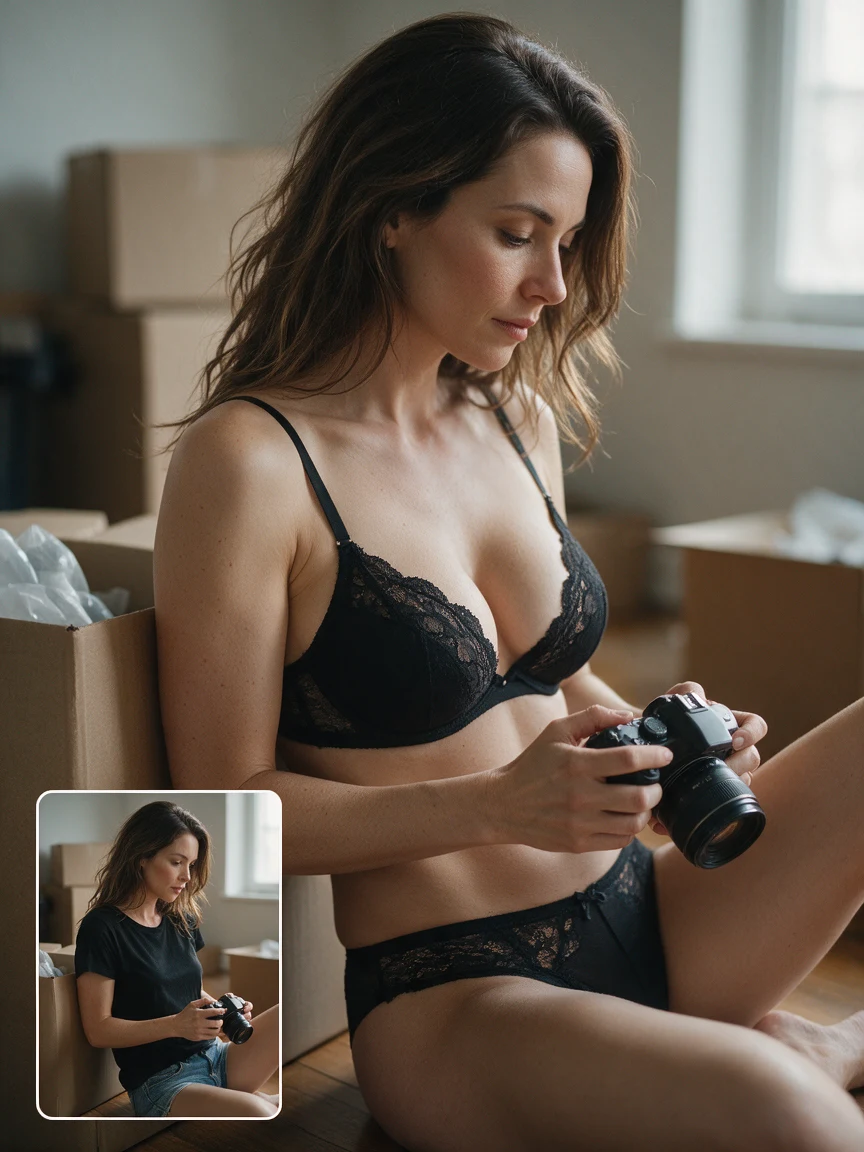
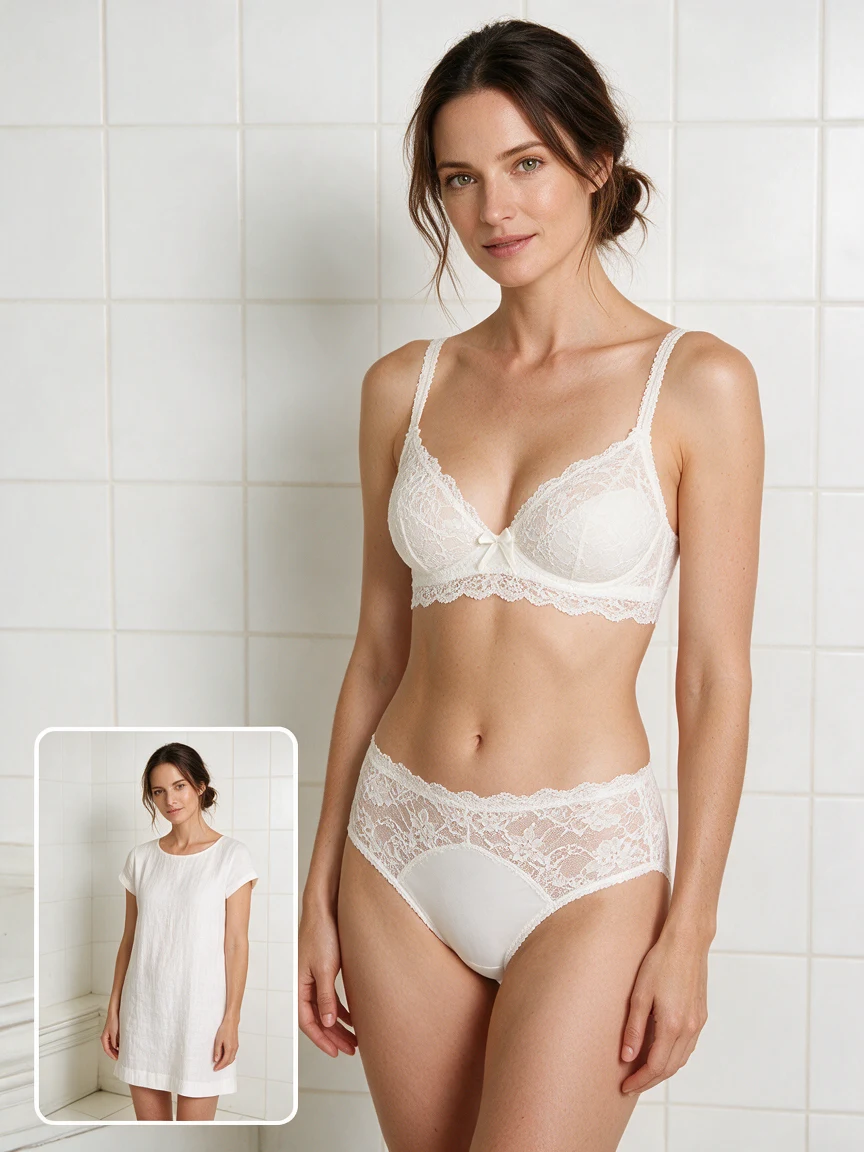
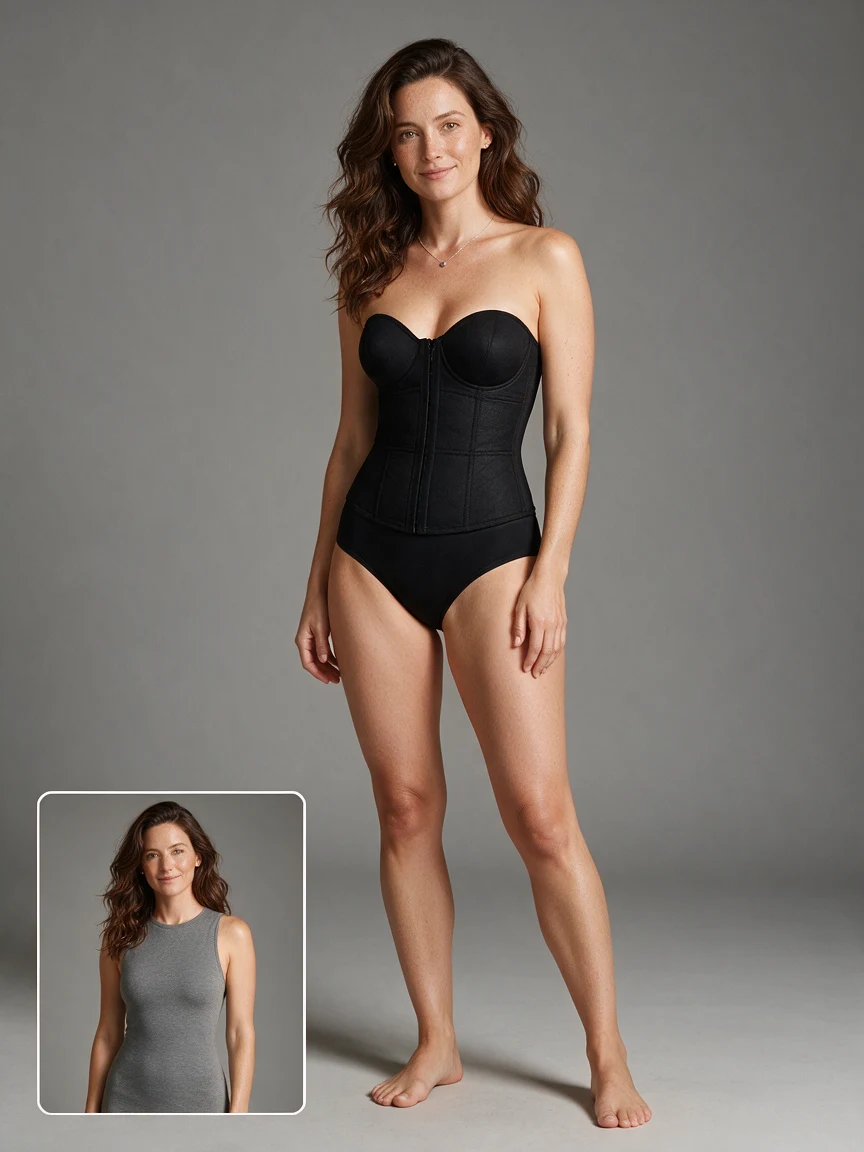
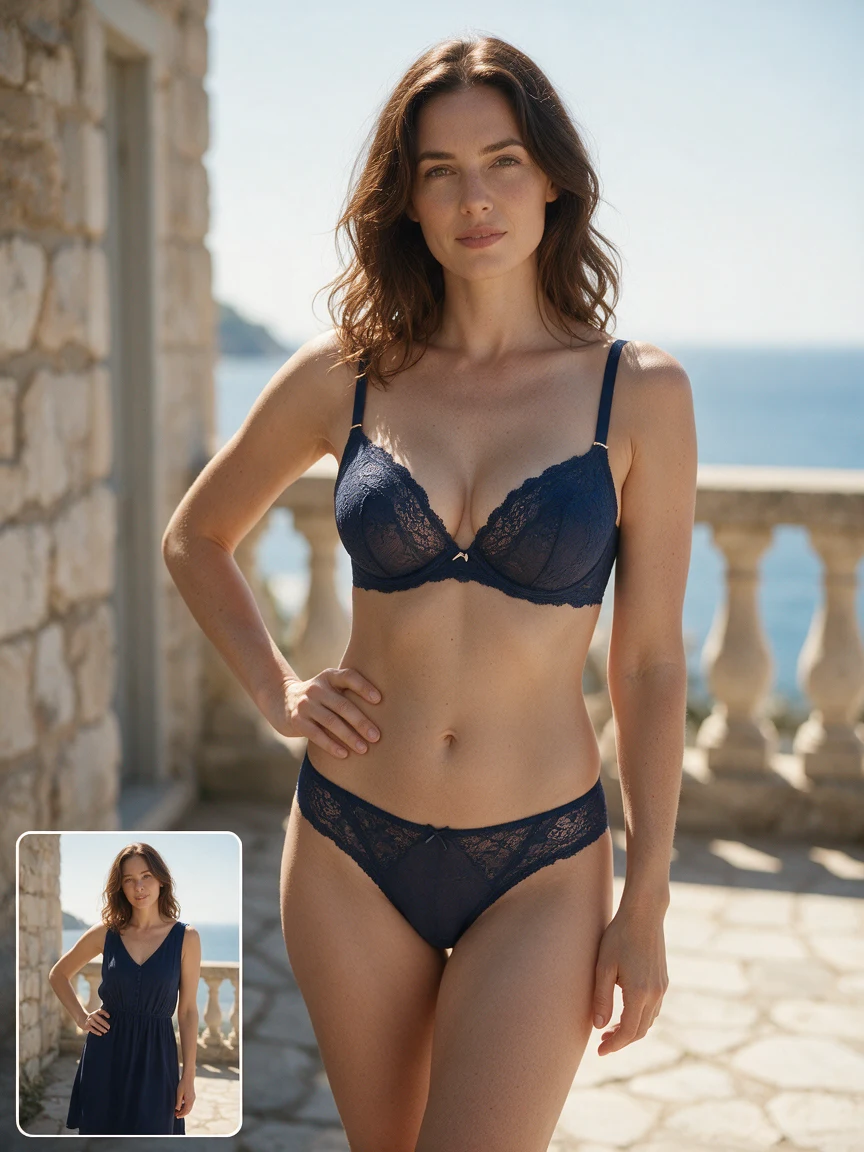
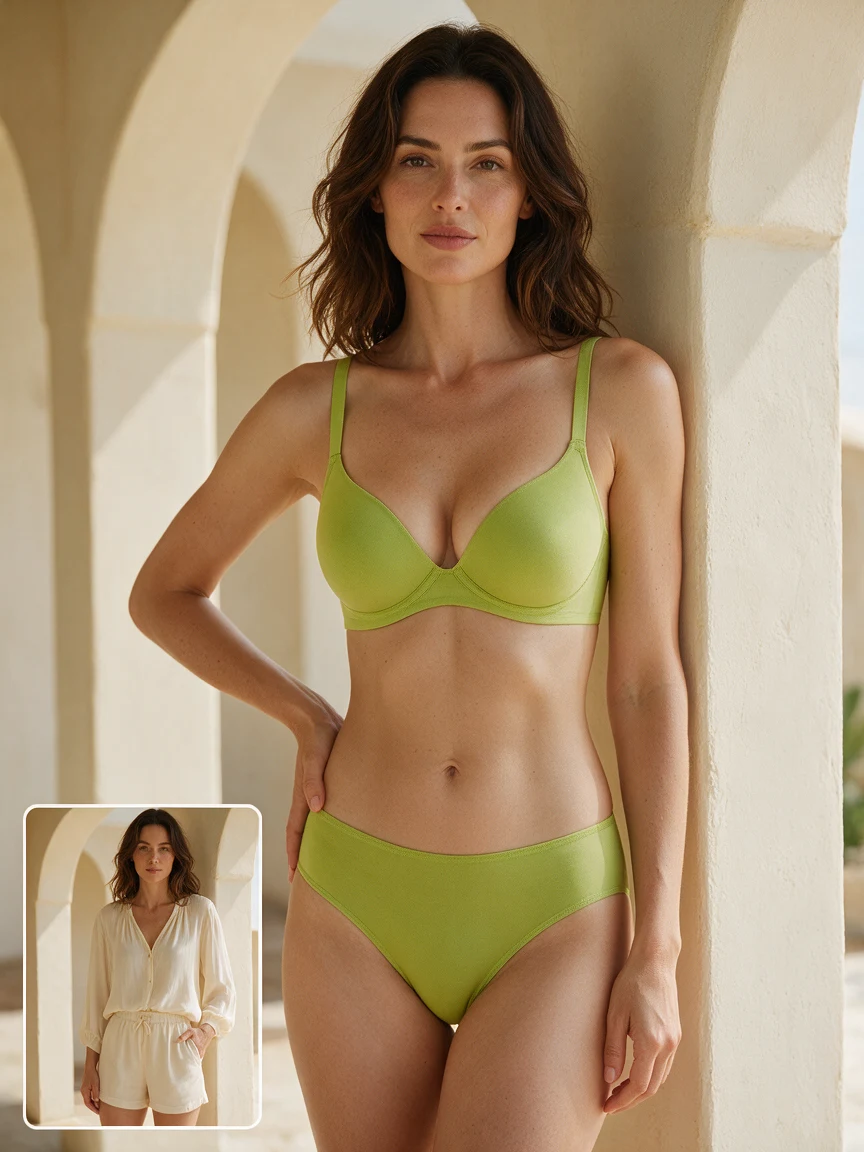
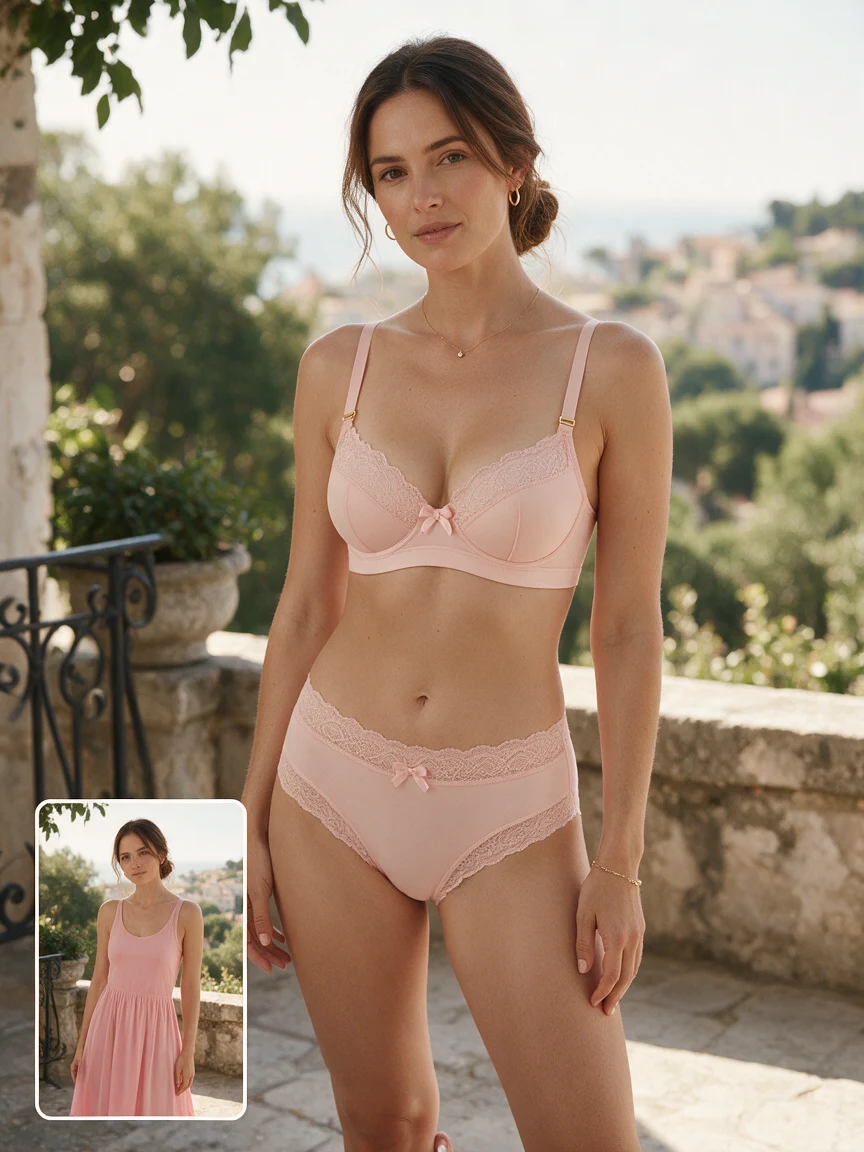
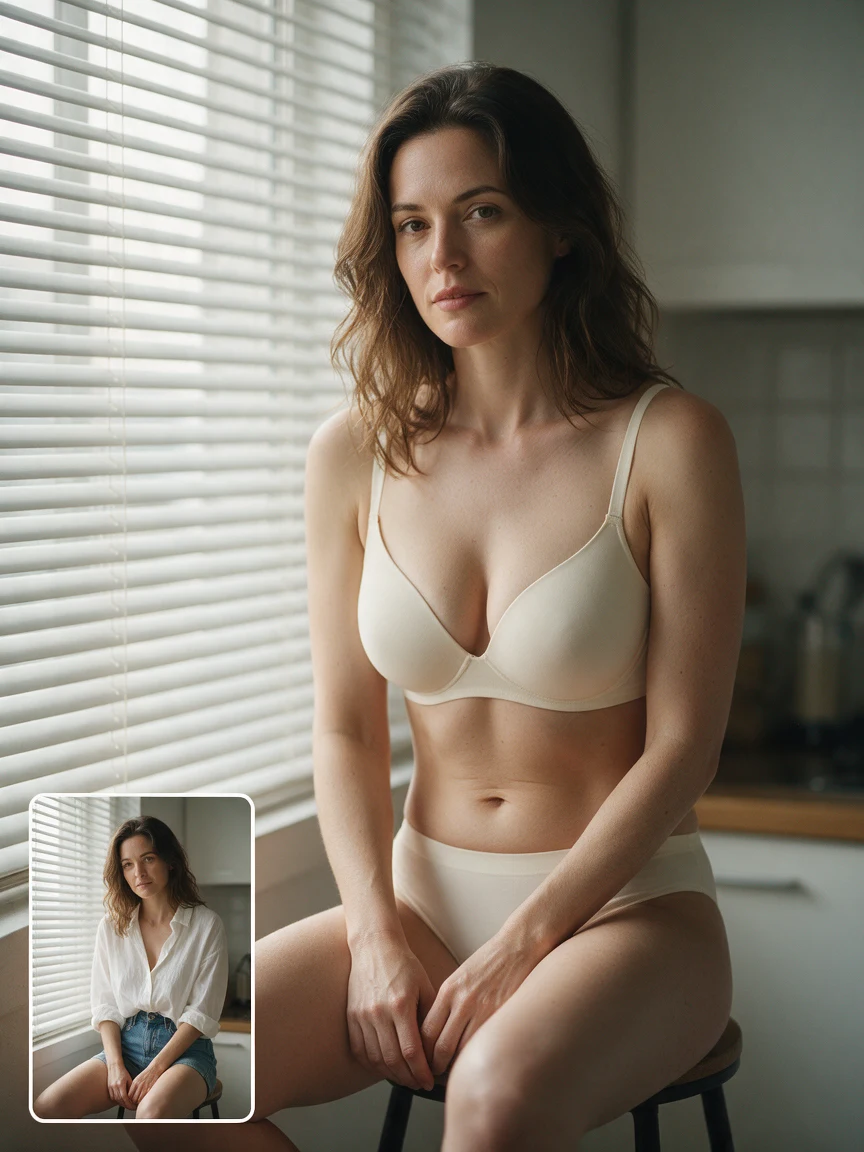
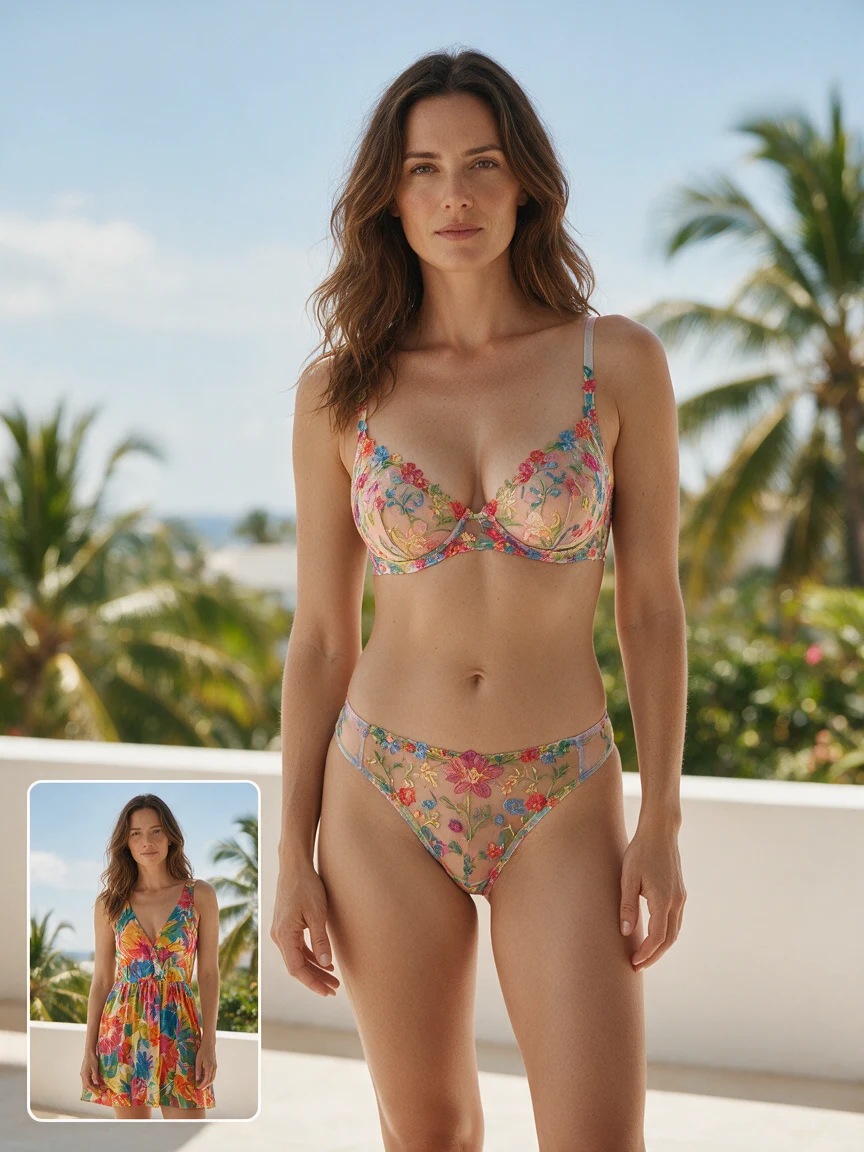
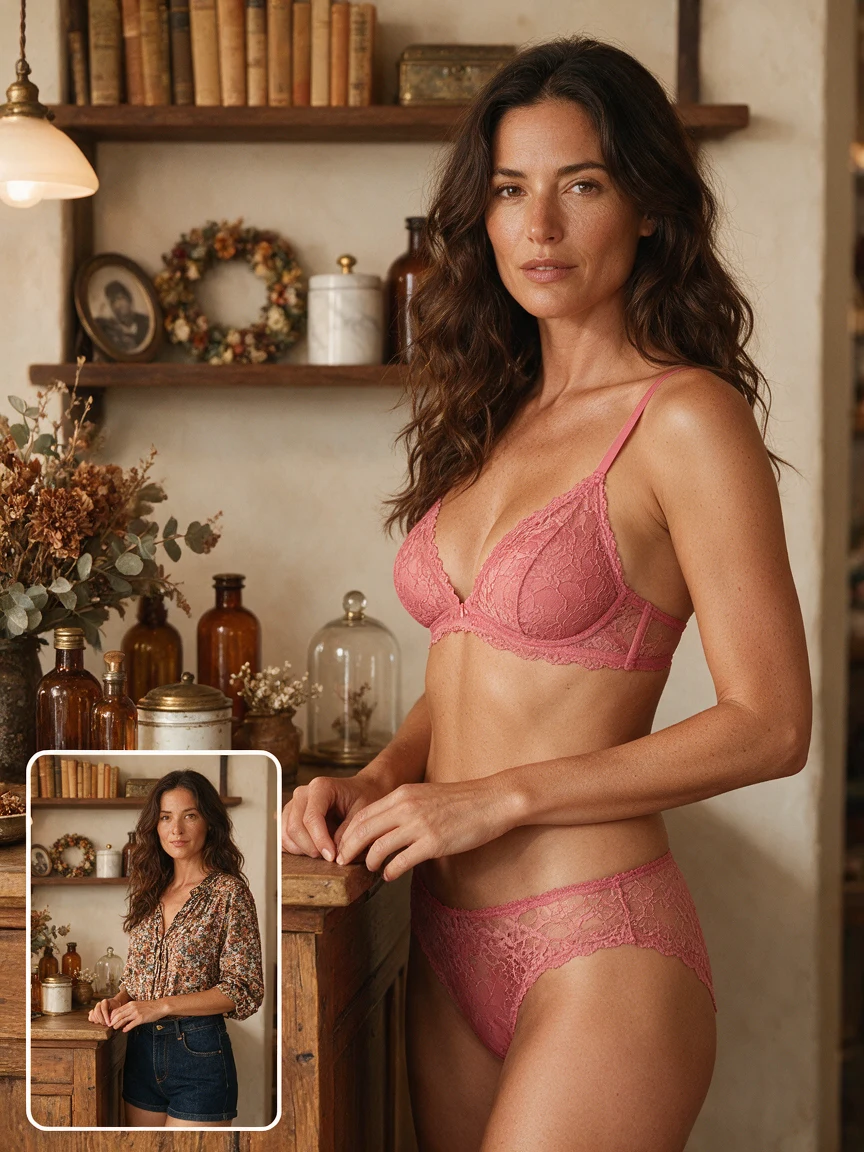
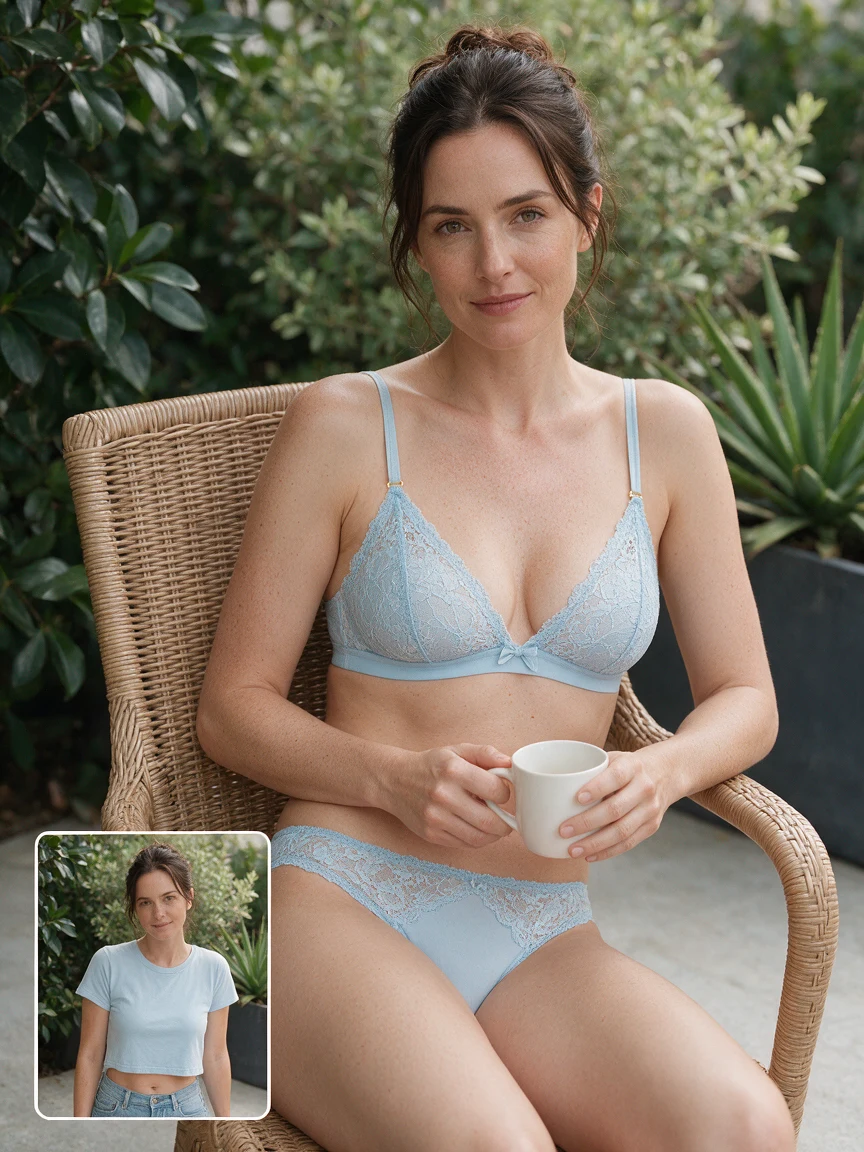
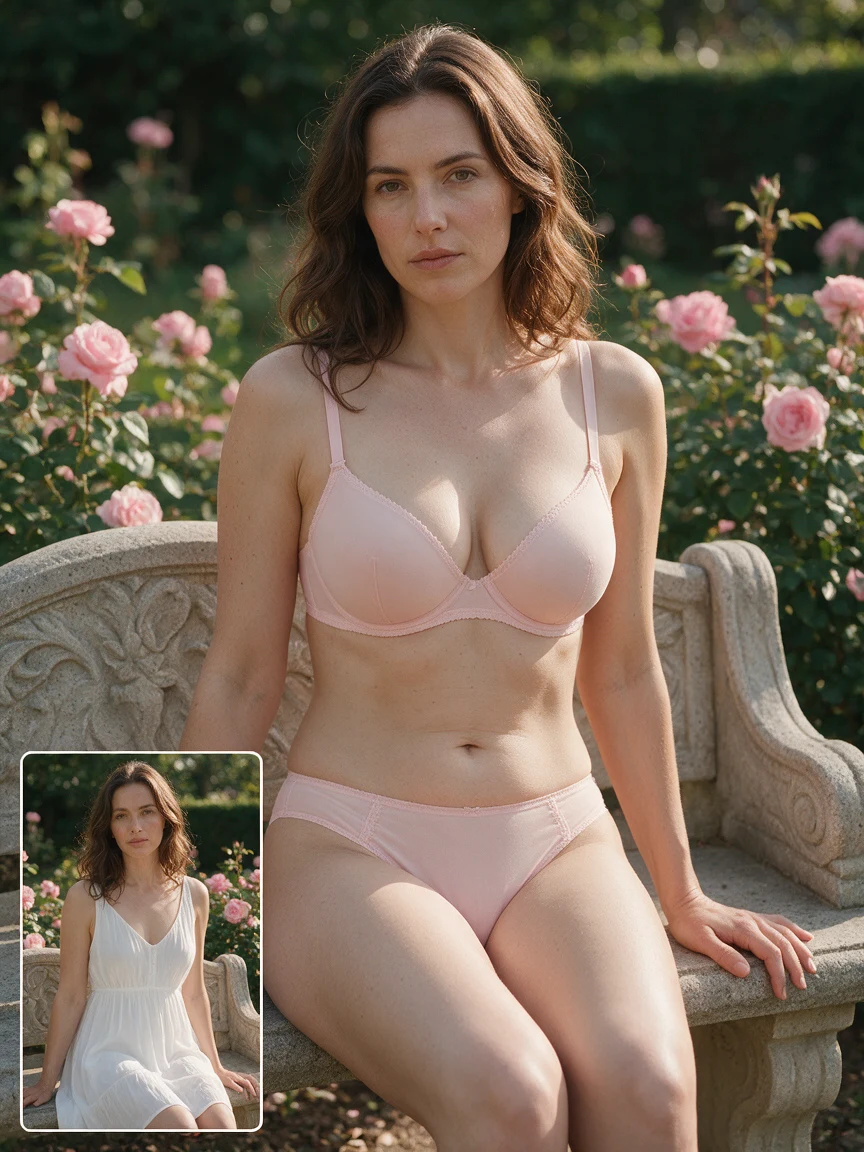
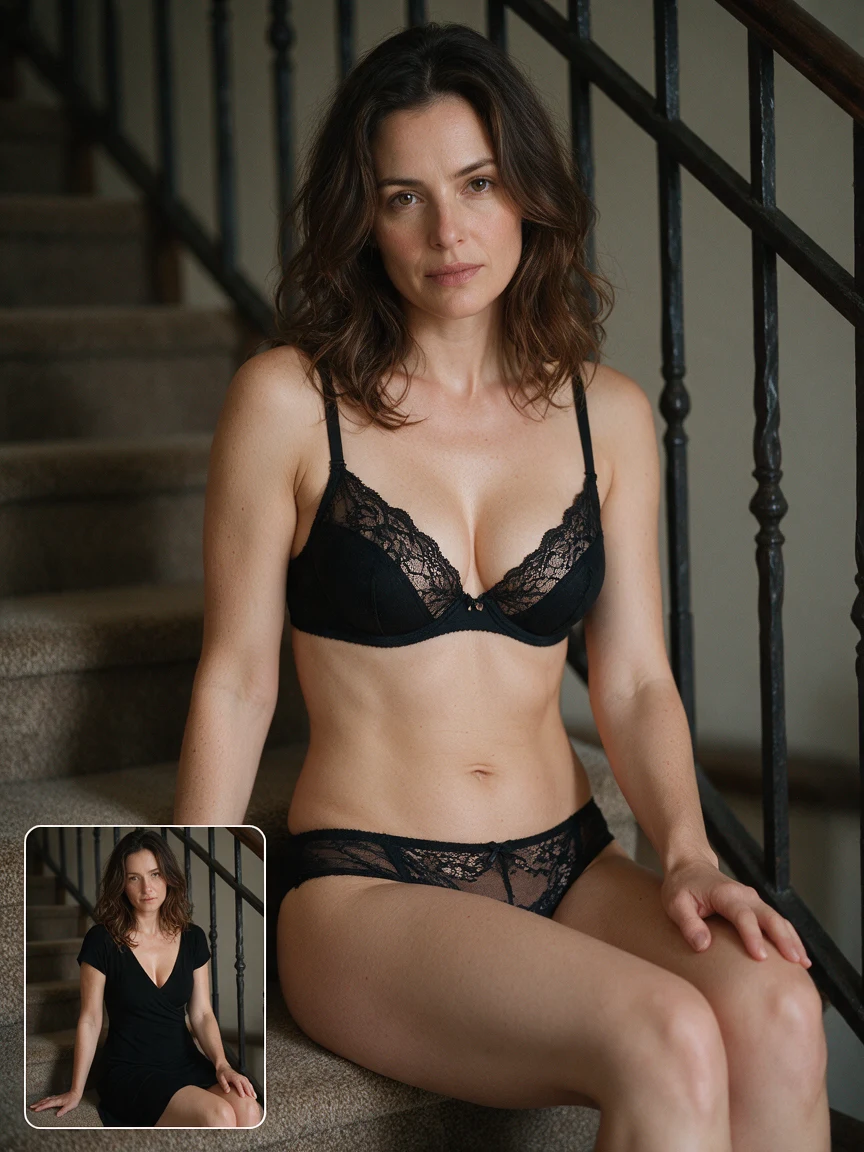
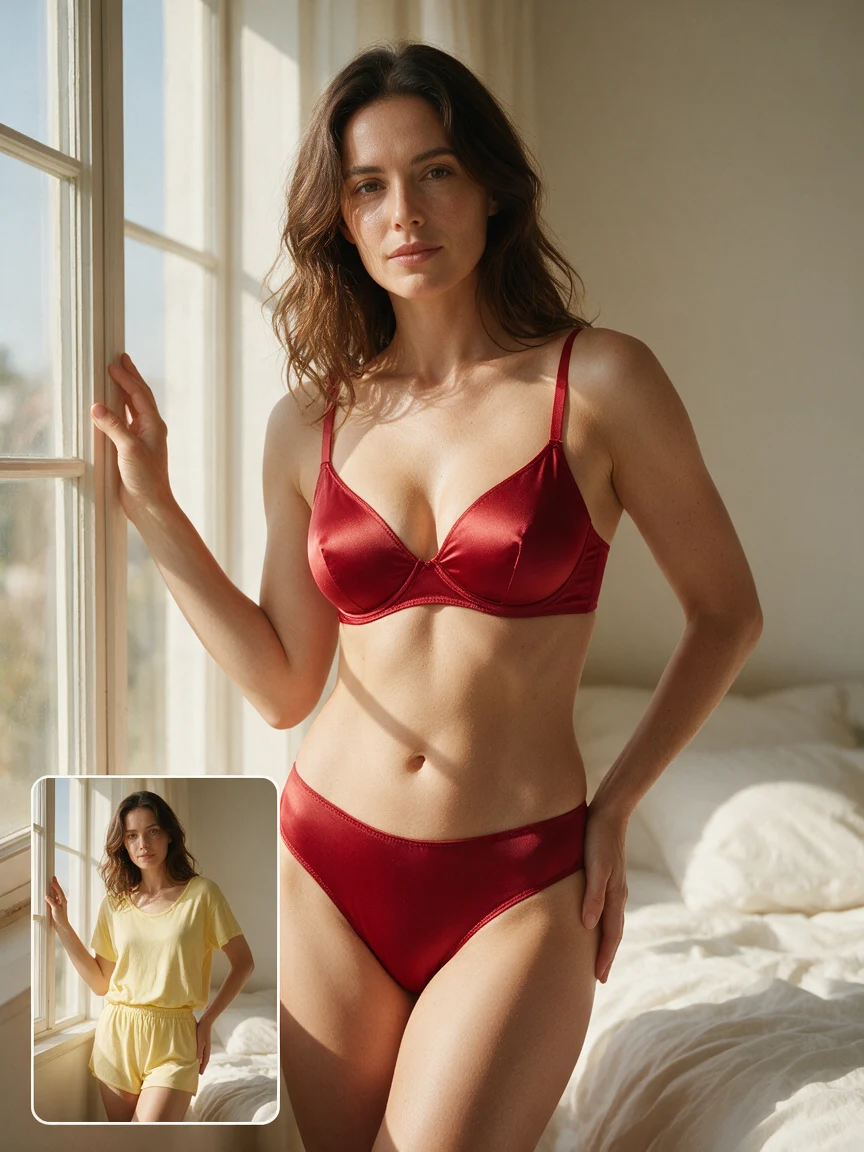
Bring an AI lingerie concept into your creative process
Use an AI lingerie edit to explore a personal styling idea, a coordinated collection, or a fashion shoot brief. Start with a real photo, describe the garment direction, and review a clear visual reference before you refine the concept.
AI LINGERIE PERSONAL STYLING
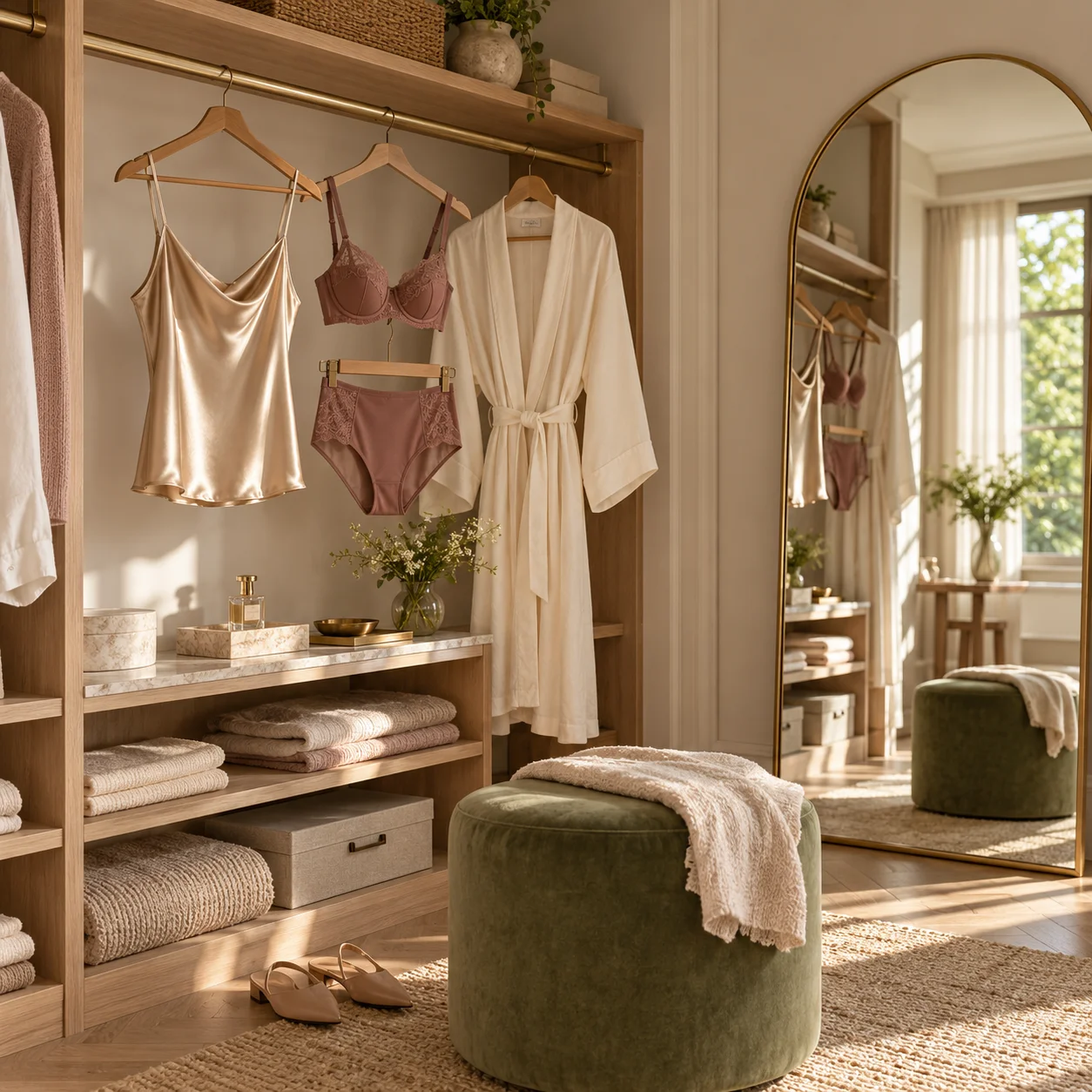
Use AI lingerie to compare color, fabric, and cut
AI lingerie makes it easier to compare a new fashion direction on the same source photo. Try matte cotton, smooth satin, or opaque lace while keeping the pose, lighting, and setting familiar, so the difference comes from the styling idea.
Start with a clear half-body or full-body image and describe one AI lingerie direction at a time. The result is a visual concept for personal styling, not a measurement of body size or a guarantee of how a real garment will fit.
- Test an AI lingerie color palette before shopping or planning a look
- Compare a simple silhouette with a more decorative AI lingerie finish
AI LINGERIE COLLECTION PLANNING
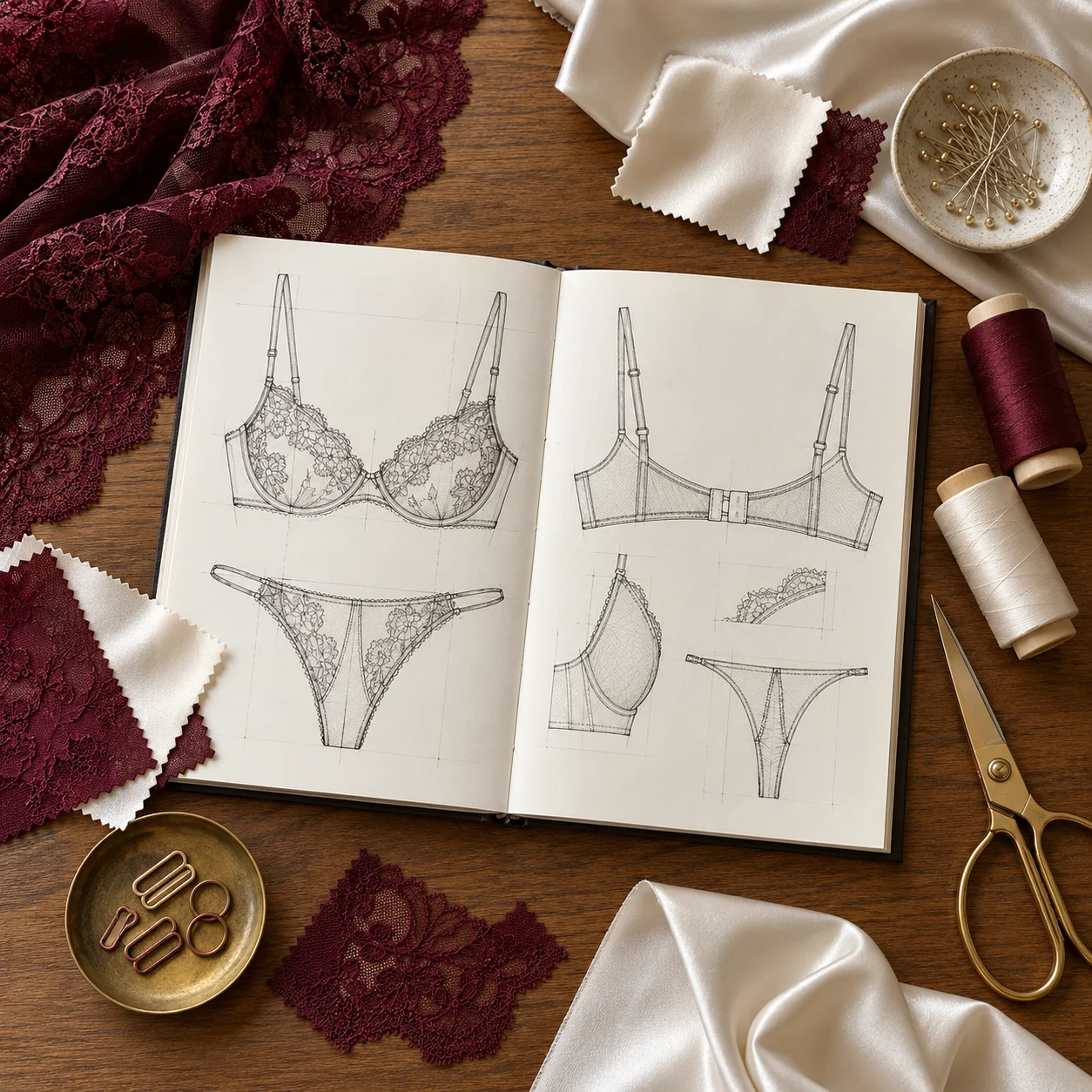
Build a coordinated AI lingerie collection direction
A useful AI lingerie collection study combines a clear palette with repeatable garment details. Explore black lace, champagne satin, floral embroidery, or modern solid colors while keeping the styling language consistent across several references.
Use these AI lingerie images to discuss mood, materials, and styling with a designer or photographer. Before production or product listings, compare every color, construction detail, and fit claim with the actual garment and verified photography.
- Create an AI lingerie palette with related fabrics and trims
- Share AI lingerie references in a designer or photographer brief
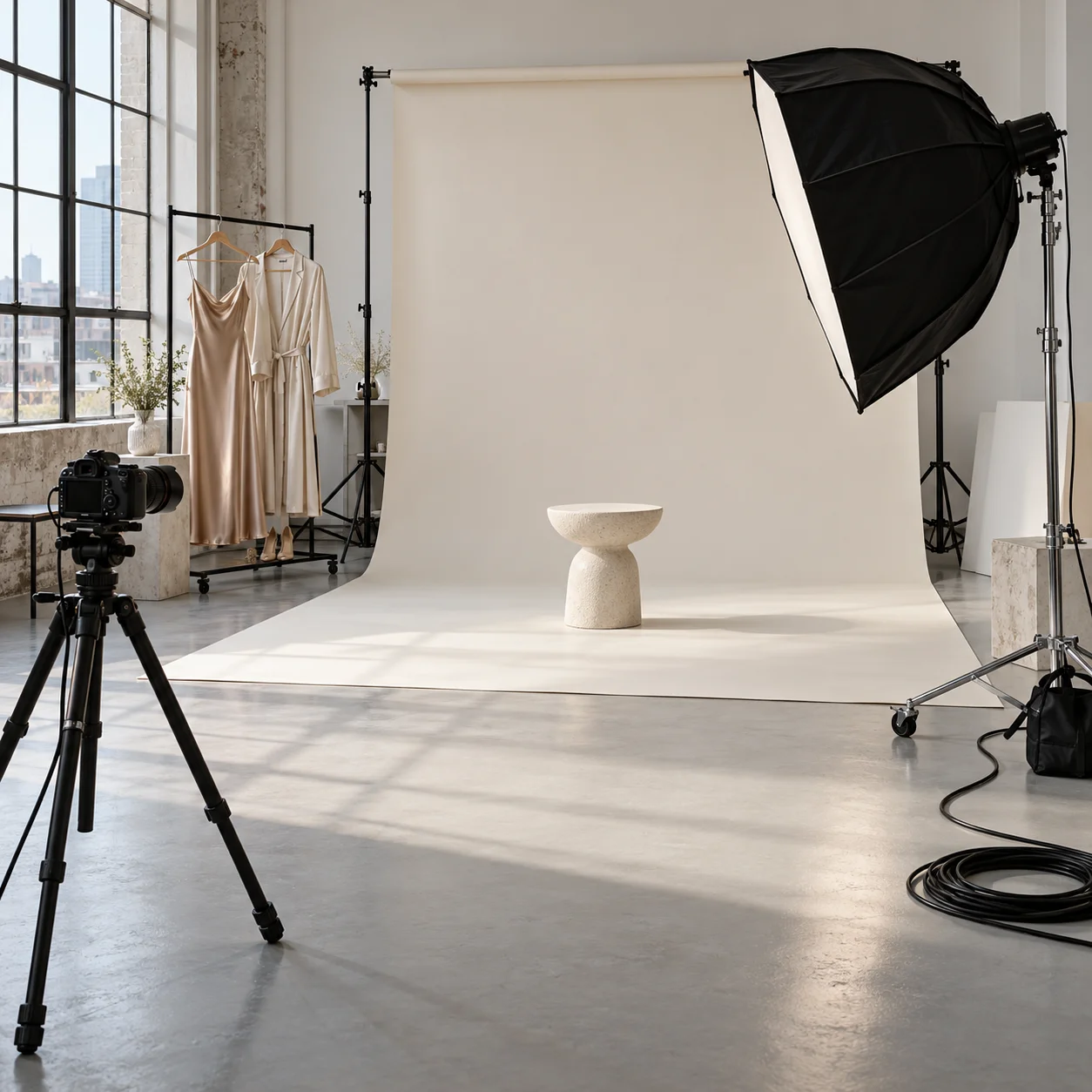
AI LINGERIE CONTENT & SHOOT BRIEFS
Turn an AI lingerie idea into a focused shoot reference
An AI lingerie preview can turn a loose editorial idea into a more specific visual brief. Describe the silhouette, fabric finish, color story, and level of coverage, then review the generated image beside the original photo to decide what belongs in the next version.
For a social post, lookbook concept, or campaign mood board, choose an aspect ratio that suits the composition. Keep the AI lingerie image as a planning reference, record the prompt details that worked, and use real styling and approved photography for the final shoot.
- Prepare an AI lingerie direction for a portrait session
- Organize AI lingerie ideas for vertical, square, or landscape layouts
Why create your lingerie concepts with YuzuTime?
A focused editing flow keeps your source photo, written direction, and output settings together. You can spend more time deciding on the look and less time moving between tools.
Your photo guides the edit
The AI lingerie editing instructions ask the AI to retain the face, pose, skin tone, lighting, and background while restyling the outfit. This gives each experiment a familiar visual starting point.
Describe the details that matter
Expand Make it your own to specify an AI lingerie fabric, color, neckline, or trim. A short, concrete description is easier to refine than several competing style requests in one prompt.
Choose quality for the task
Use 1K for an initial AI lingerie direction, or choose 2K for a more detailed AI lingerie rendering when you want to explore a more detailed rendering. The selected tier determines the credit cost of each generation.
Review and keep useful versions
Compare the generated image with your source photo and download the PNG. Recent tasks are available in this browser’s history, making it easier to revisit a direction you liked.
How to use the AI Lingerie Generator
From your original photo to a new fashion concept in three steps.
- 01
Start with a clear photo
Upload a JPG, PNG, or WebP image with the outfit visible. Even lighting and an unobstructed pose help give the AI a useful starting point.
- 02
Choose the look
Expand Make it your own to describe the fabric, color, or cut you want. Choose image resolution and aspect ratio, then generate your new look.
- 03
Preview and download
Switch between your photo and the result to review the edit. Download the image, or try a different style for a new interpretation.
What to write in an AI lingerie prompt for a clearer result
For an AI lingerie prompt, describe the garment before the mood: name the color, fabric, shape, and one finishing detail. Add the text in Make it your own. If the result needs refinement, change one part of the description and generate again.
A refined AI lingerie satin look
Example directionChampagne satin with a smooth opaque finish, a simple bralette shape, matching high-waisted briefs, and subtle ivory trim.
The fabric and finish establish the look; the cut and trim make the request more specific.
An AI lingerie floral color study
Example directionA soft blush-pink set with opaque lining, small ivory floral embroidery, and pale green leaf details. Keep the original pose and lighting.
Separate the base color from the decorative colors so the palette has a clear hierarchy.
An understated modern AI lingerie set
Example directionMuted blue lingerie with smooth opaque fabric, clean seams, a coordinated high-waisted cut, and no decorative embroidery.
A clear exclusion helps focus the design when you want a simple, minimal result.
Choose a source photo that gives the AI useful detail
The source image influences the composition of your AI lingerie try-on. A few practical choices can make the edit easier to review.
Show the outfit area
Use a half-body or full-body photo for an AI lingerie edit with enough space around the clothing. A tightly cropped headshot gives the AI little information about the garment or pose.
Keep light and detail clear
Choose an image with even lighting and visible fabric edges. Strong blur, deep shadows, or heavy filters can make it harder to interpret the source accurately.
Reduce visual obstructions
Arms, bags, and other objects can cover the area you want to restyle. A simple pose with the outfit visible gives you a clearer basis for comparing the result.
Refine one AI lingerie detail at a time
Keep the photo and composition consistent while adjusting a color, material, or cut. Review seams, edges, and facial details before saving the version you prefer.
AI Lingerie Generator FAQ
Answers about source photos, style descriptions, output settings, and using your generated images.
What does an AI lingerie generator do?
It creates a lingerie-inspired outfit edit from an uploaded image. YuzuTime combines your source photo, a selected style, and optional instructions to generate a new fashion look.
Can I try more than one lingerie style?
Yes. Keep your photo loaded and describe a new color, fabric, or cut in Make it your own. Each generation creates a separate result and may use credits.
Will my face, pose, and background stay the same?
The generation instructions ask the AI to preserve these details while changing the outfit. Results can vary, so review the finished image; exact identity preservation or garment fit is not guaranteed.
Which photos work best for lingerie try-on?
Use a clear half-body or full-body photo with good lighting and visible clothing. Avoid close-up headshots, heavy obstructions, or very low-resolution images.
How many credits does a generation cost?
For signed-in users, 1K costs 3 credits and 2K costs 5 credits. Anonymous trial availability is limited; the page will prompt you when your allowance is used.
Can I download my generated image?
Yes. After generation finishes, use Download image to save the PNG result. Recent tasks are also available in your generation history on this browser.
Do I need a professionally photographed portrait?
No. A clear everyday photo can be a useful starting point. Choose even lighting, a visible outfit, and a pose with few obstructions. A higher-quality source gives you more detail to work with, but a studio setup is not required.
How do I request a specific fabric or color?
Open Make it your own and describe the garment in plain language. For example, specify champagne satin, opaque fabric, a high-waisted cut, and subtle lace trim. Keep the request focused, then adjust individual details if you want another version.
Does virtual lingerie try-on predict the size I should buy?
No. This is an image-editing tool for exploring visual styles. It does not measure your body, calculate a garment size, or simulate the physical fit of a particular product. Use the retailer’s measurements and fitting advice for purchasing decisions.
Can I choose the shape and file format of the result?
You can keep the source photo’s proportions with Match photo or choose one of seven fixed aspect ratios, including square and vertical formats. This page requests PNG output. The aspect-ratio setting changes the composition; it does not specify an exact pixel resolution.
Can AI lingerie images help with a fashion shoot or product concept?
AI lingerie images can serve as visual references for styling discussions, collection mood boards, and shoot briefs. Review the output before sharing or publishing it. For a product listing, verify that any garment details shown accurately represent the real item.
Explore more ways to restyle a photo
Keep your creative process going with these YuzuTime tools.