AI video generator for portraits
Turn a portrait into a short moving scene with subtle facial expression, natural hair movement, or a gentle camera push.
Preview
720p
Recent history
MoreNo recent edits yet.
Upload a photo, describe the motion, and turn a still image into a short AI video online. Available settings and credit costs are shown for the model you select.
Use YuzuTime's image-to-video AI workflow to animate a portrait, add camera movement to a product image, or bring artwork to life directly in your browser.
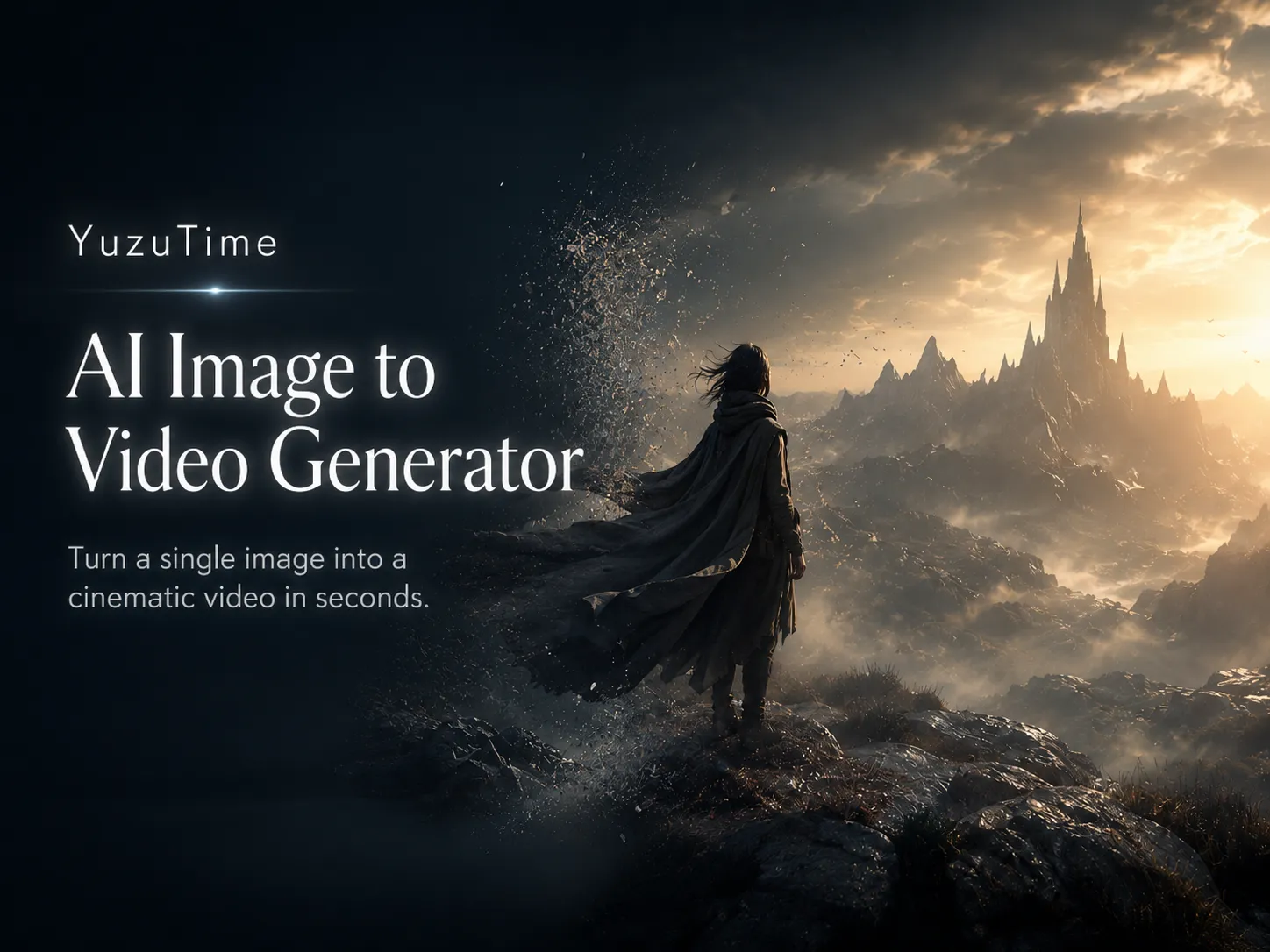
Explore source-image ideas for portraits, fashion, products, illustrations, and creative assets. Use these scenes as inspiration for your own image and motion prompt.
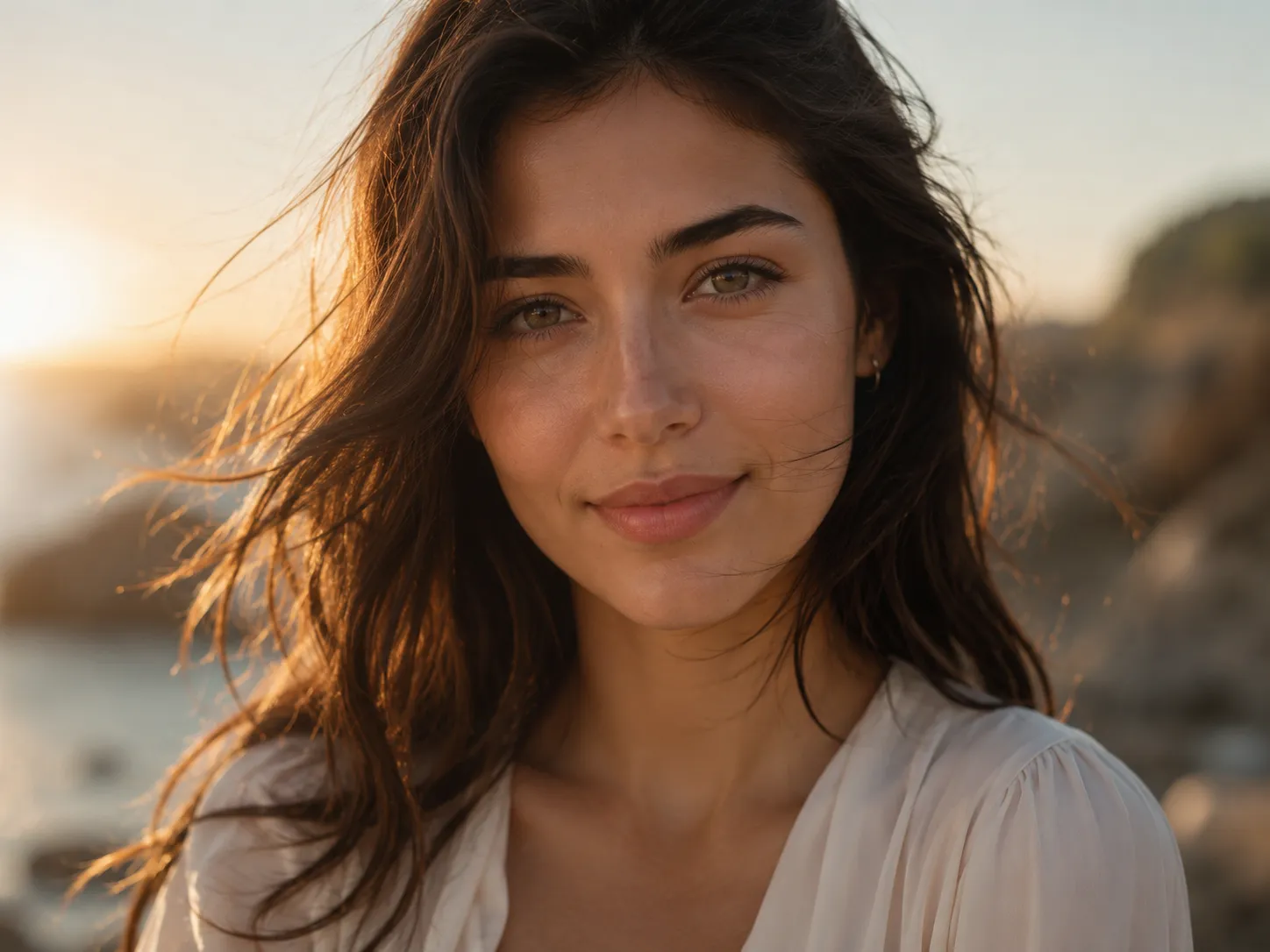
Animate subtle expressions, hair movement, and a gentle camera push for a natural portrait video.
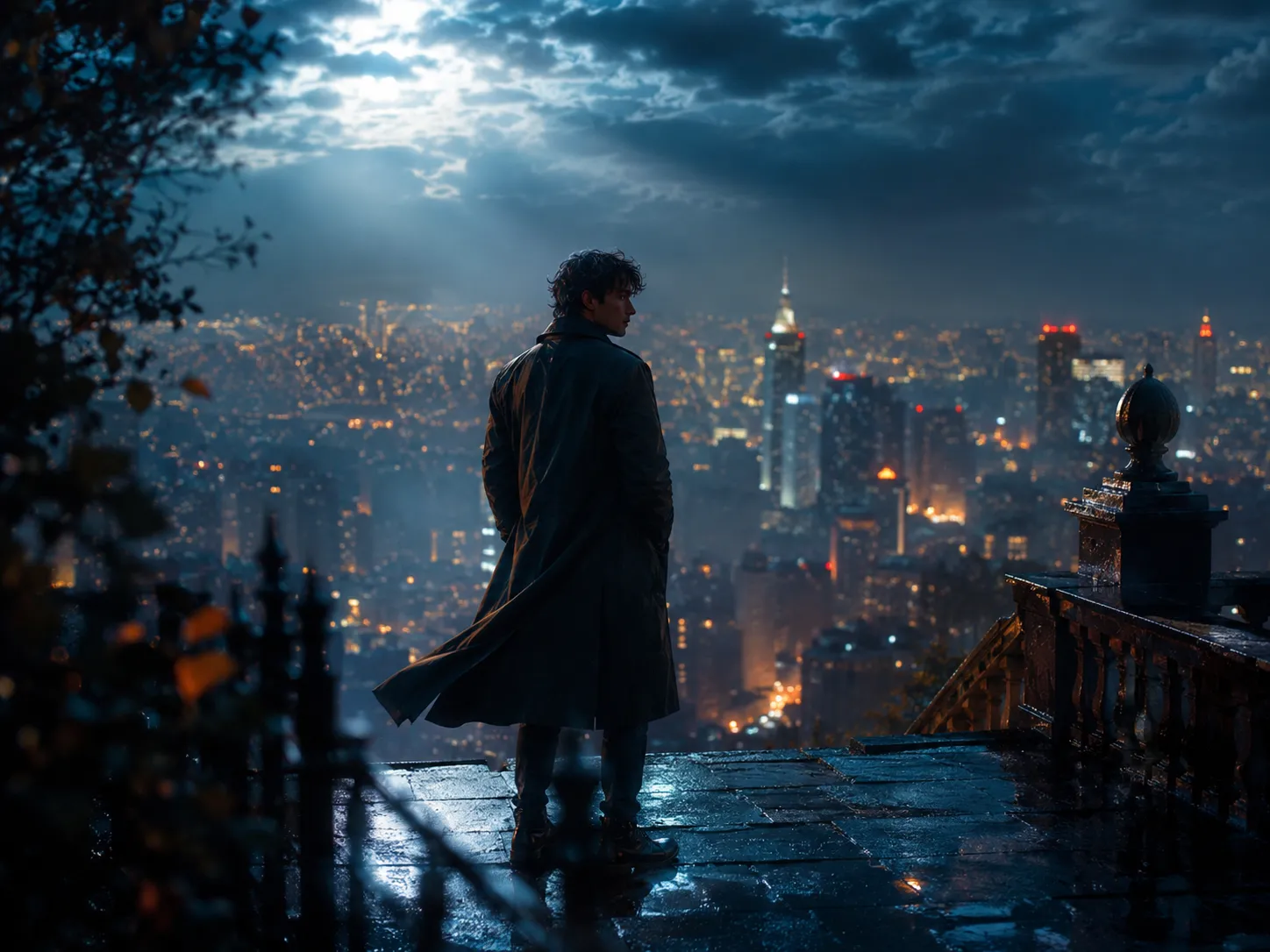
Turn a composed still image into a moving shot with atmosphere, depth, and controlled camera motion.
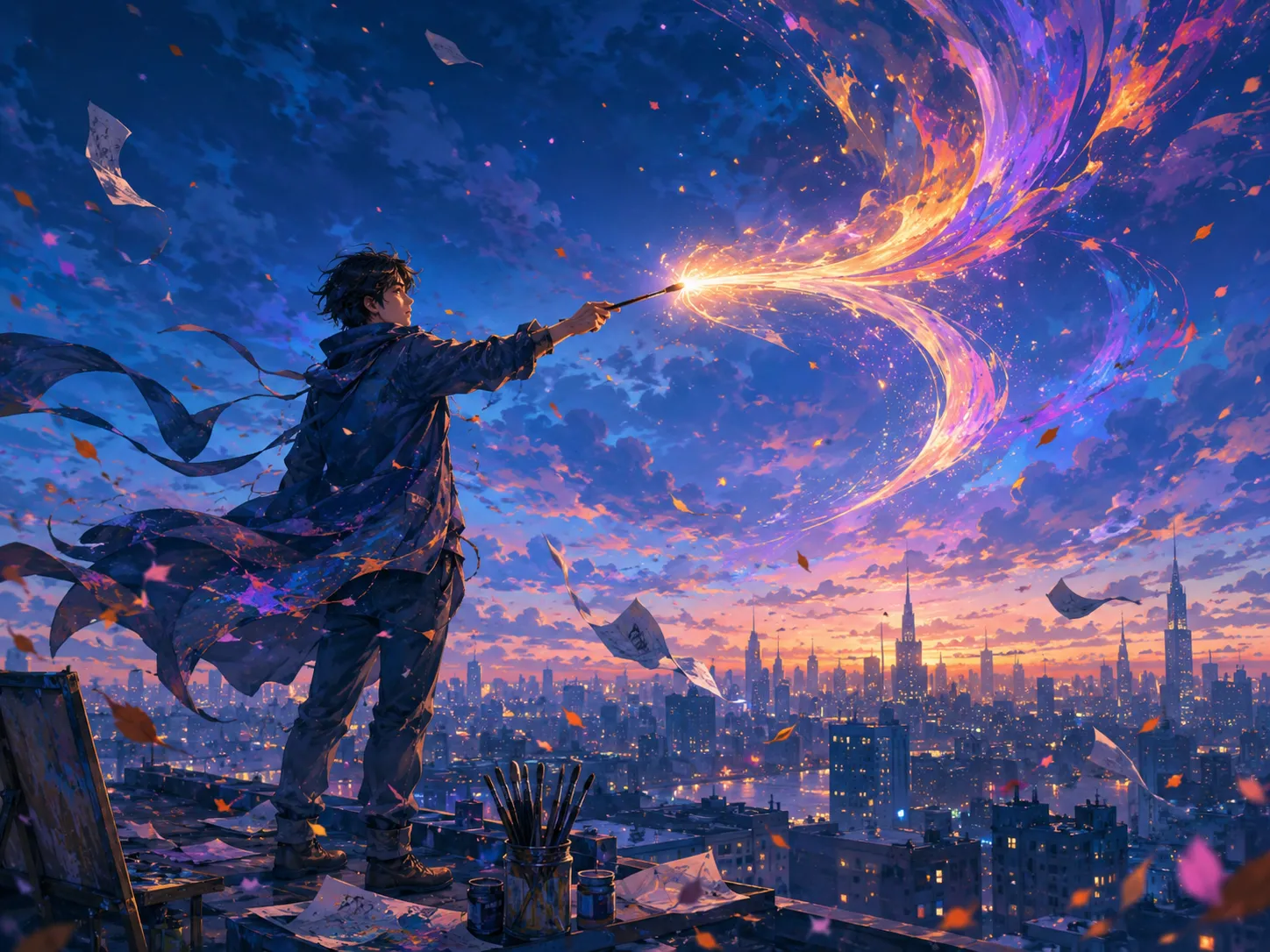
Bring a stylized scene to life with environmental movement and a focused subject action.
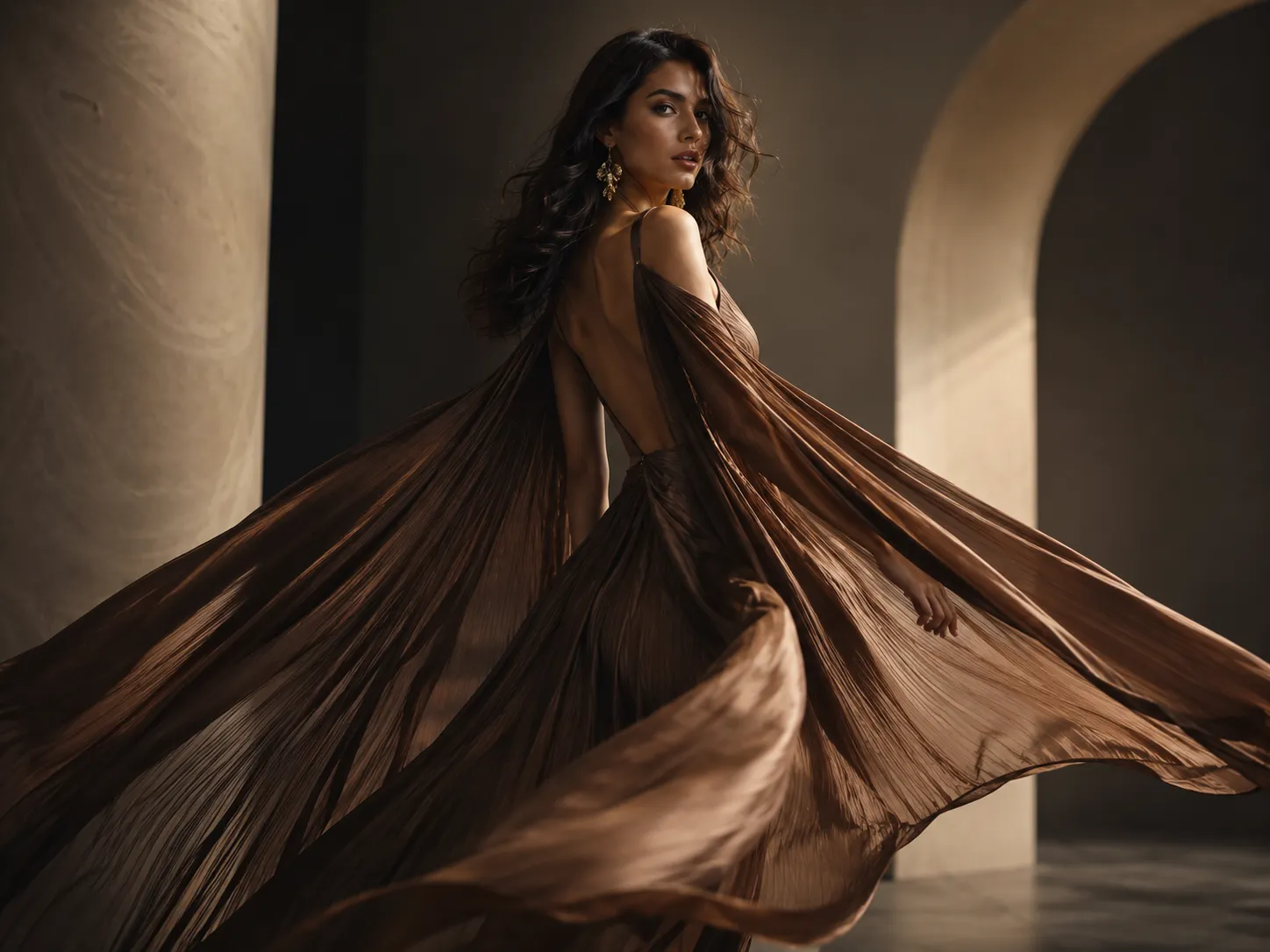
Add fabric movement, a model turn, or a slow editorial camera orbit to a fashion image.
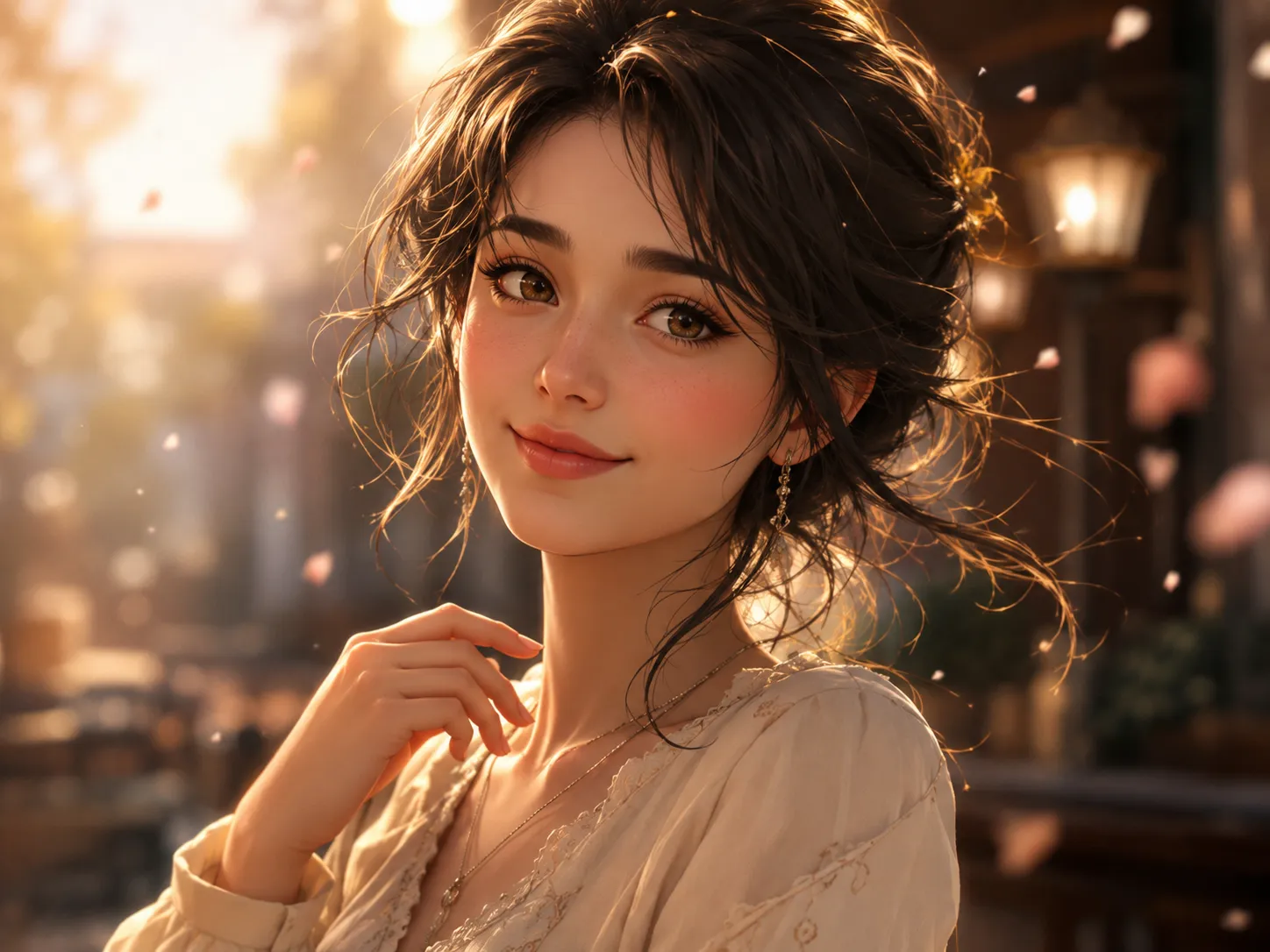
Create short character moments from a clear portrait while keeping the original framing as a guide.
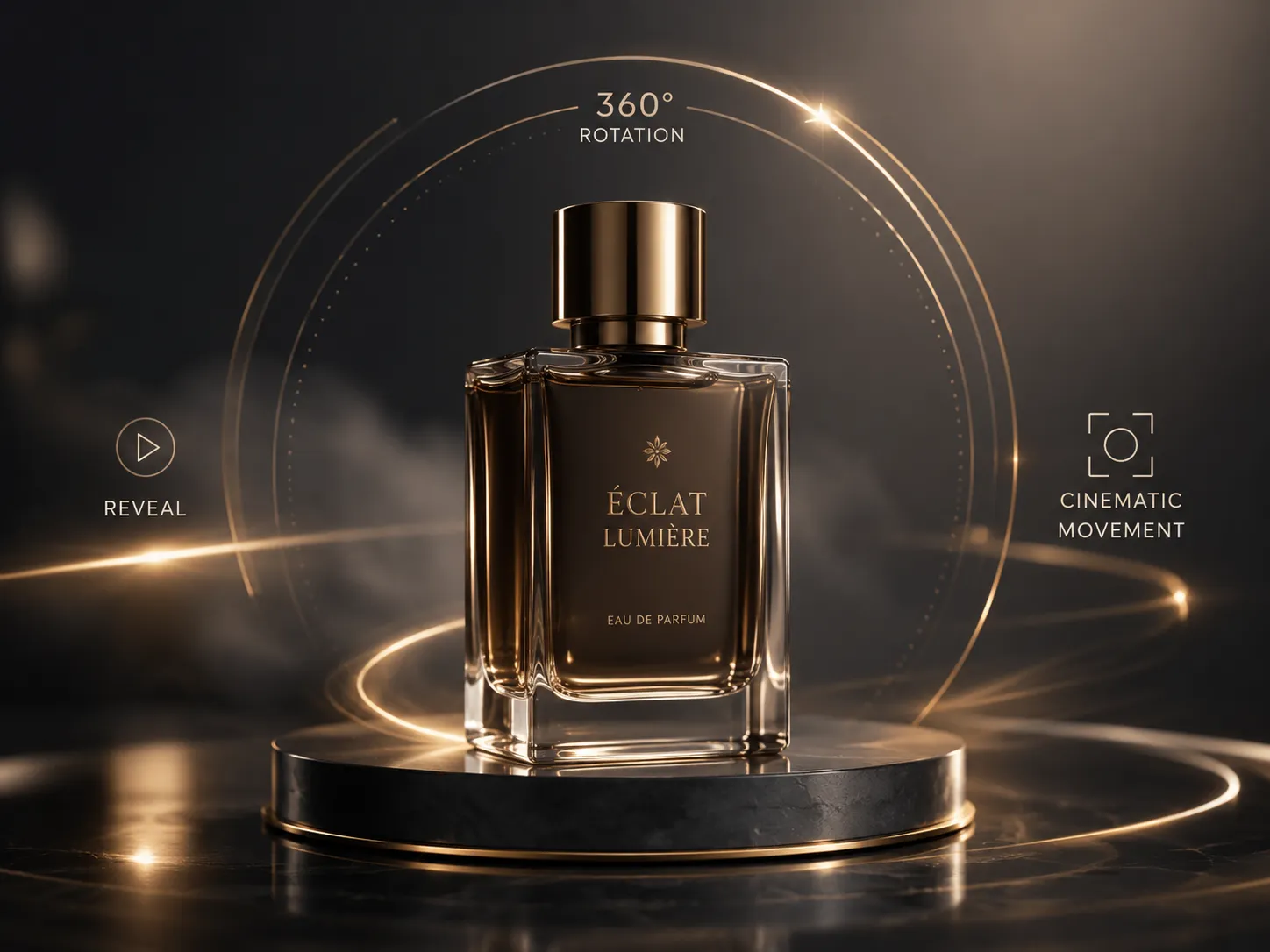
Use a clean product image for a reveal, rotation concept, or commercial-style camera move.
These images illustrate suitable source scenes and are not presented as verified generated-video results.
An AI video generator from image uses a still picture as the first frame of a new video. The model reads the subject, composition, depth, and lighting, then creates a sequence of frames that follows a written motion prompt.
Image-to-video AI is useful when the visual direction already exists and you want to explore movement without filming a new clip. The source image guides appearance while the prompt guides action, camera movement, pace, and mood.
Turn a portrait into a short moving scene with subtle facial expression, natural hair movement, or a gentle camera push.
Animate travel photos, landscapes, architecture, and everyday scenes by describing environmental and camera movement.
Transform a clean product photo into an early video concept with reveal shots, rotations, reflections, or camera motion.
Bring illustrations, concept art, and character images to life with focused actions and atmospheric motion.
Create short visual ideas from existing images for reels, posts, campaign drafts, and social storytelling.
Experiment with image animation directly in the browser before moving into a longer editing or production workflow.
Choose a clear JPG, PNG, or WebP image. The uploaded composition becomes the opening frame and visual reference for the video.
Write a prompt that names the main action, subject movement, camera movement, pace, and atmosphere you want to see.
Choose the settings available for your selected model, start the generation, review the completed video, and download the result.
Focus on changes over time rather than repeating what is already visible. A concise prompt with a clear subject, action, camera direction, and mood usually gives the model stronger guidance.
Add motion to portraits, artwork, travel images, and visual concepts for short-form creative posts.
Animate a product scene with controlled camera movement for early advertising concepts, presentations, or storyboards.
Test how a character, environment, or illustrated scene might move before investing in a longer production workflow.
Upload an image, write a motion prompt, choose from the settings offered by the selected AI video model, and submit the task. Available options and credit costs can vary by model; the workspace shows the current choices before you generate. Completed tasks remain accessible from your history for preview and download.
Start with a clear, detailed image and keep the main subject visible. Faces, hands, text, small objects, backgrounds, and fine product details may change between frames. Complex occlusion, extreme perspective, low-resolution inputs, and prompts with competing actions can reduce temporal consistency. Available controls also vary by model, so review the workspace settings and every result before publishing or commercial use.
Upload only images you own or have permission to use. Get consent when a recognizable person appears, avoid confidential or sensitive material, and do not create deceptive, abusive, impersonating, or rights-infringing videos. Uploaded content is processed to provide the requested generation; read the Privacy Policy for current handling details.
Read the Privacy PolicyIt is a generative video tool that uses a still image as the first frame and a text prompt to create new frames that add subject, environmental, and camera motion.
Upload a supported image, describe the movement you want, choose from the settings available for the selected model, generate the task, and download the completed video.
Resolution, duration, aspect ratio, other controls, and credit costs depend on the selected AI video model. The generator shows the currently available options and cost before you submit a task.
It is a generative animation tool rather than a file-format converter. The model uses your image as a visual starting point and creates new frames from the motion prompt.
Describe one clear main action, the desired camera behavior, the pace, and the mood. Keep the prompt focused and avoid several conflicting movements.
Use a clear, sufficiently detailed image with a readable subject, coherent lighting, and minimal obstruction around the areas that should move.
The model aims for visual continuity, but faces, hands, text, objects, lighting, and background details may change between frames. Always review the result.
Images are processed to provide the requested video generation. Upload only content you are authorized to use and consult the current Privacy Policy for handling details.
Prepare or refine the first frame with tools for photo editing, outfit changes, transparent backgrounds, and hairstyles.
Upload an image, describe the motion, choose your model settings, and create an AI-generated video.
Create an Image to Video