Preview salon haircuts & lengths
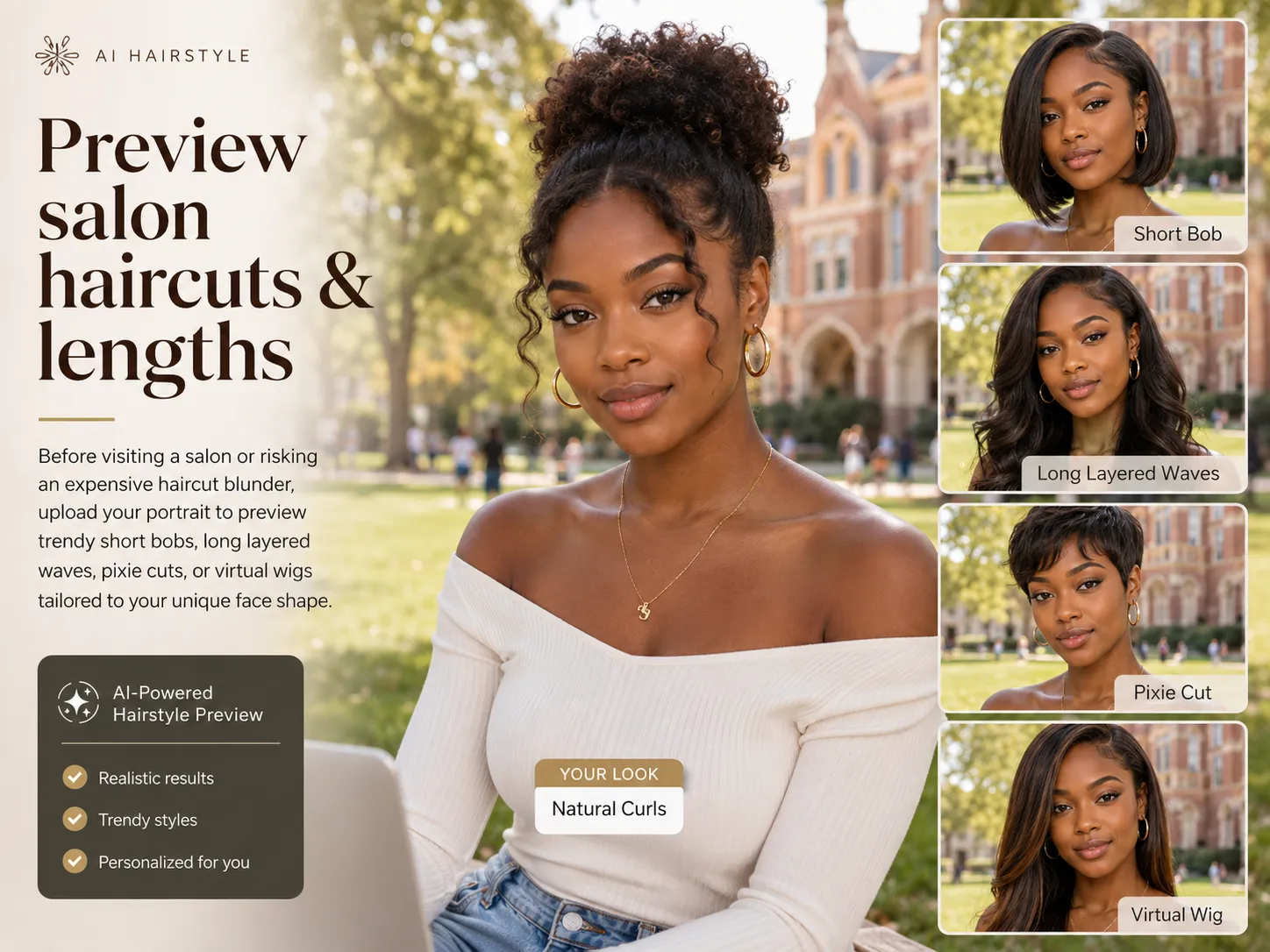
Before visiting a salon or risking an expensive haircut blunder, upload your portrait to preview trendy short bobs, long layered waves, pixie cuts, or virtual wigs tailored perfectly to your unique face shape.
Preview
Female mode
Recent history
MoreNo recent edits yet.
Free AI hairstyle preview workspace
Wondering which hairstyle suits you? Upload your portrait to instantly try professional hair styles, cuts, bangs, wigs, and custom looks online free with YuzuTime AI.
Use Cases
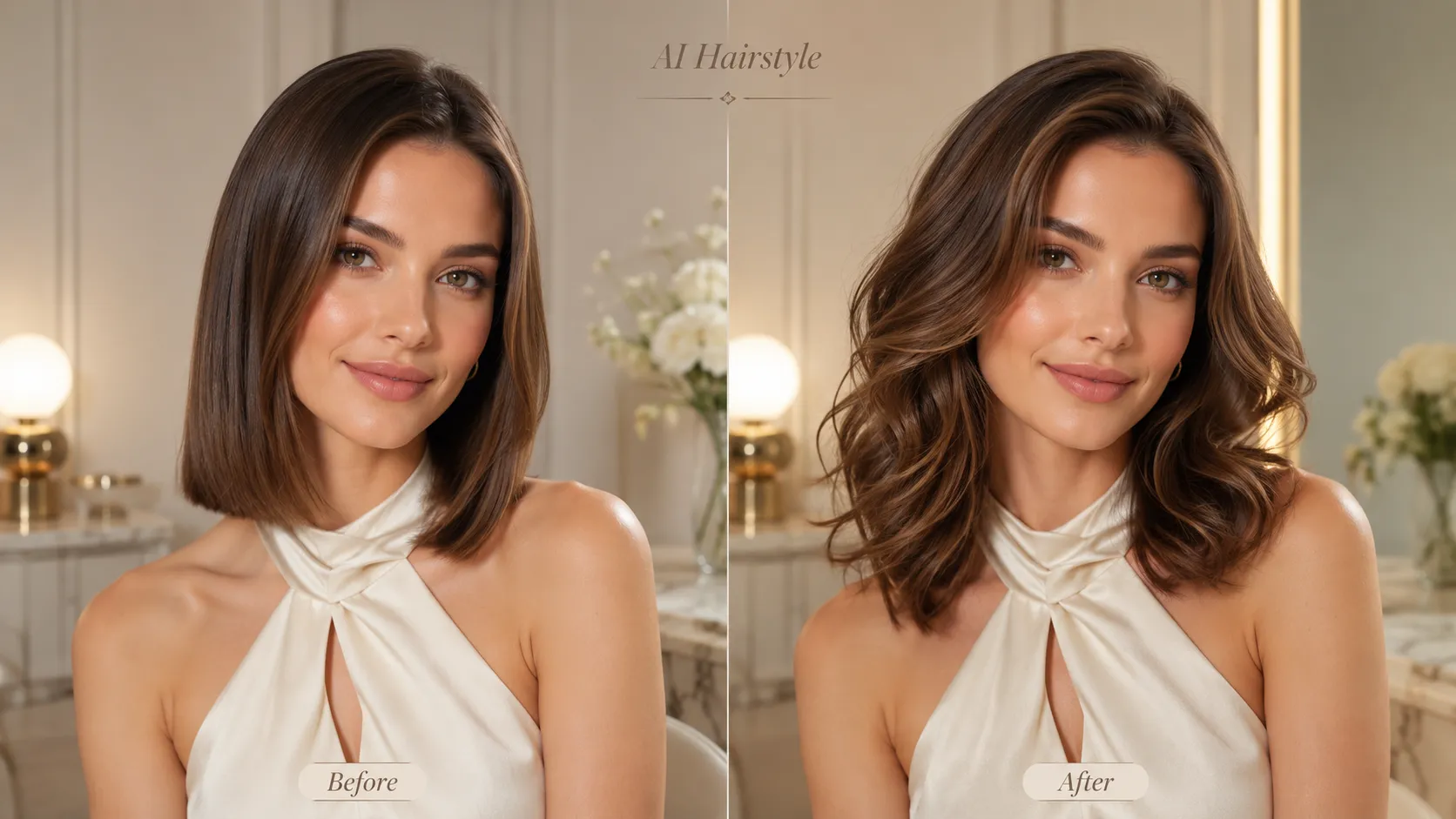
Compare AI hairstyle male options, female cuts, curtain bangs, virtual wigs, and custom prompt ideas before you commit to a new look.
Before visiting a salon or risking an expensive haircut blunder, upload your portrait to preview trendy short bobs, long layered waves, pixie cuts, or virtual wigs tailored perfectly to your unique face shape.
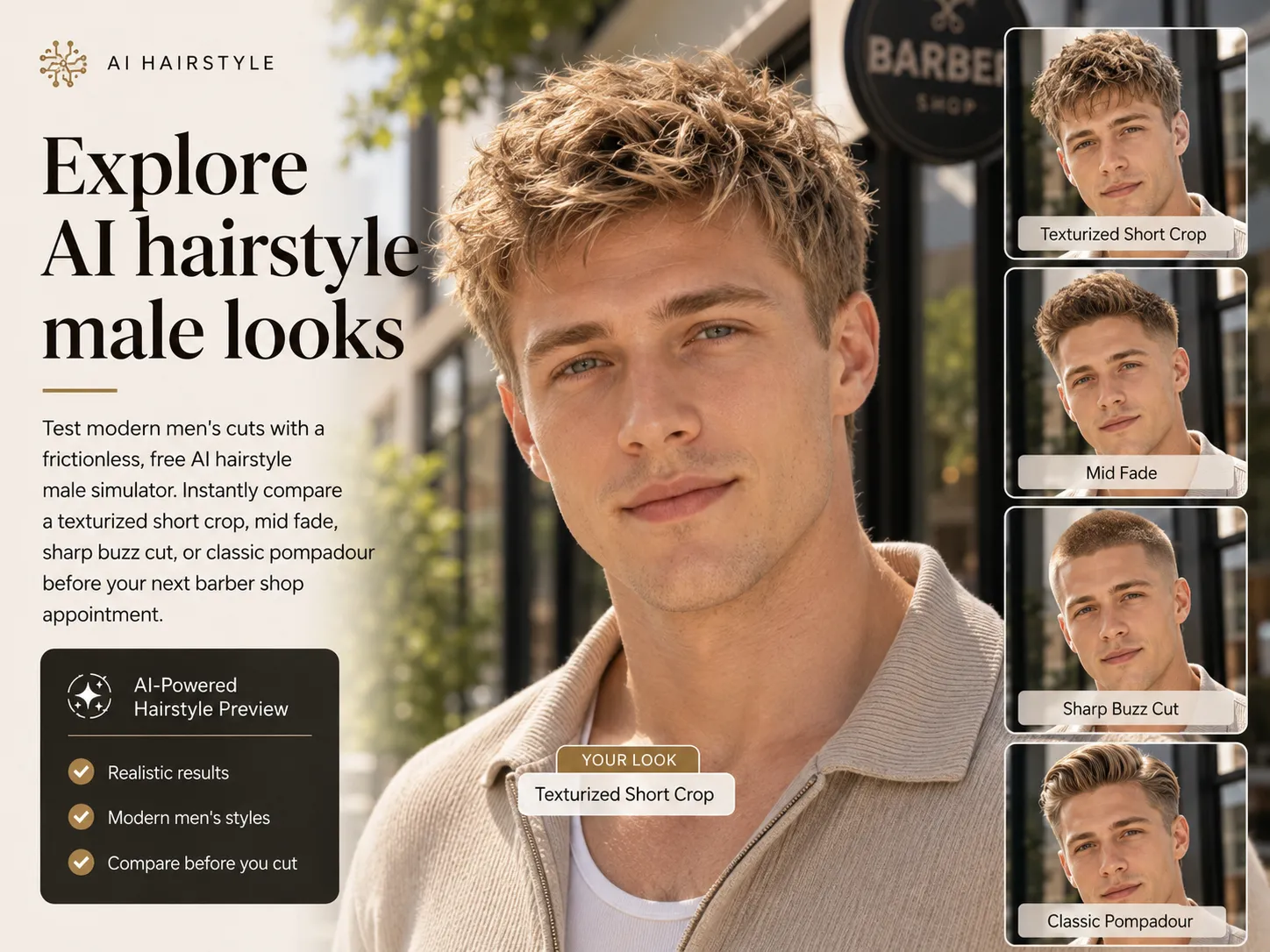
Test modern men's cuts with a frictionless, free AI hairstyle male simulator. Instantly compare a texturized short crop, mid fade, sharp buzz cut, or classic pompadour before your next barber shop appointment.
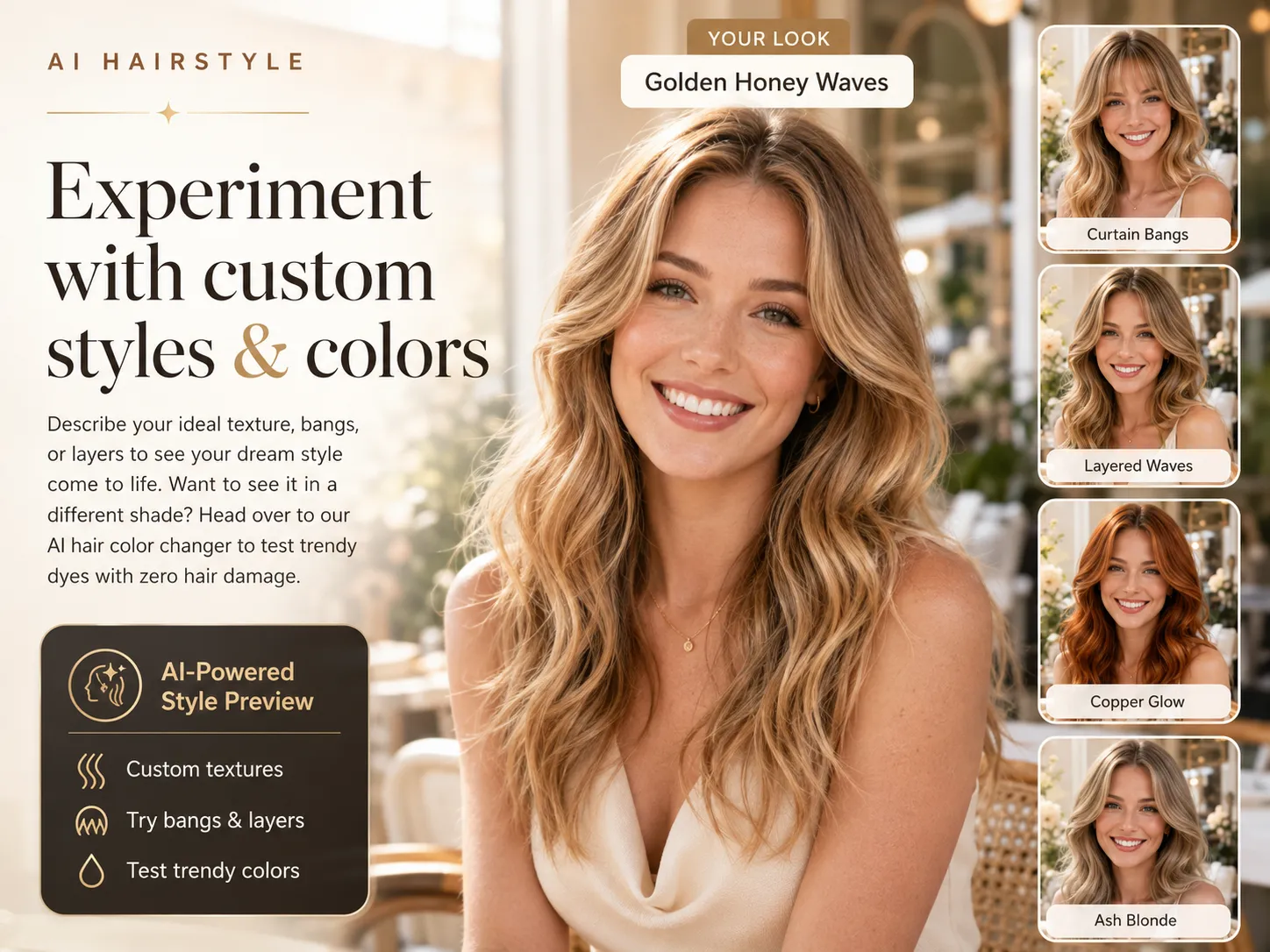
Describe your ideal texture, bangs, or layers to see your dream style come to life. Want to see it in a different shade? Head over to our AI hair color changer to test trendy dyes with zero hair damage.
Sign in, choose a hairstyle template or write a prompt, and use account credits to generate a preview.
Identity-preserving prompts ask the model to protect your unique facial features, face shape, clothing, background, pose, and lighting while changing only the hair.
Female and male template libraries help you compare common cuts quickly, from bobs and curtain bangs to fades, buzz cuts, and pompadours.
Custom prompts support precise hairstyle details such as layers, wigs, texture, volume, hairline shape, bangs, and precise color tone adjustments.
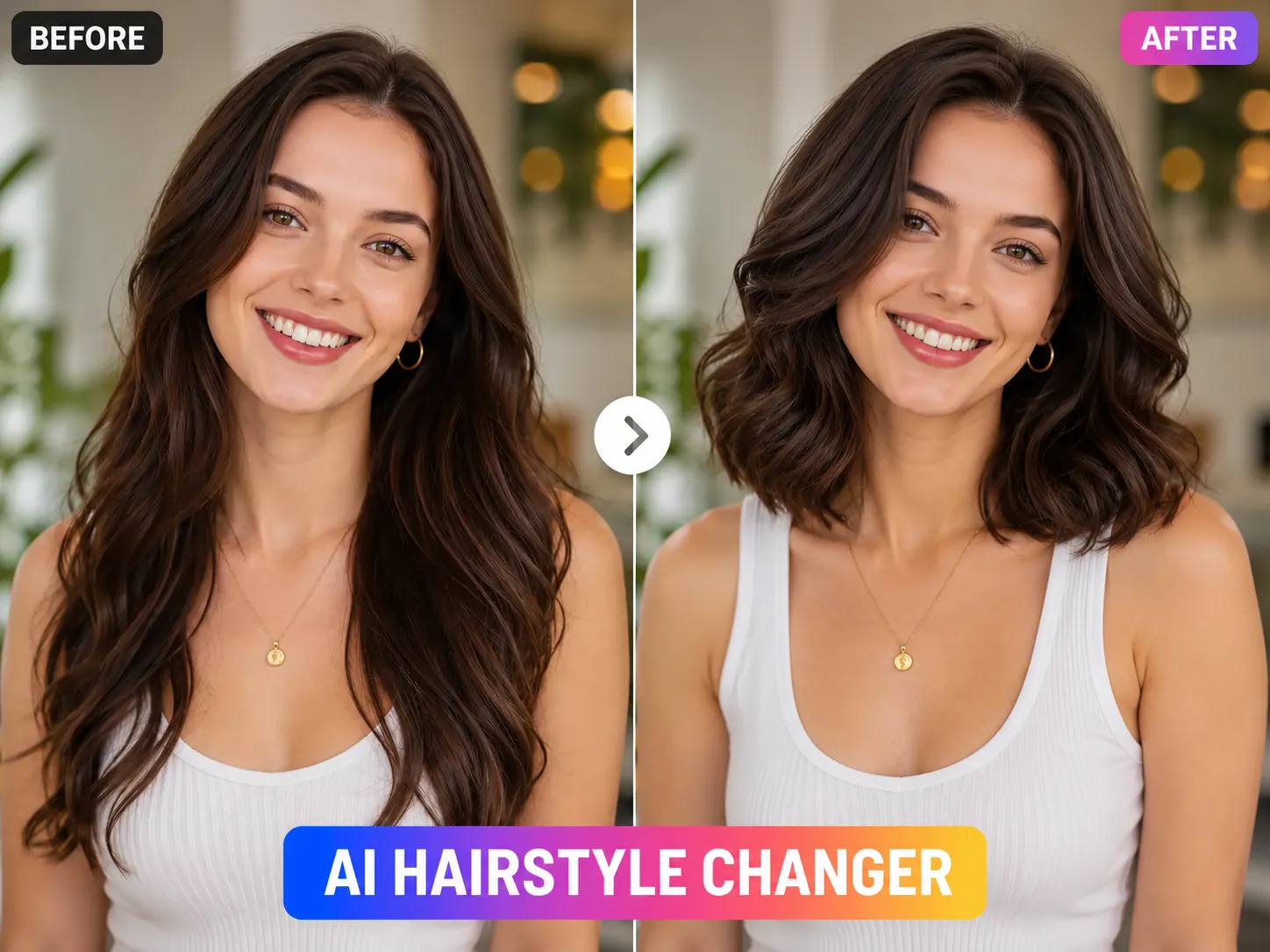
An AI hairstyle changer is an online image editing tool that changes hairstyle shape, length, bangs, volume, color tone, and texture in a portrait while keeping the person recognizable.
YuzuTime keeps the workflow focused: upload a portrait, choose a hairstyle template or write a custom prompt, then generate options such as Texturized Short Crop, Classic Undercut, Buzz Cut, Pompadour, Men's Curly Fade, Long Layered Waves, Sleek Bob Cut, Pixie Cut, Virtual Wigs Try-on, and Curtain Bangs Simulation.
Generate a realistic new hairstyle from one clear portrait in a few quick steps.
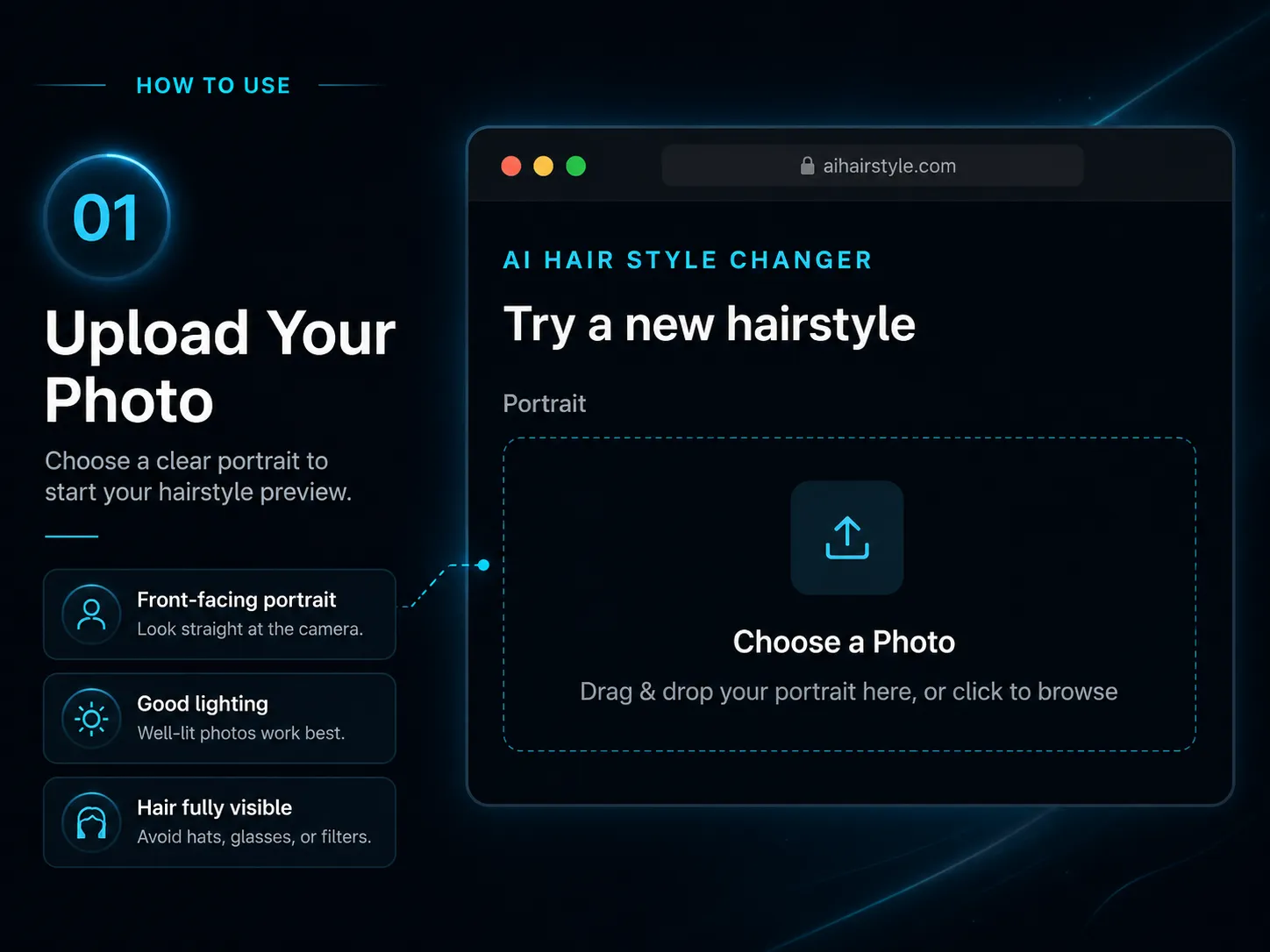
Step 1
Drop a well-lit, front-facing photo where your face, current hairline, and hair shape are clearly visible.
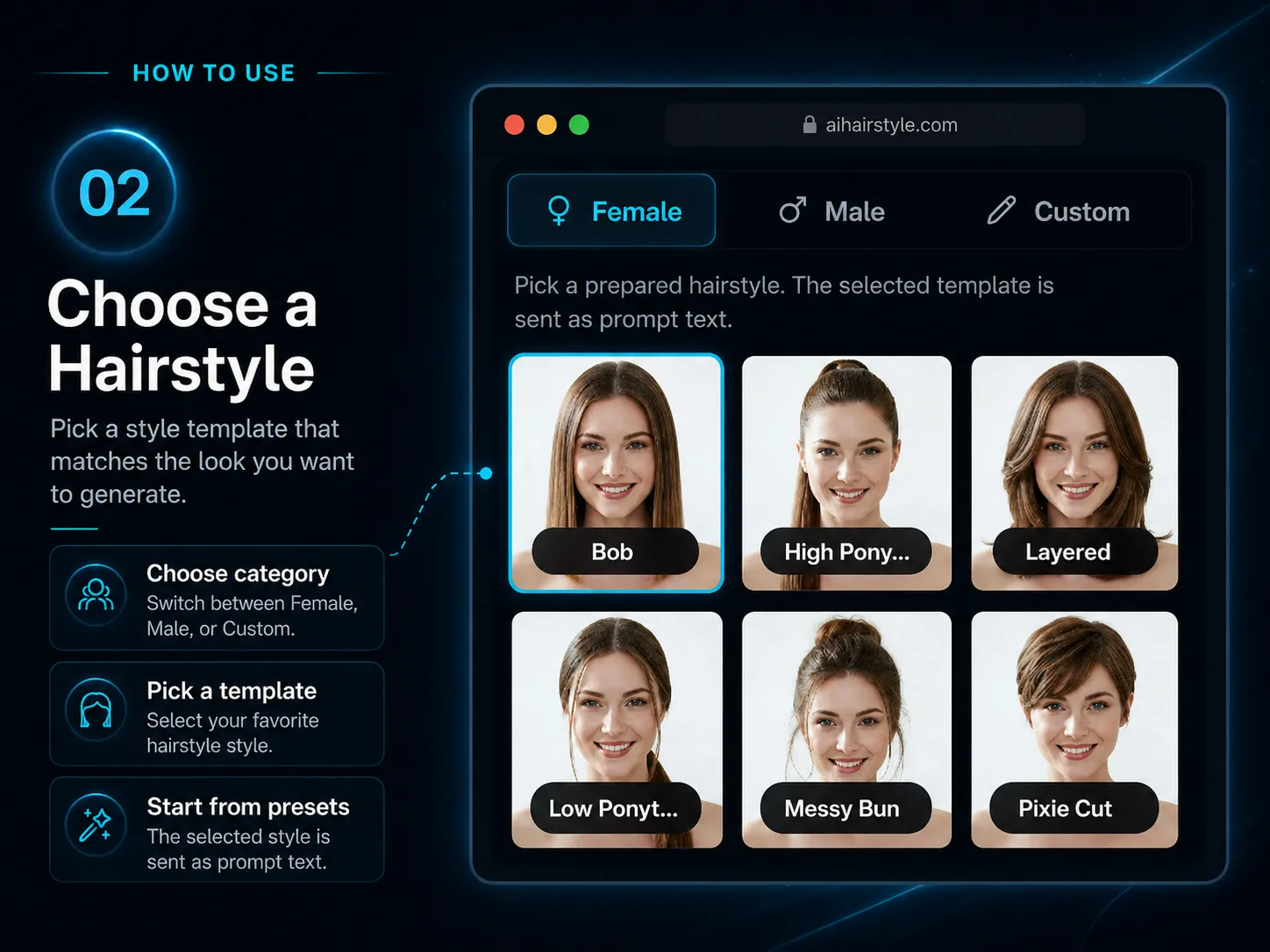
Step 2
Browse female and male trend templates, or write custom text instructions for a specific cut, wig, bang style, volume, or texture.
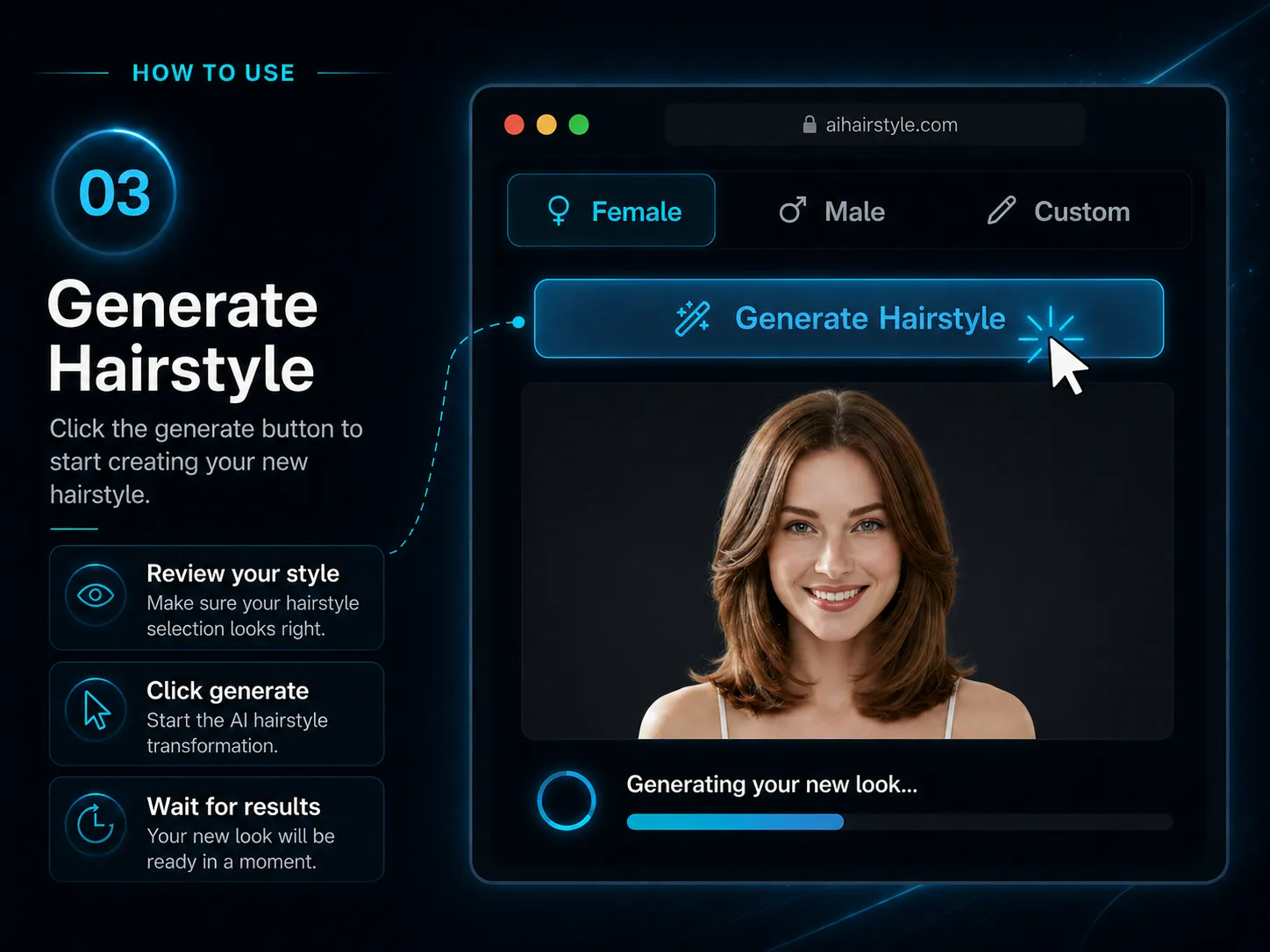
Step 3
Click Generate Hairstyle, preview the realistic virtual try-on result, and download your finished image.
Upload a portrait and preview a realistic AI hairstyle change online free, without installing an app or creating an account.
Open Hair Style Changer"The free template prompts made it easy to check if a short bob would look good before going to the salon."
"I can compare fades and crops quickly with the hairstyle templates."
"Custom prompts help when the haircut needs very specific bangs, layers, color, or volume."
FAQ
Finding the right haircut depends heavily on your unique face shape, facial features, and personal style. YuzuTime's AI hairstyle simulator lets you visually test different lengths, fades, curtain bangs, virtual wigs, and hair volumes directly on your own portrait. This allows you to accurately check 'which hairstyle suits me' and minimize the risk of a bad haircut before spending money at a professional hair salon or barber shop.
Sign in to generate using account credits. Available free account credits can be used. Check your balance and the cost shown in the editor before generating.
No. The default prompt pipeline is meticulously tuned to preserve your identity. It instructs the underlying model to strictly protect your native facial features, face shape, eyes, skin tone, apparel, background layout, and original lighting, changing only the hair area for a natural-looking integration.
Absolutely. You can change both simultaneously using our Custom Prompt mode by specifying both the haircut style and your preferred color tone. Our advanced pipeline will process both instructions to generate a comprehensive visual transformation in a single request.
For the best and most realistic AI hairstyle try-on results, we highly recommend uploading a well-lit, high-quality, front-facing portrait or selfie. Ensure your face is completely clear, your hairline is visible, and no hands, hats, or large glasses are blocking your current hair area.
Yes, your privacy is our highest priority. YuzuTime AI processes your uploaded photographs purely to fulfill your instant hairstyle transformation request. Your image data is handled through secure protocols and is automatically deleted immediately after processing—we do not save or reuse your personal pictures.
No hidden paywalls or sneaky watermarks here. YuzuTime AI believes in a clean, high-quality user experience. The images you generate within our free tier are available for preview and download in crisp definition, without any obtrusive logos covering your newly generated haircut.
YuzuTime runs entirely within your web browser, meaning you can try hairstyles online instantly without downloading storage-heavy mobile apps from the App Store. It perfectly combines rapid 1-click female and male template selections with advanced text-prompt customization fields, giving you more creative freedom over specific cuts, wigs, bangs, and textures than typical preset-only apps.