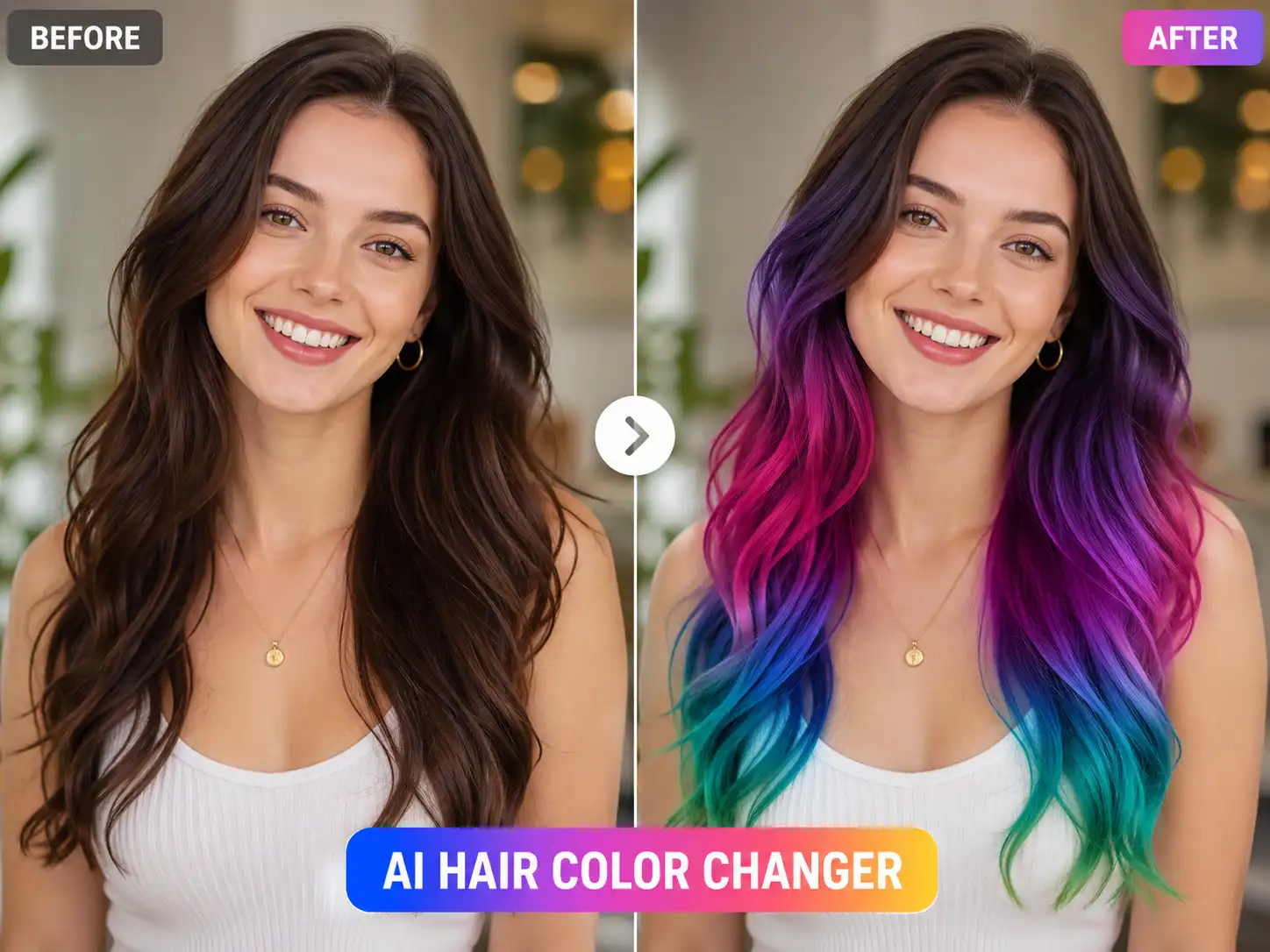

AI hair color changer demo result

Preview

Hair color - Style

Recent history

More

No recent edits yet.

Free AI hair color preview workspace

Free AI Hair Color Changer: Try On New Looks Online

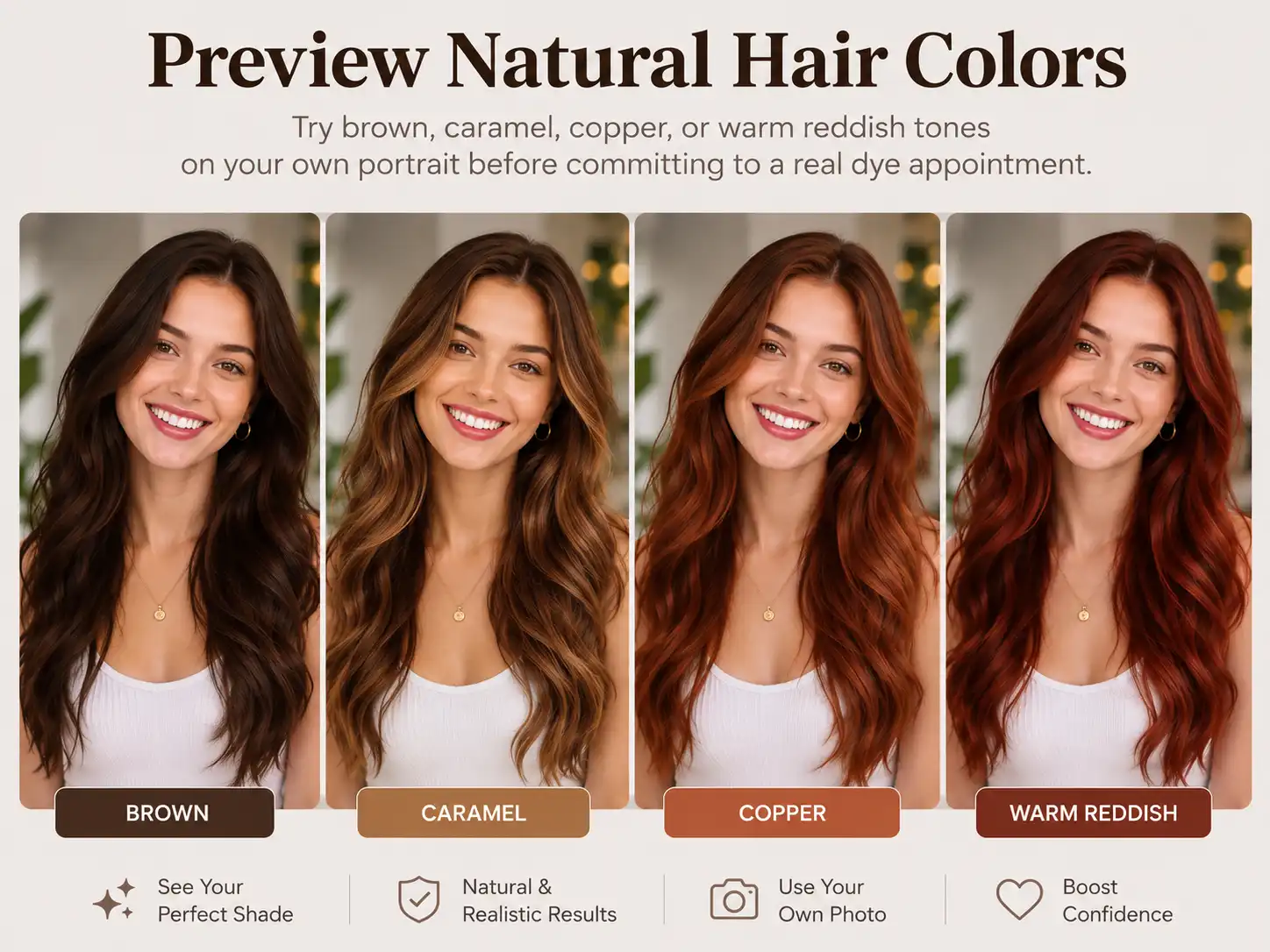
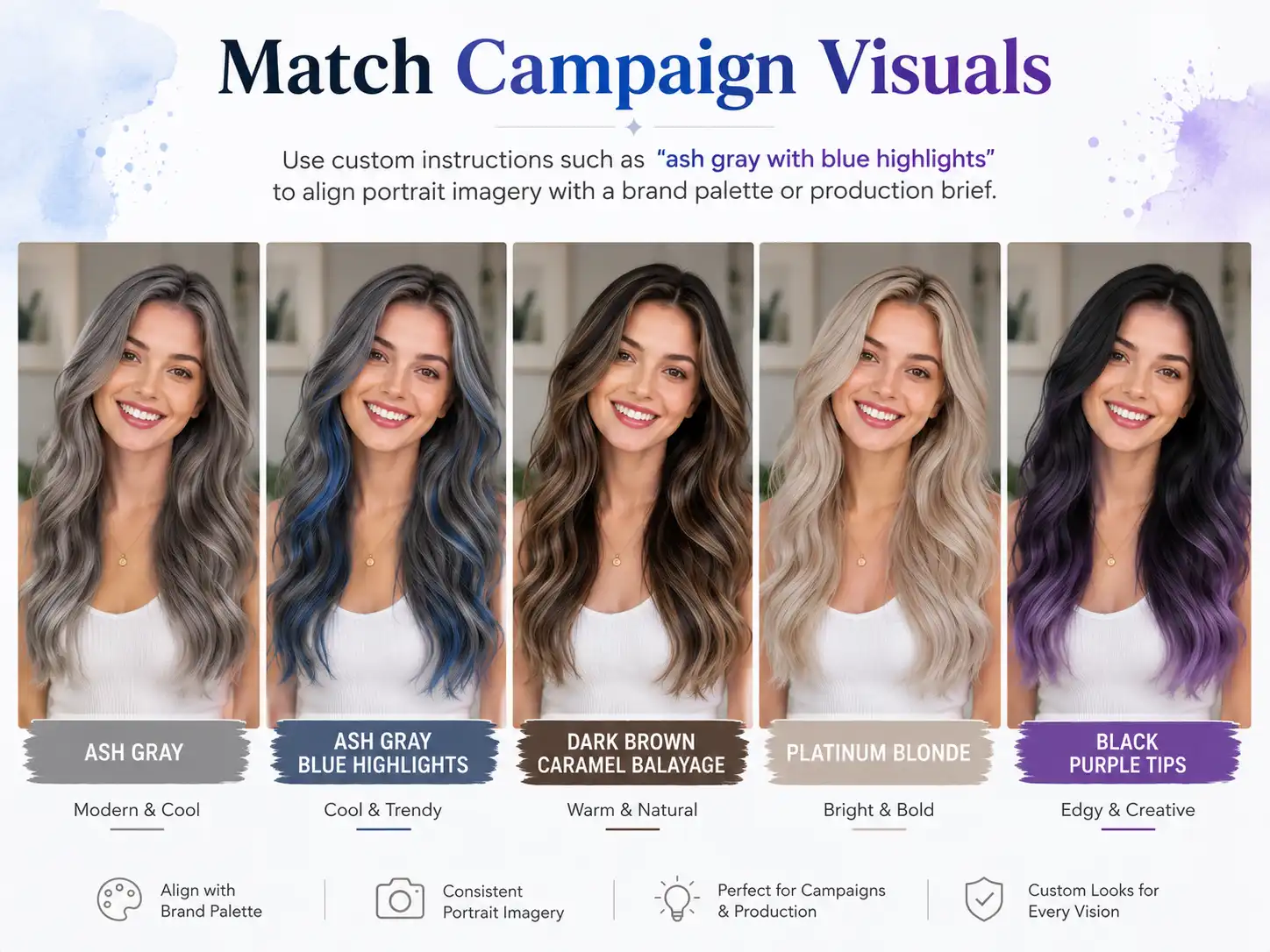
Upload a portrait and preview shades like blonde, brunette, black, caramel balayage, or custom highlights. Sign in and use account credits to generate a look.

YuzuTime free AI hair color changer online workspace demo

Use Cases

Salon-Quality AI Hair Color Simulation Without the Guesswork

See how a shade actually works with your face, lighting, and current hairstyle before you book a salon visit, brief a stylist, or publish a new profile image.

Virtual hair color simulation showing a transition to Caramel Macchiato Balayage

Flawless Edge Blending

Our technology respects every strand. Instead of a flat mask overlay, the colors blend naturally into your existing hair flow, preserving real lighting, shadows, and textures. If you want to reshape the cut before choosing a shade, try our AI hair style changer for realistic hairstyle previews first.
Before and after preview of switching light brown hair to platinum blonde online

The Smart Alternative to Complex Editing

No design skills needed. Skip heavy software installations and expensive creative suites-achieve studio-level hair color simulation right in your browser.

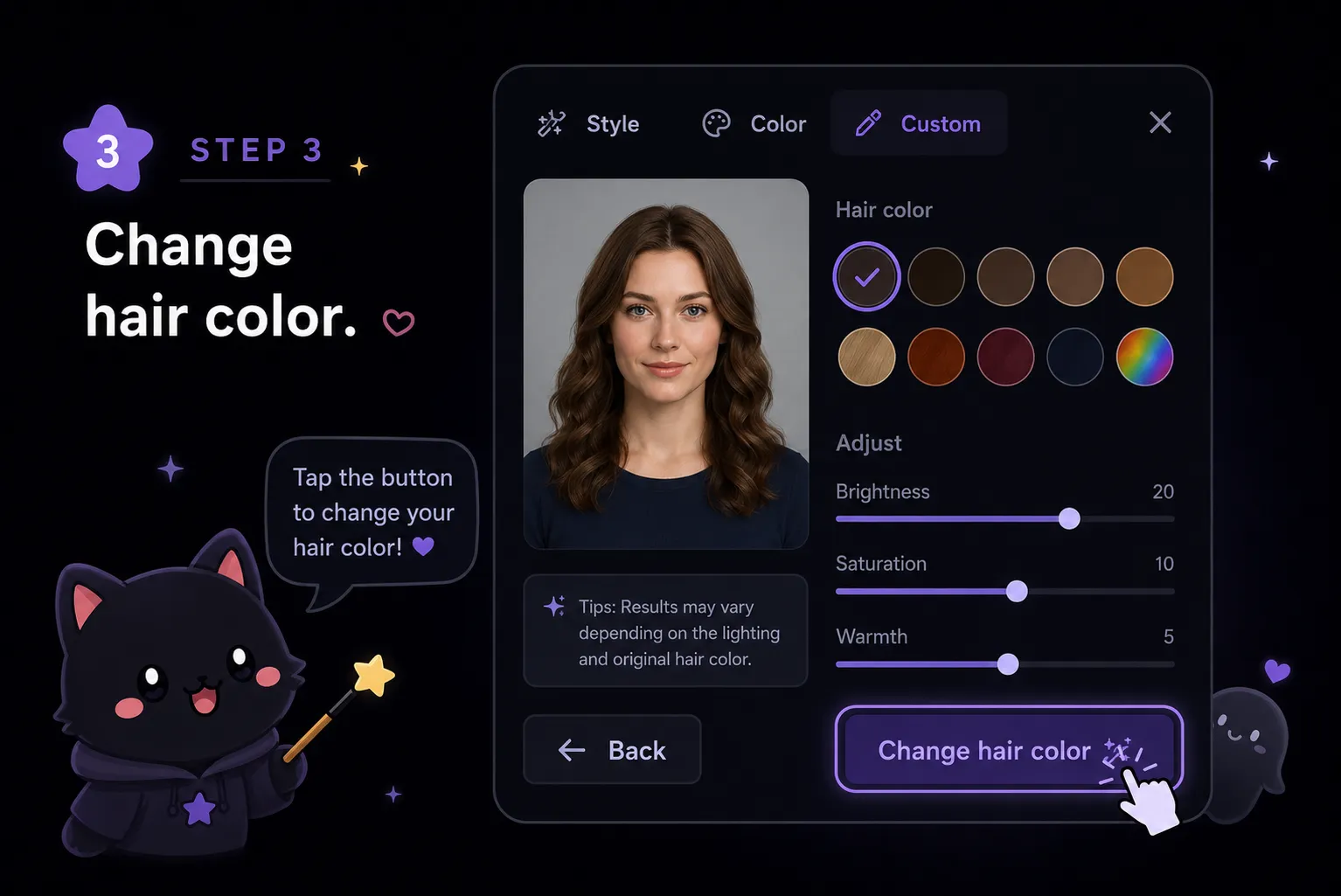
YuzuTime interface displaying interactive hair dye options for user portraits

Dynamic Motion Preview

Hair should not look stiff. As a multi-media toolkit, YuzuTime extends beyond photos, offering advanced motion processing to let your chosen shade look natural even when you move.

Why Use YuzuTime AI Hair Color Changer?

Sign in to generate a hair color preview using account credits.

High-Fidelity Blending: advanced AI detects hair flow and preserves natural textures.

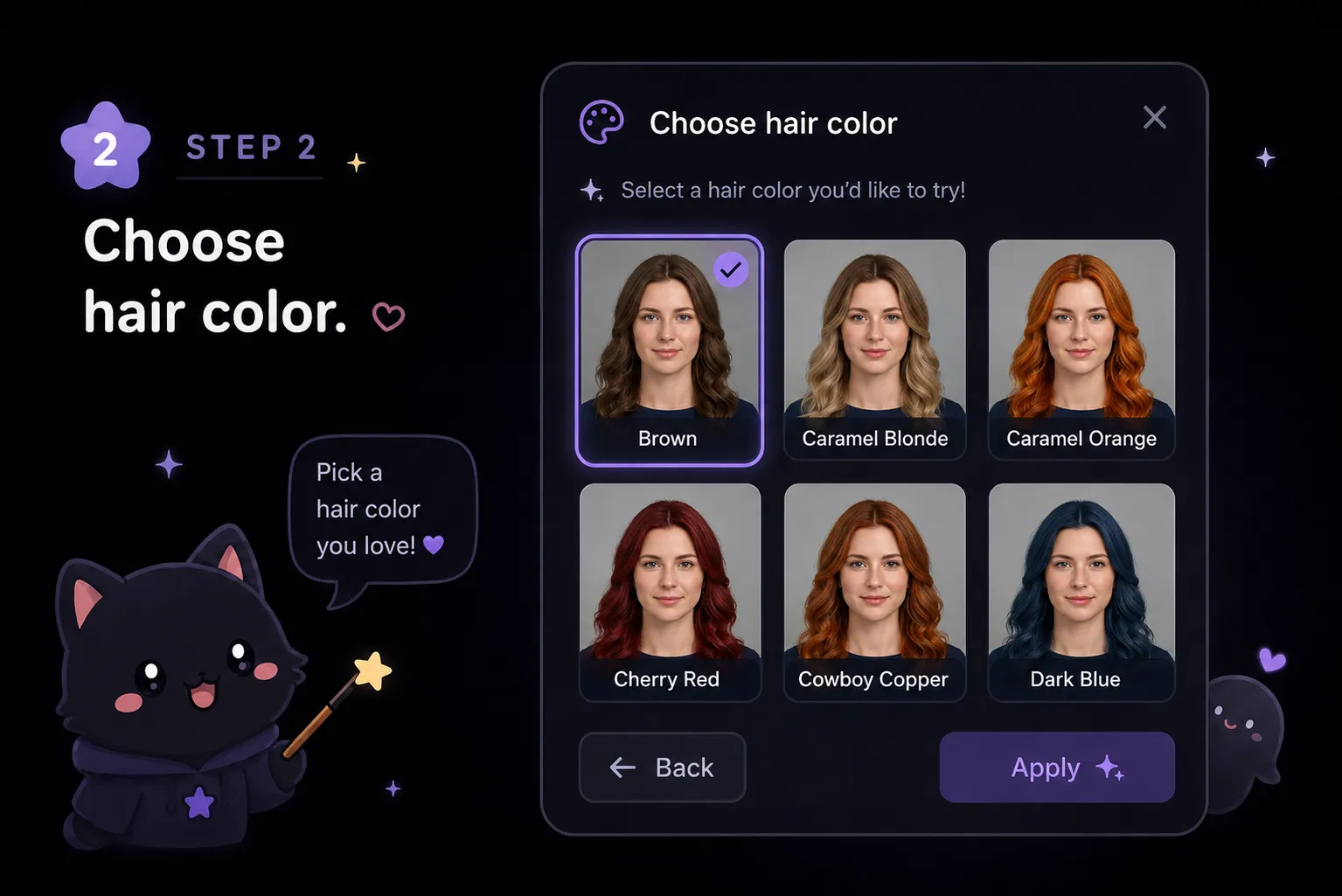
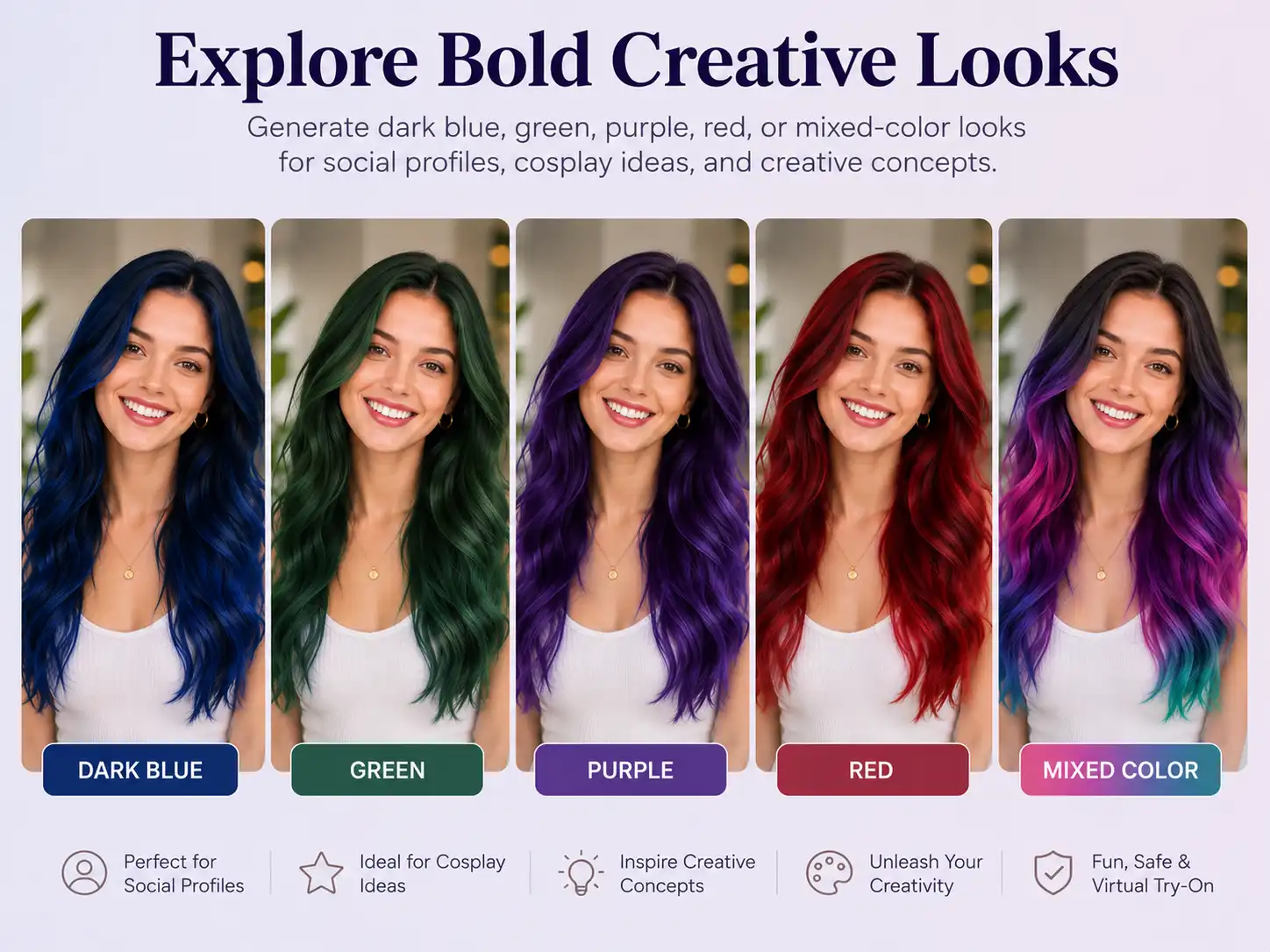
Rich Color Palette: try realistic shades including blonde, ginger, black, or custom highlights.

Logged-in users can claim 5 bonus credits and collect 10 free credits weekly for more generations.

What Is an AI Hair Color Changer?

An AI hair color changer is an image editing tool that detects the hair region in a portrait and applies a requested color transformation while preserving the face, pose, and surrounding scene.

YuzuTime AI keeps the hair color changer AI workflow simple: upload a portrait, choose a preset style, pick a color, or write a custom instruction. The same AI media generator workspace connects photo edits with related creative tools.

How Your Free Experience Works

Start with one portrait, test a few styles, then decide whether you want more high-resolution styling sessions through the free credit system.

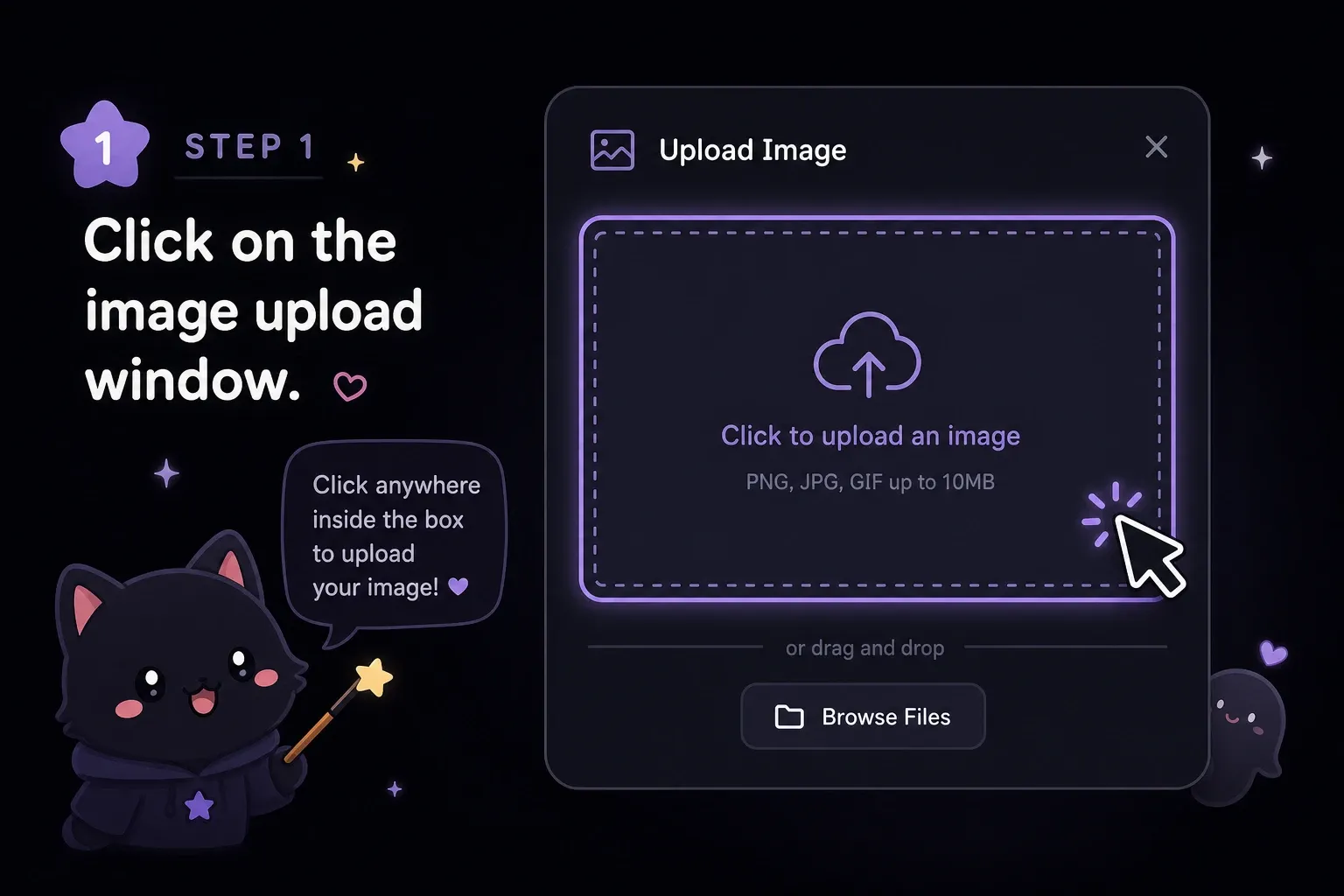
Upload a photo and sign in to generate a hair color preview

Step 1

1. Upload Your Photo

Upload a clear portrait and sign in to generate a hair color preview using account credits.

Sign up to claim bonus credits for AI hair color edits

Step 2

2. Extend with Bonus Credits

Love the results? Create a free account to unlock bonus credits for additional high-resolution styling sessions.

Collect weekly free credits for YuzuTime AI hair color changer

Step 3

3. Weekly Allowance

Check in regularly or participate in community activities to receive free credits every week.

Try a New Hair Color with AI

Open the ai hair color changer online free, upload a portrait, and test realistic dye ideas, black hair, blonde shades, ginger looks, or custom highlights in a few clicks.

Open AI Hair Color Changer

User experiences

"I always get nervous before going blonde. Used this to show my stylist exactly what level of lift I wanted. It saved me from a huge hair disaster."

Chloe R., Los Angeles

"The caramel preview helped me compare warmer and cooler tones before booking a color appointment."

Maya S., Austin

"Custom highlights were useful for narrowing down a campaign look before we scheduled the shoot."

Jordan K., Brooklyn

FAQ

Frequently Asked Questions

Can I test hair colors on this website for free?

Sign in to generate using account credits. Available free account credits can be used. Check your balance and the cost shown in the editor before generating.

How does the weekly free credit system work?

Sign in to generate using account credits. Available free account credits can be used. Check your balance and the cost shown in the editor before generating.

Are my uploaded photos safe and private?

Your privacy is our top priority. All uploaded portraits and processed media are handled via encrypted channels and are permanently deleted from our servers within one hour. We never sell your data or use it for training purposes.

Can this tool change my hair color to black or add custom highlights?

Absolutely. Our advanced AI hair color editor accurately processes complex styling requests, allowing users to seamlessly transition from light colors to dark shades like black, or apply multi-color highlights realistically.