LinkedIn and resume headshots
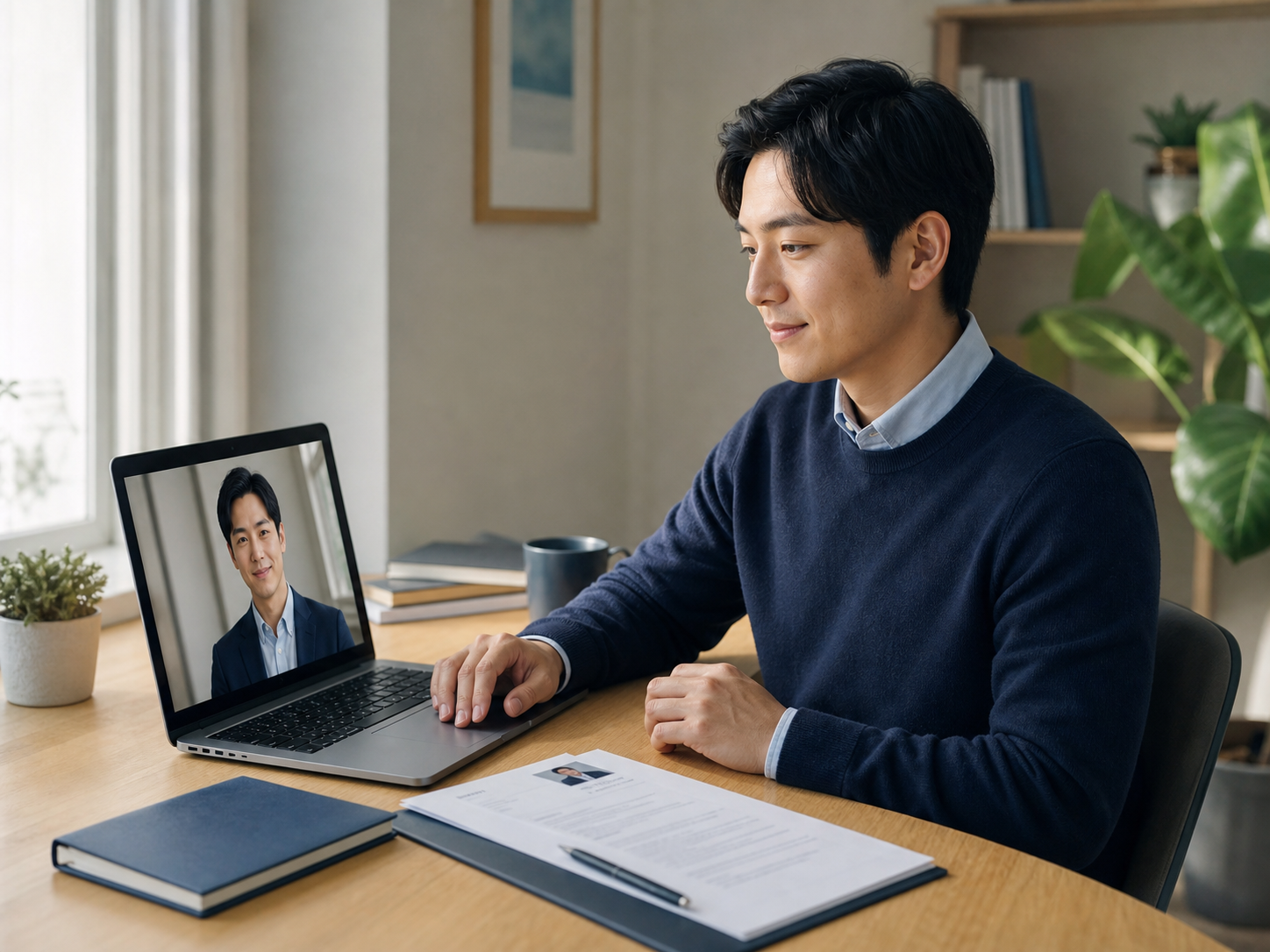
Create a clear, approachable profile photo for job searches, recruiter outreach, resumes, CVs, speaker bios, and portfolio pages.
Preview
Professional headshot · Styles
Recent history
MoreNo recent edits yet.
AI professional photography
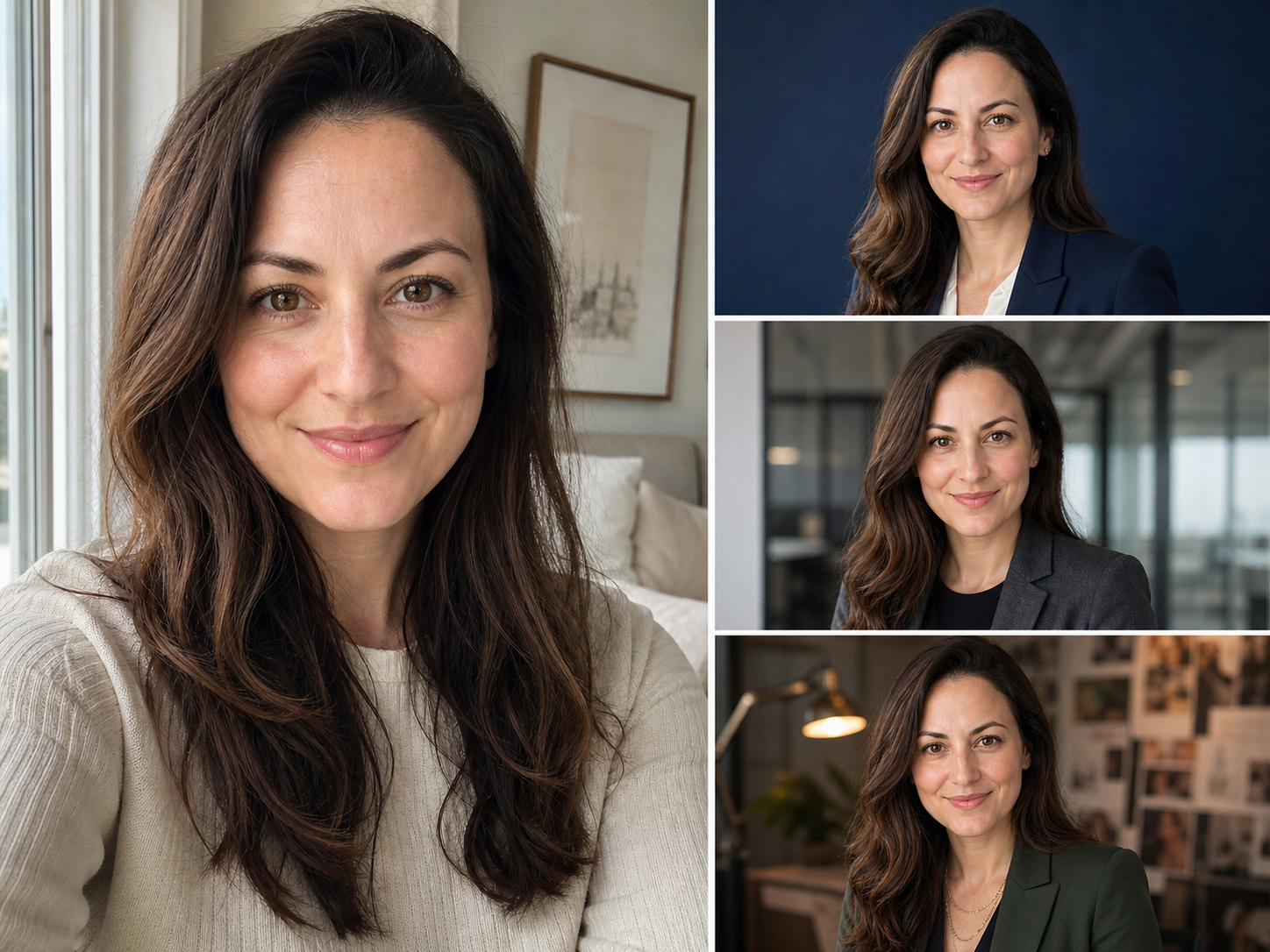
Upload a clear selfie, choose a career-ready look, and create a professional headshot for LinkedIn, your resume, a company profile, or personal branding—without arranging a studio photo shoot.

Made for real profiles
Start with the context where the photo will appear. A credible headshot should match the audience, crop, clothing, and background expected on that platform.
Create a clear, approachable profile photo for job searches, recruiter outreach, resumes, CVs, speaker bios, and portfolio pages.
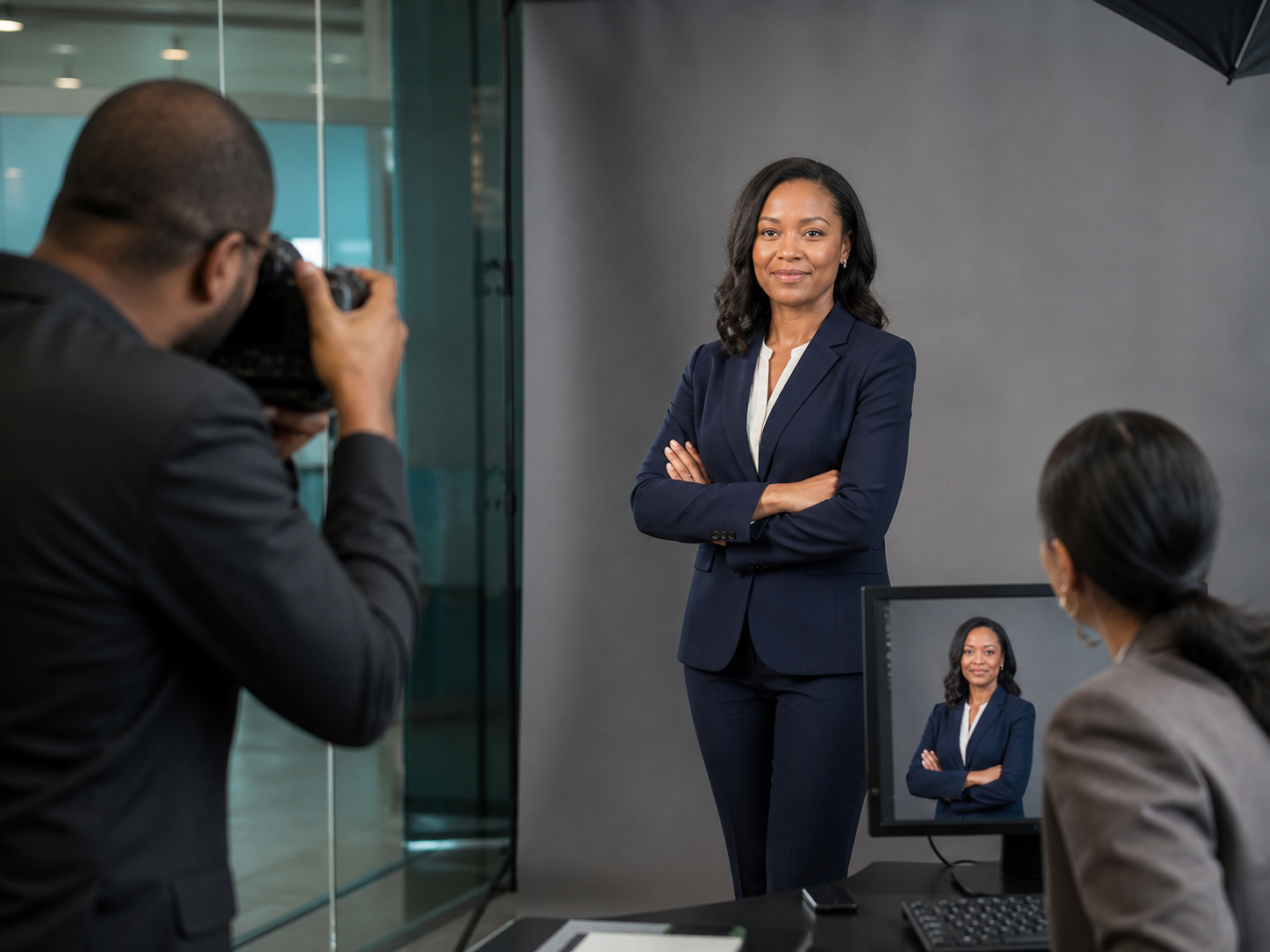
Generate a polished business headshot for an About page, email signature, conference program, sales profile, or internal directory.

Use guided styles for executives, founders, healthcare professionals, creatives, and real estate agents while keeping the result appropriate for the role.
One-photo workflow: begin with a single clear, front-facing portrait instead of preparing a large training set.
Six practical style starting points for LinkedIn, resumes, corporate profiles, creative work, real estate, and healthcare.
Optional prompt enhancement adds useful photography detail while keeping your original intent.
Flexible square, portrait, and landscape aspect ratios for social profiles, websites, and business materials.
An AI headshot is a generated professional portrait based on a photo you provide. The system uses your image plus a written direction to create a new setting, clothing treatment, lighting setup, and photographic finish. It is designed for professional profile use, not as an identity document or a substitute for a regulated passport photo.
Good results still depend on the input. Use a sharp, recent photo with one unobstructed face, even lighting, and natural proportions. Review the output carefully for facial likeness, hair, glasses, clothing edges, and background artifacts before publishing it.
The workflow takes three decisions: provide a useful source photo, choose a context, and review the generated result before using it publicly.
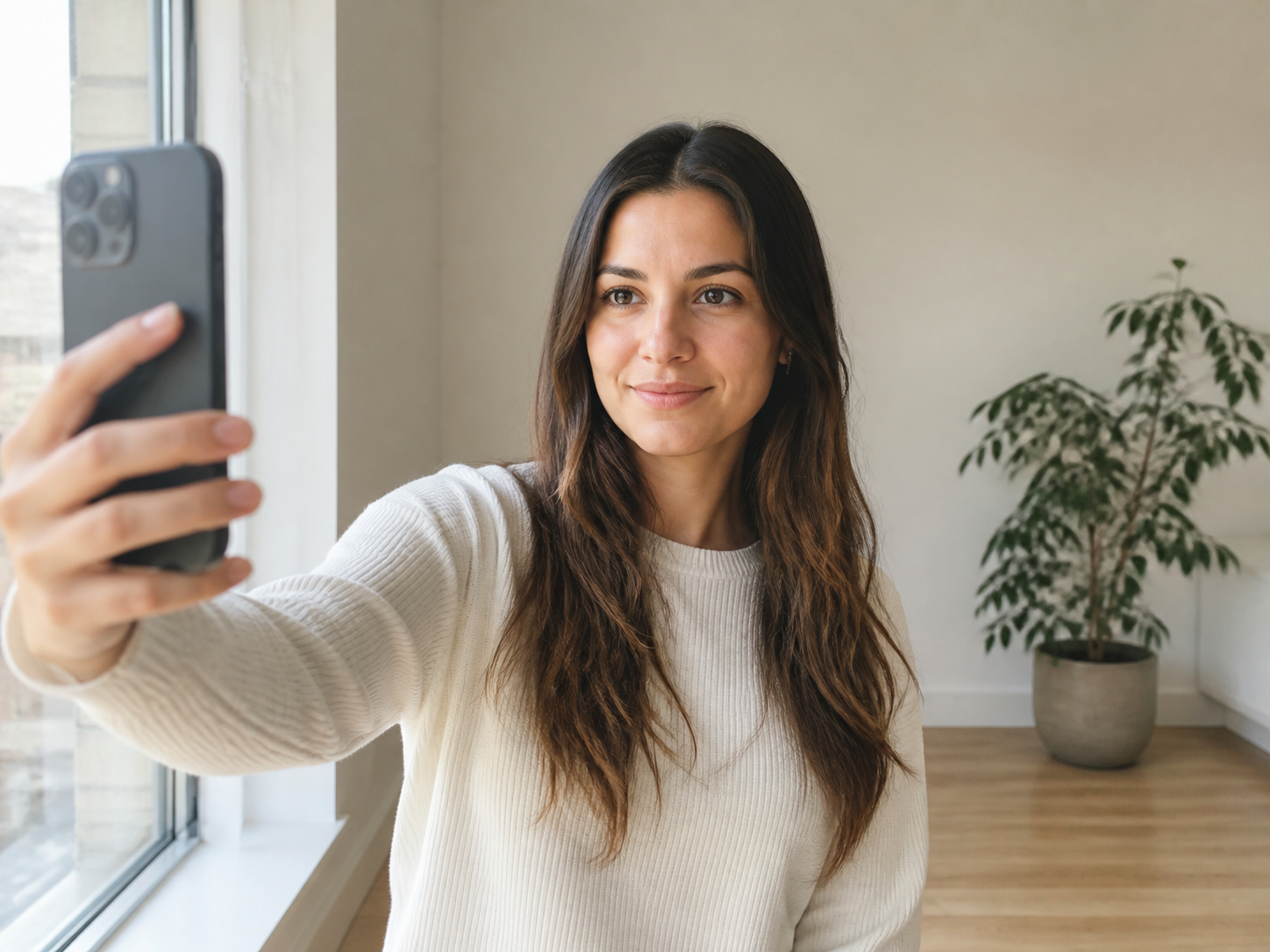
Step 1
Choose a recent, front-facing selfie with one adult face, visible hairline, neutral expression, and soft even light. Avoid sunglasses, heavy filters, motion blur, and cropped foreheads.
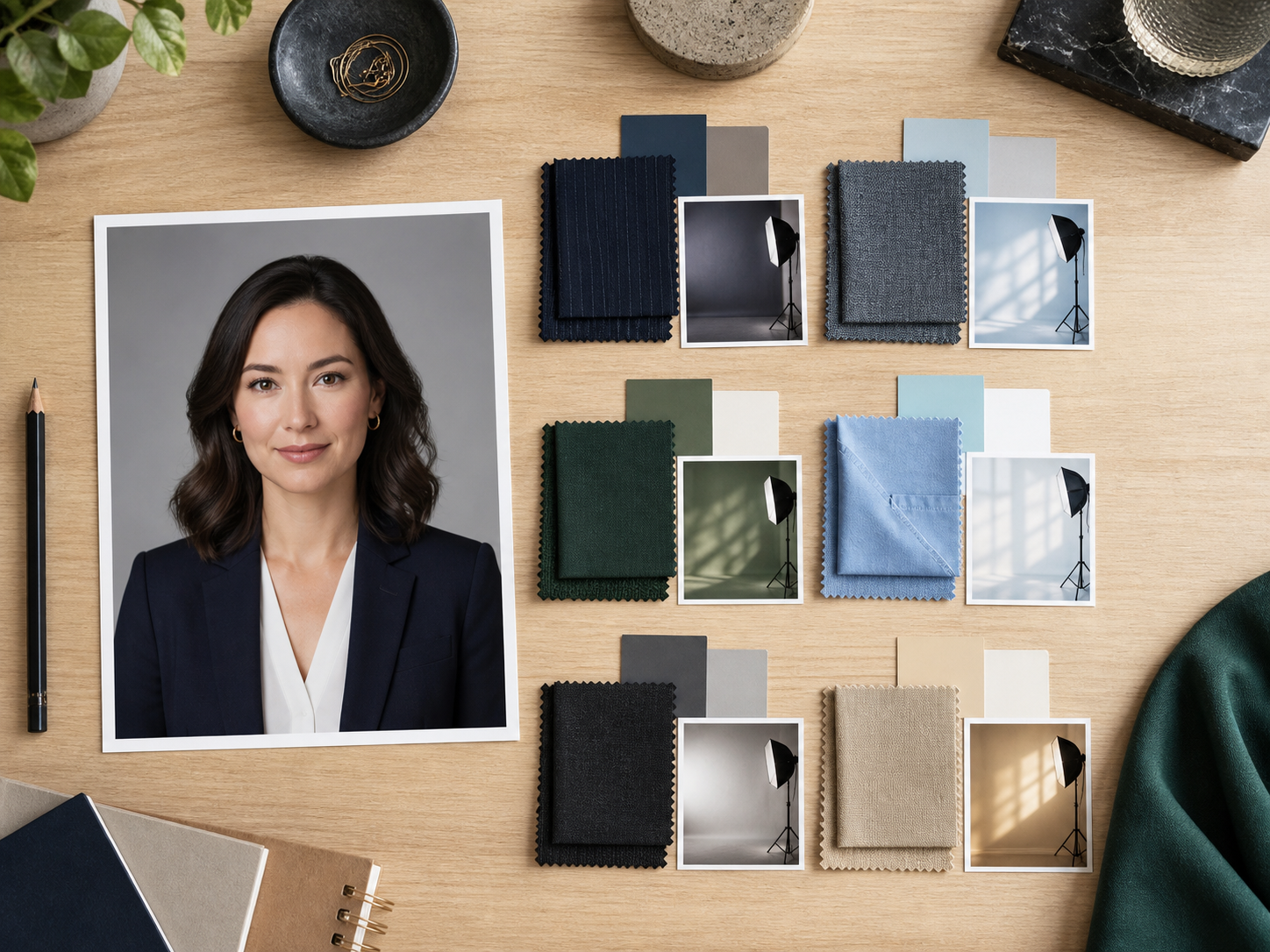
Step 2
Select LinkedIn, corporate, resume, creative, real estate, or healthcare. Add a custom direction when you need a specific outfit, background, or mood.
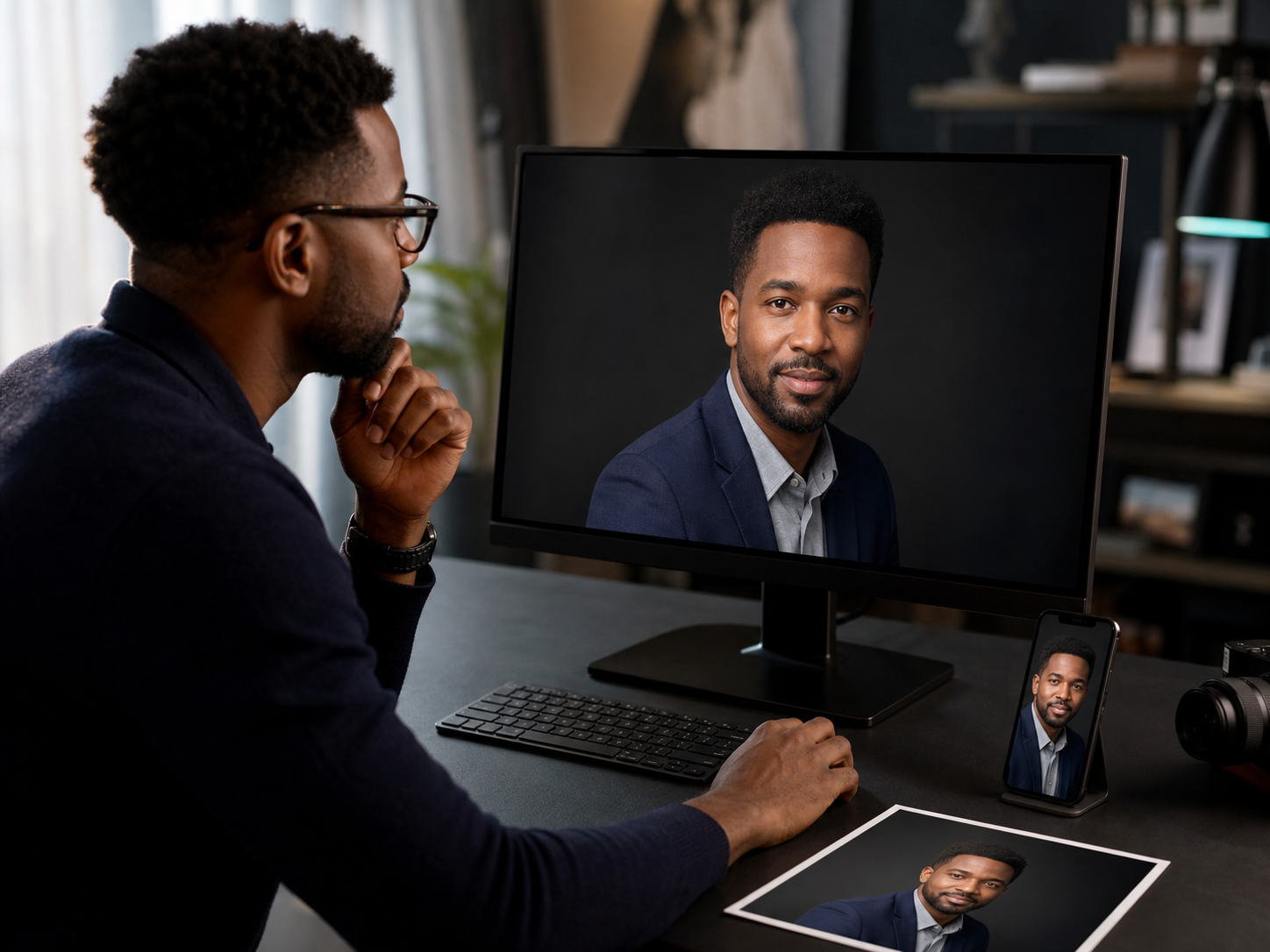
Step 3
Create the image, then zoom in and check likeness, eyes, teeth, hair, hands, logos, and clothing. Download only a result that accurately represents you.
Choose a clear selfie and a style that fits where the headshot will be used. Each successfully created task costs 5 YuzuTime credits.
Create AI HeadshotUpload only a photo of yourself or an adult who has given you permission. Do not use generated portraits to impersonate someone, misrepresent credentials, or create identity documents. Because AI can introduce small inaccuracies, compare every result with the source photo before using it in a professional context.
Feature and pricing details reviewed against the product interface and API contract on August 18, 2026.
"Approachable LinkedIn headshot, business-casual navy blazer, warm gray studio background, soft natural light, authentic skin texture."
"Confident corporate headshot, charcoal suit, clean modern office background, balanced studio lighting, natural expression."
"Friendly real estate agent headshot, polished business attire, bright upscale property background, warm daylight, trustworthy expression."
FAQ
Upload one portrait, choose a professional style or write a prompt, select an aspect ratio, and start the task. YuzuTime creates the task asynchronously and shows the generated image when processing is complete.
This tool accepts one source portrait. Use a recent, high-quality, front-facing photo with one unobstructed adult face for the most reliable result.
Yes. The LinkedIn style is designed for a clean professional profile photo. Review the final crop at small avatar size and confirm that the image still looks recognizably like you.
No. You must sign in, and each successfully created headshot task uses 5 YuzuTime credits. A failed task creation does not deduct credits.
Use 1:1 for most profile avatars, 3:4 or 2:3 for a traditional portrait, and 4:3, 3:2, or 16:9 when a website or presentation needs more surrounding space. Auto lets the model decide.
AI-generated images can vary and may introduce subtle changes. Start with a clear photo and inspect facial features, hair, glasses, teeth, clothing, and background details before using the result.
The available styles are intended for professional profiles, resumes, company pages, speaker bios, and real estate marketing. Follow the rules of the platform or organization where you plan to publish it.
No. Generated portraits can alter details and should not be used for passports, licenses, visas, employee identity verification, or other official identity documents.