Preset outfit styles
Choose Casual, Business Suit, Evening Dress, Streetwear, Denim, or Sportswear for a fast starting point without preparing a separate garment image.
Recent outfit changes
View historyYour recent outfit changes will appear here.
Change clothes in a photo without reshooting. Upload a clear person photo, choose a preset outfit style or add up to four garment reference images, then generate and download a new outfit preview.
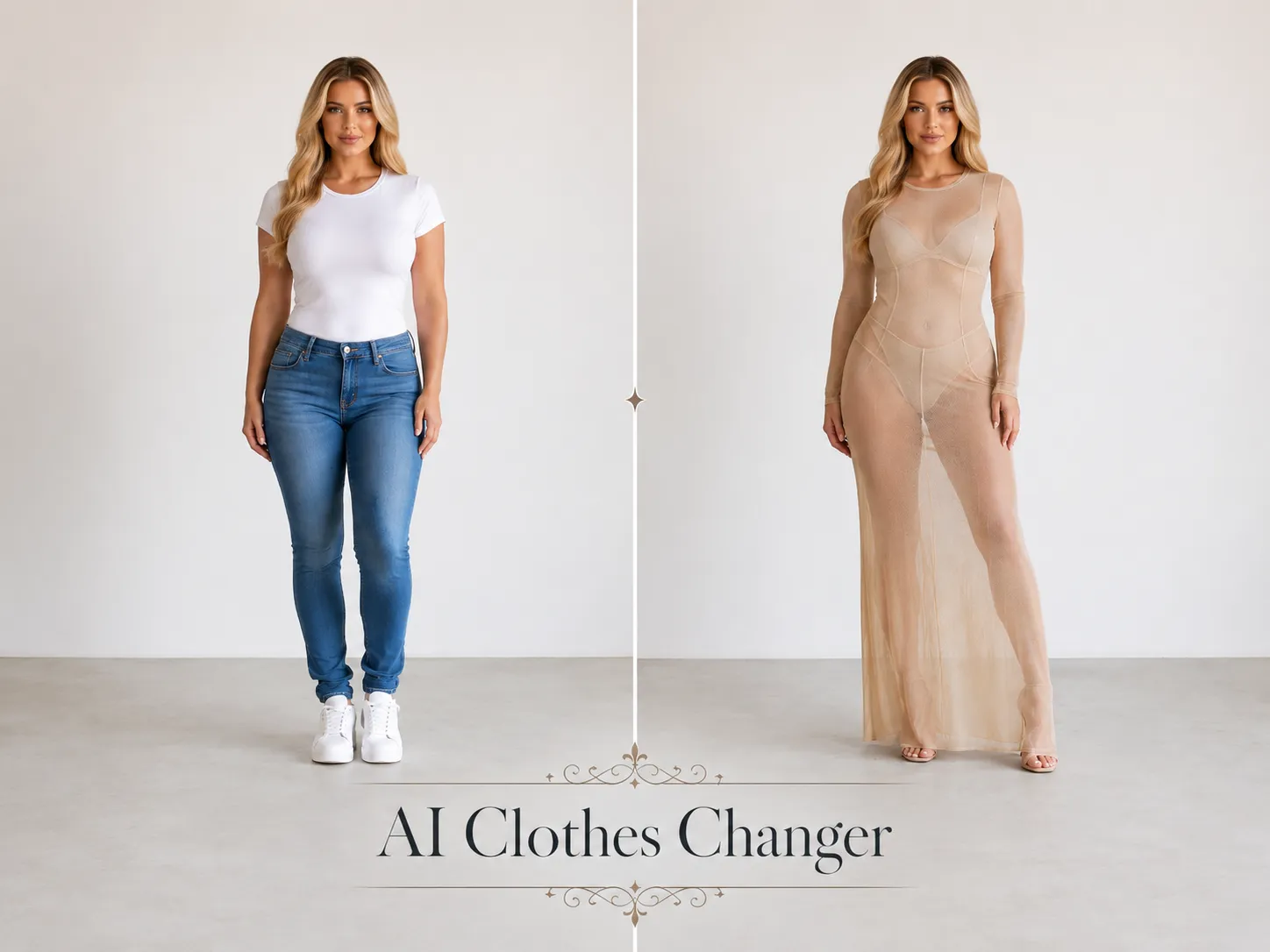
YuzuTime AI aims to preserve the person, pose, camera angle, and background while replacing visible clothing. Results vary with image quality, framing, lighting, fabric transparency, and occlusion, and the preview does not predict real-world size or fit.
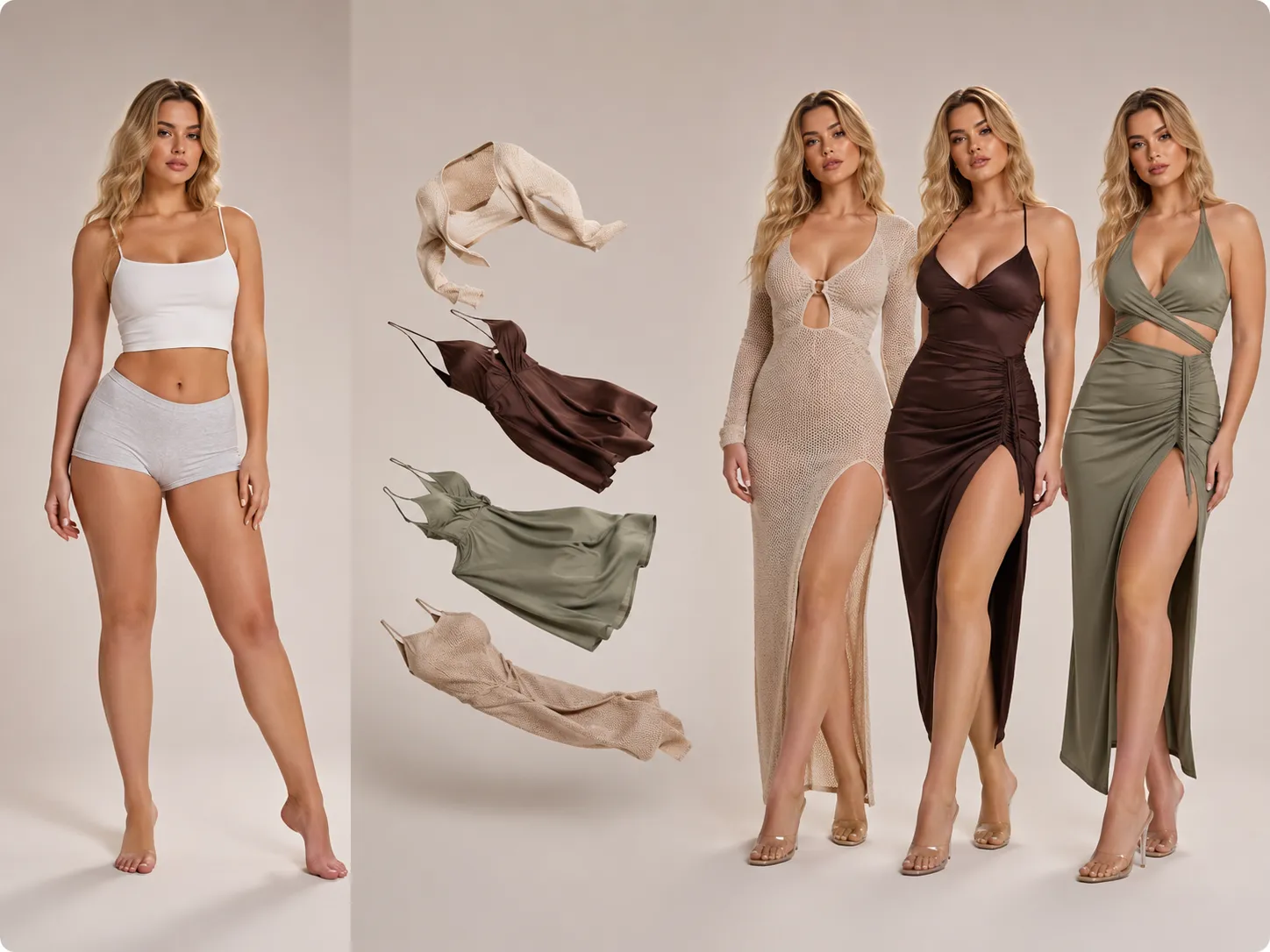
These previews illustrate clothing-change ideas and interface workflows; results vary with each input.
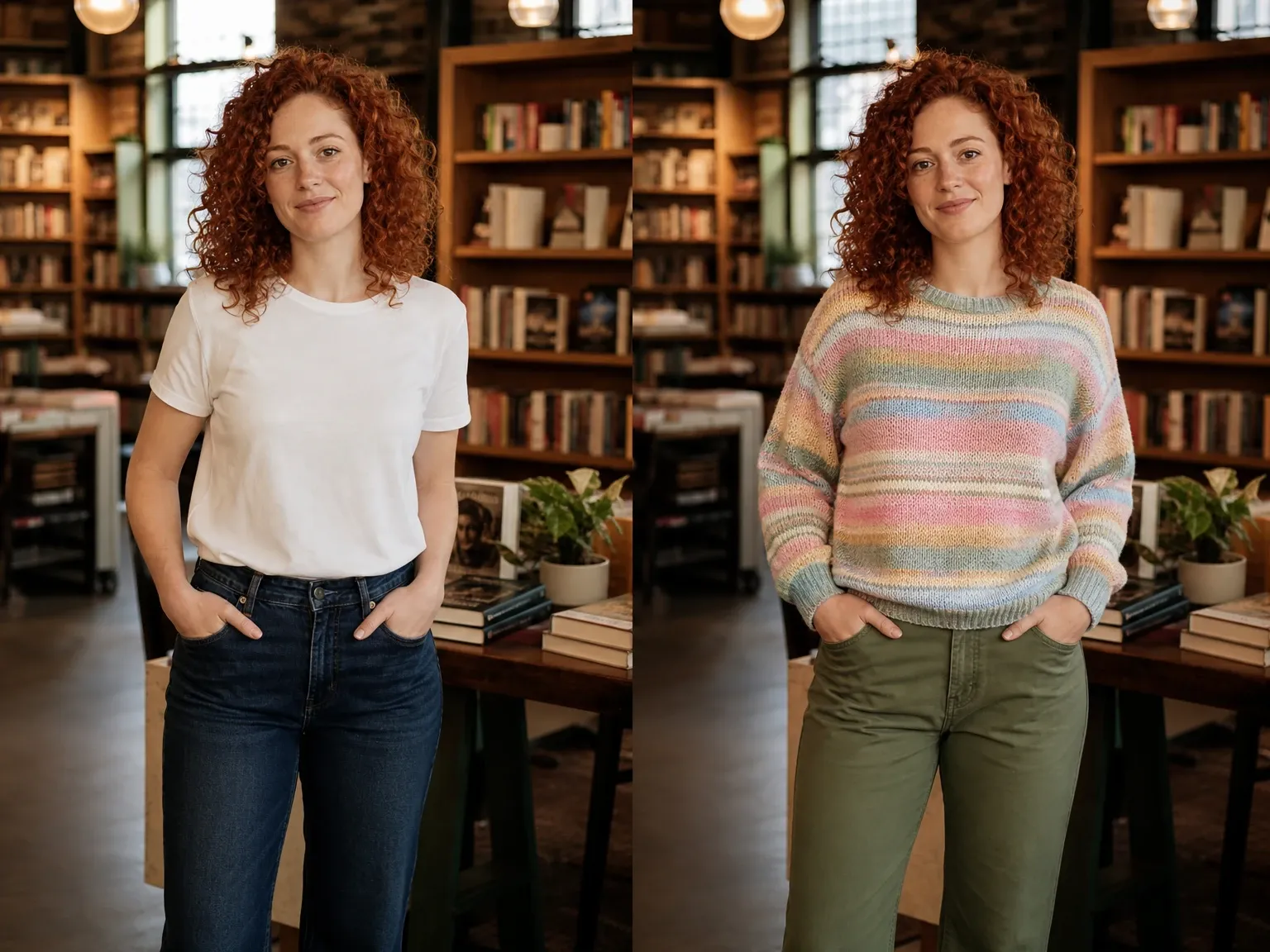
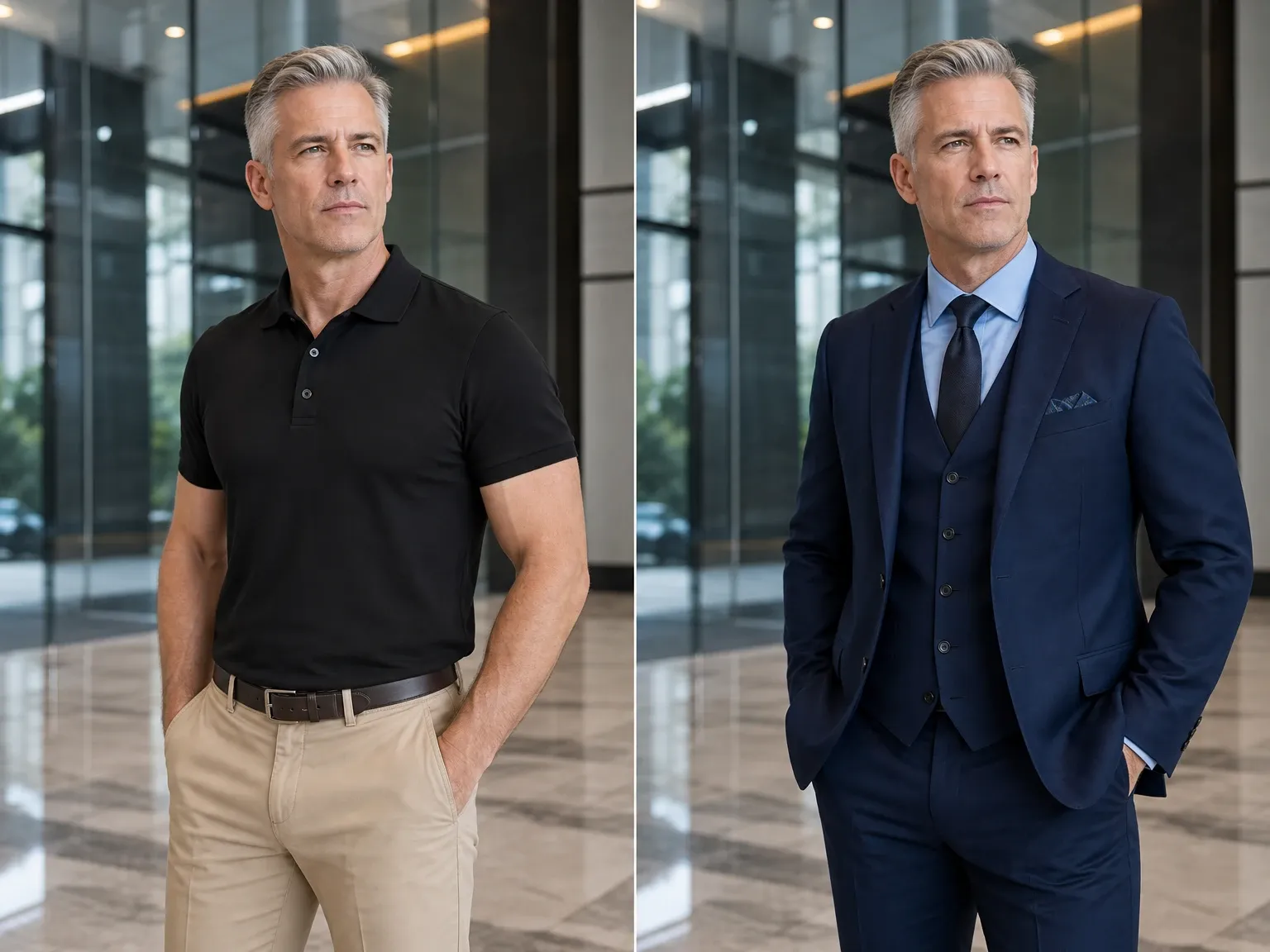
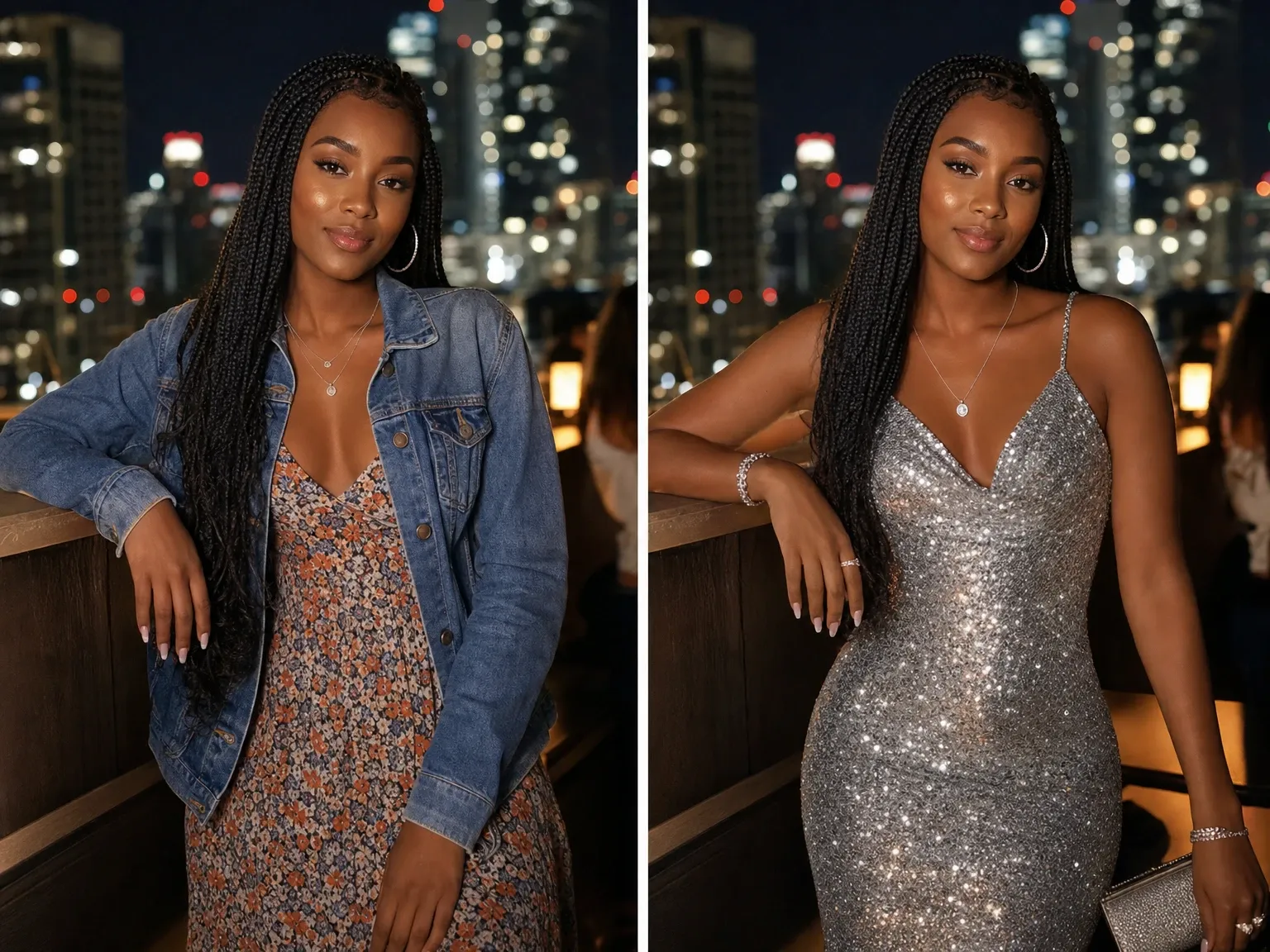
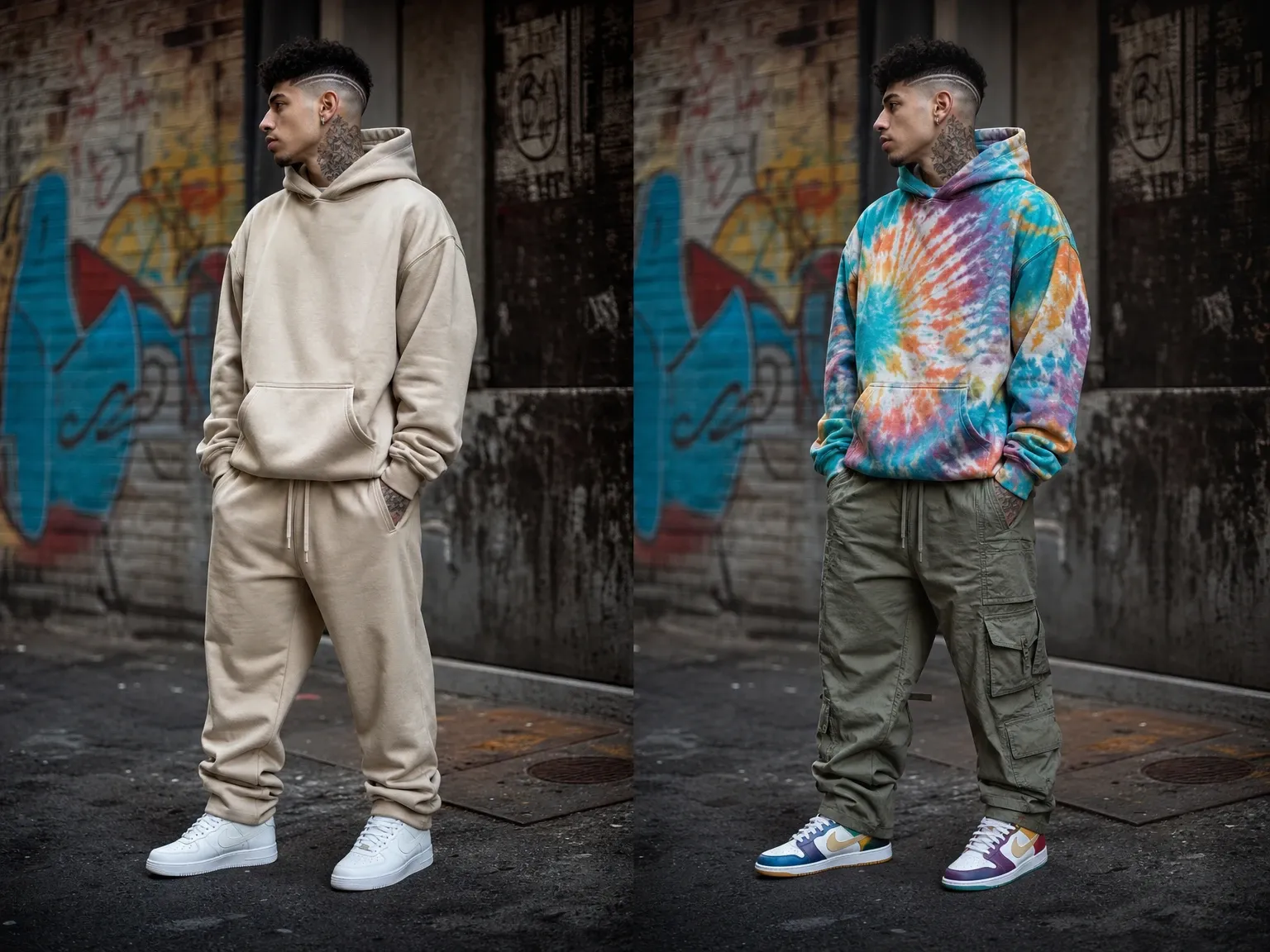
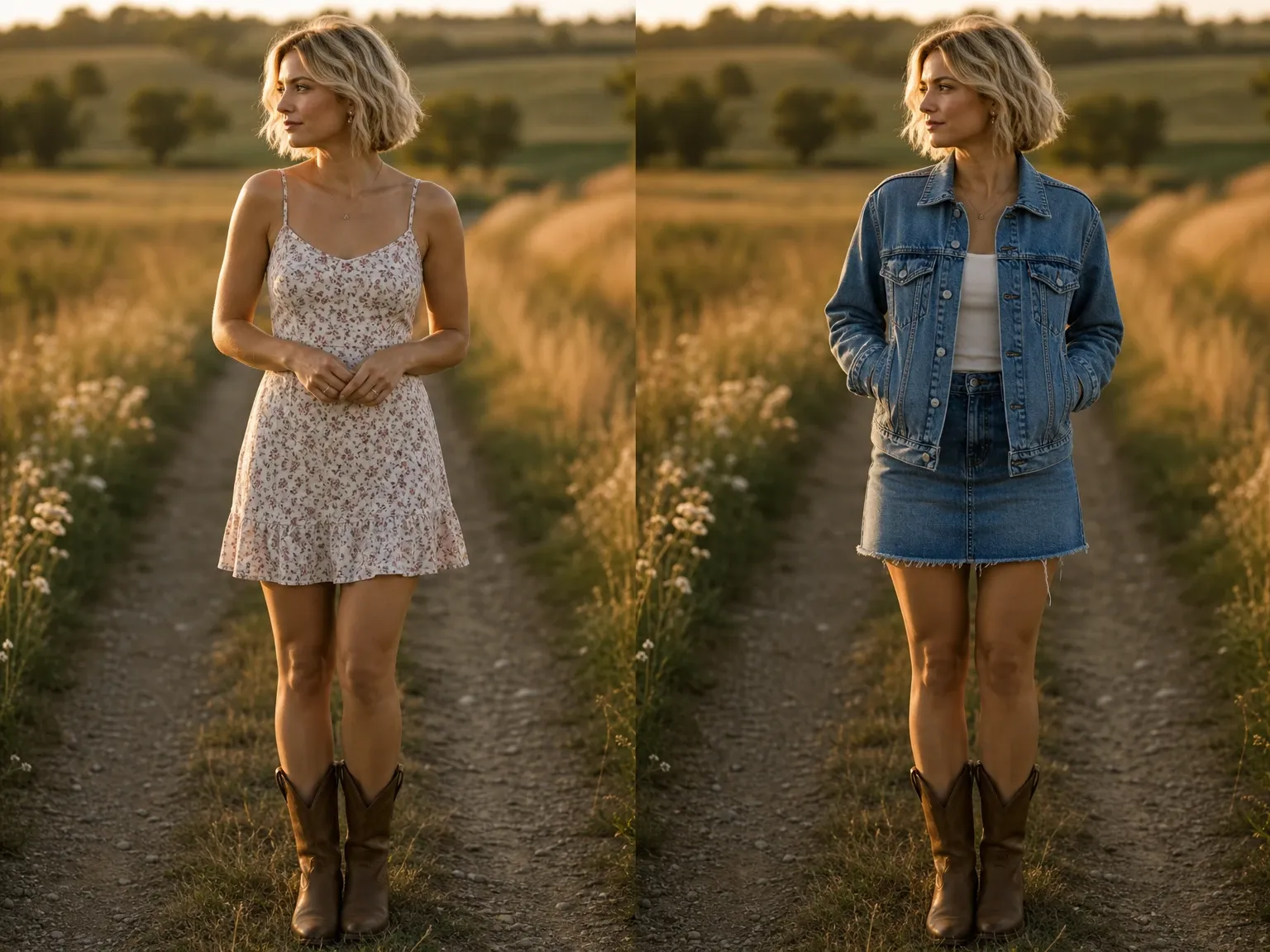
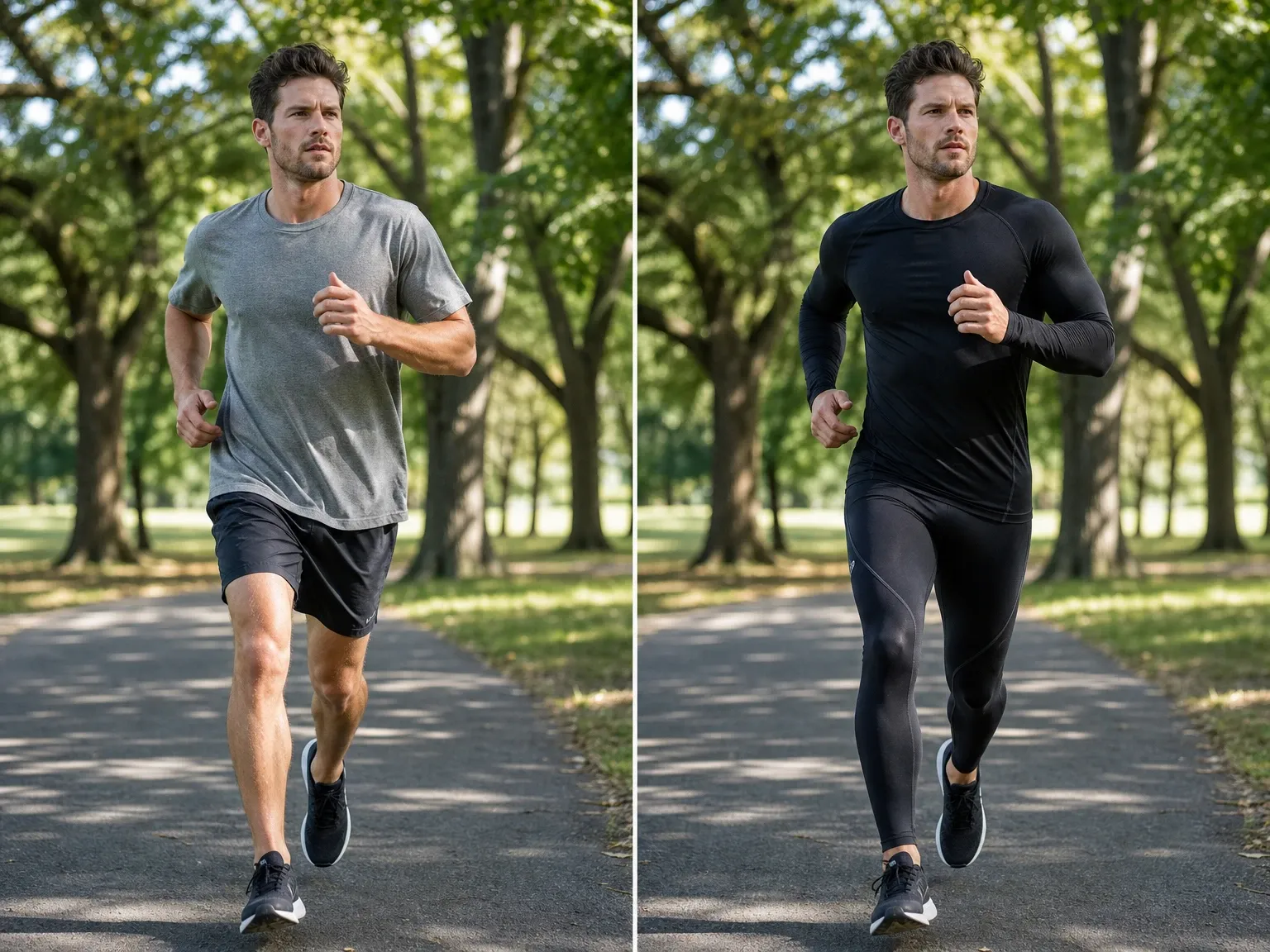
Use clear inputs, review every result, and respect consent, privacy, likeness, and intellectual-property rights.
Upload person and clothing images only when you have the rights or permission to use them. Do not upload private, deceptive, abusive, or unauthorized content.
Generative clothing replacement analyzes the visible subject and scene, then synthesizes new garments into the selected area. It aims for coherent body position, lighting, folds, and surroundings rather than simply pasting one image over another.
Choose Casual, Business Suit, Evening Dress, Streetwear, Denim, or Sportswear for a fast starting point without preparing a separate garment image.
Upload one to four flat-lay, product, or model-worn clothing images. Clear references help communicate color, material, silhouette, layering, and design details.
Start with one of six common fashion directions without preparing a separate garment image.
Use several images to show an outfit from different angles or provide references for separate clothing pieces.
The model aims to retain identity, body position, camera angle, and scene composition while changing visible clothing.
The model adapts folds, texture, highlights, and shadows to the photographed scene.
Review the output carefully and download the version that best matches your goal.
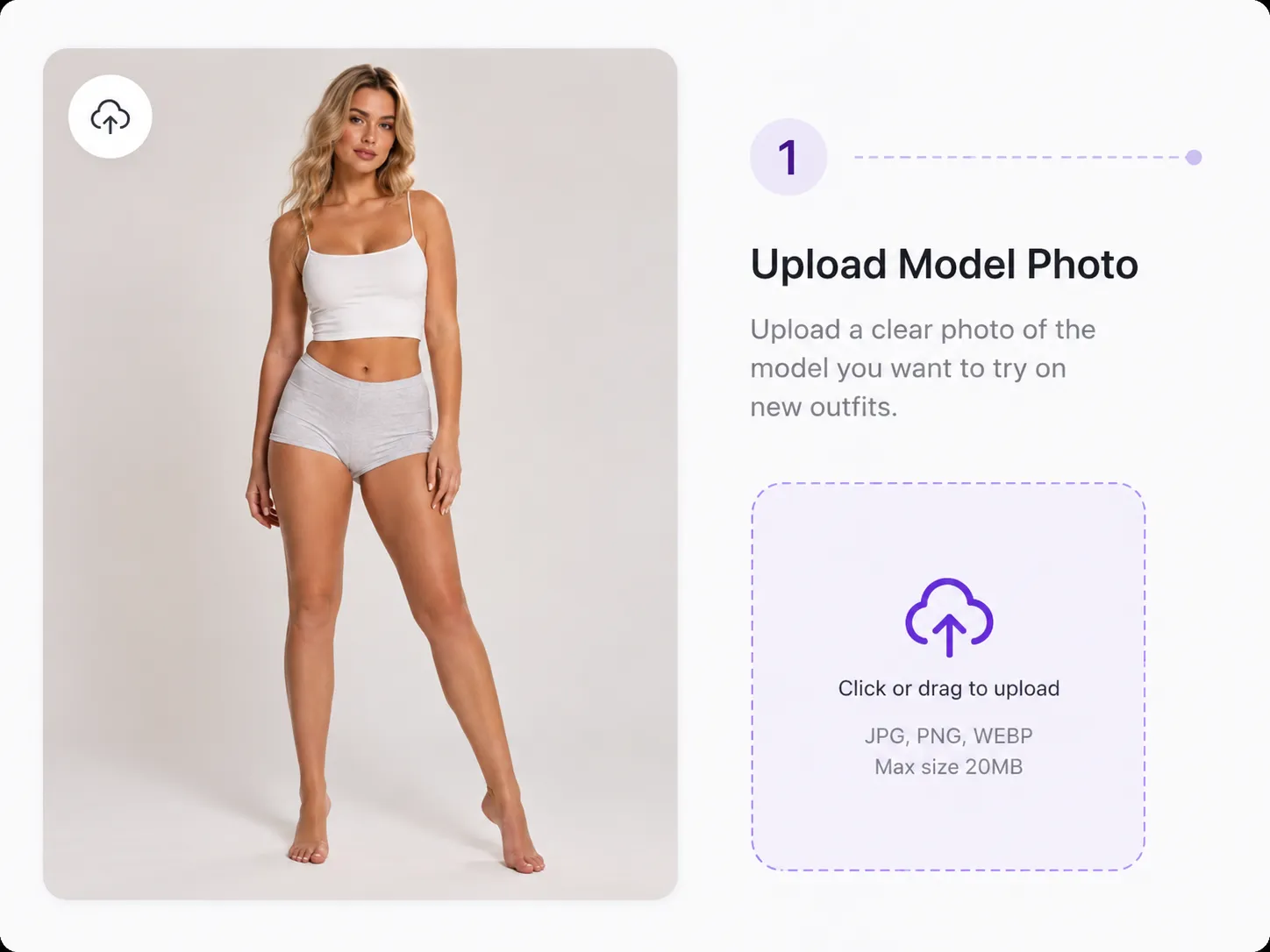
Choose a clear image where the person and current clothing area are visible. Front-facing or slightly angled photos usually provide the clearest guidance.
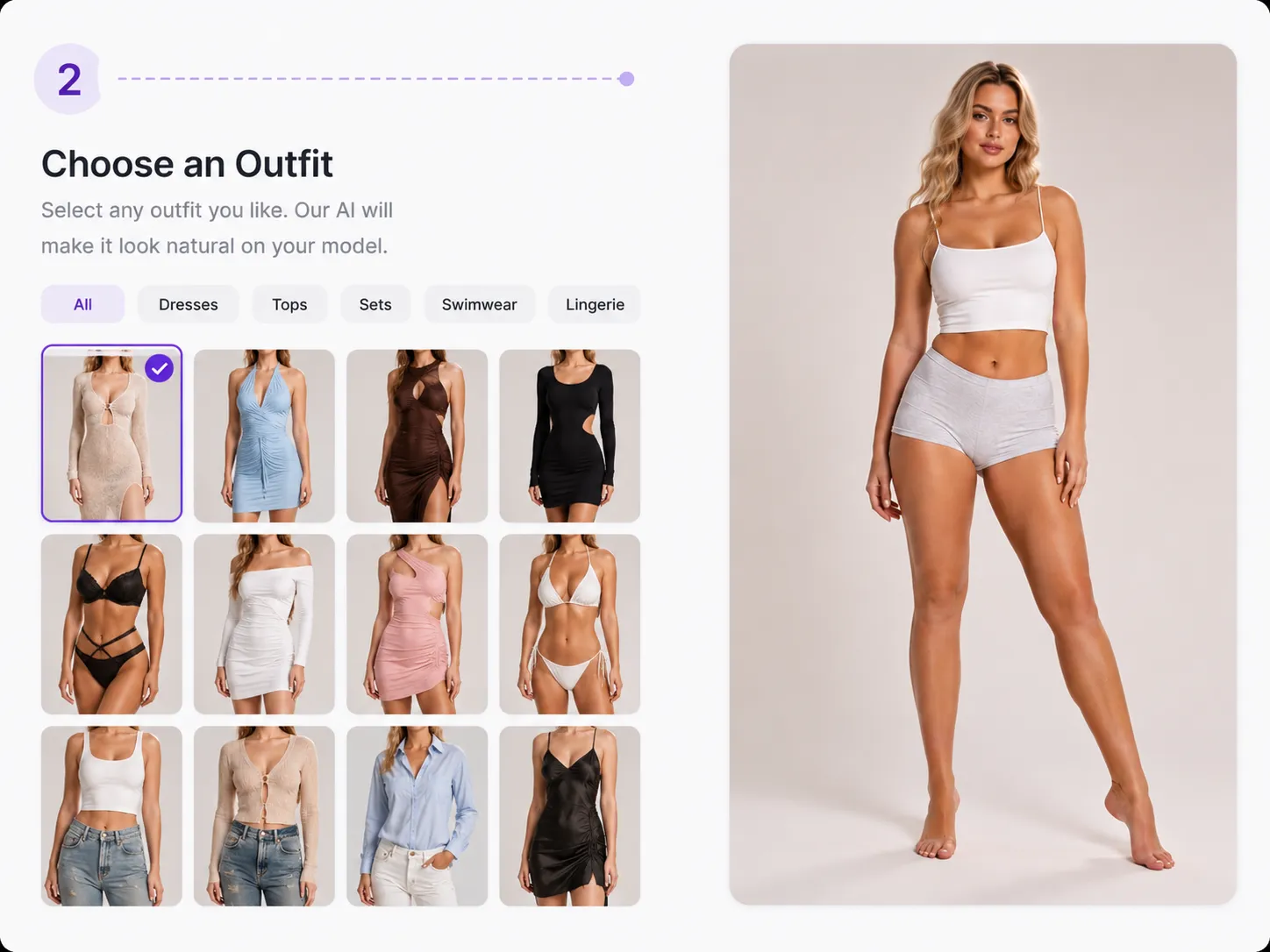
Select a preset outfit style, or upload one to four garment references that show the cut, color, fabric, and details you want.
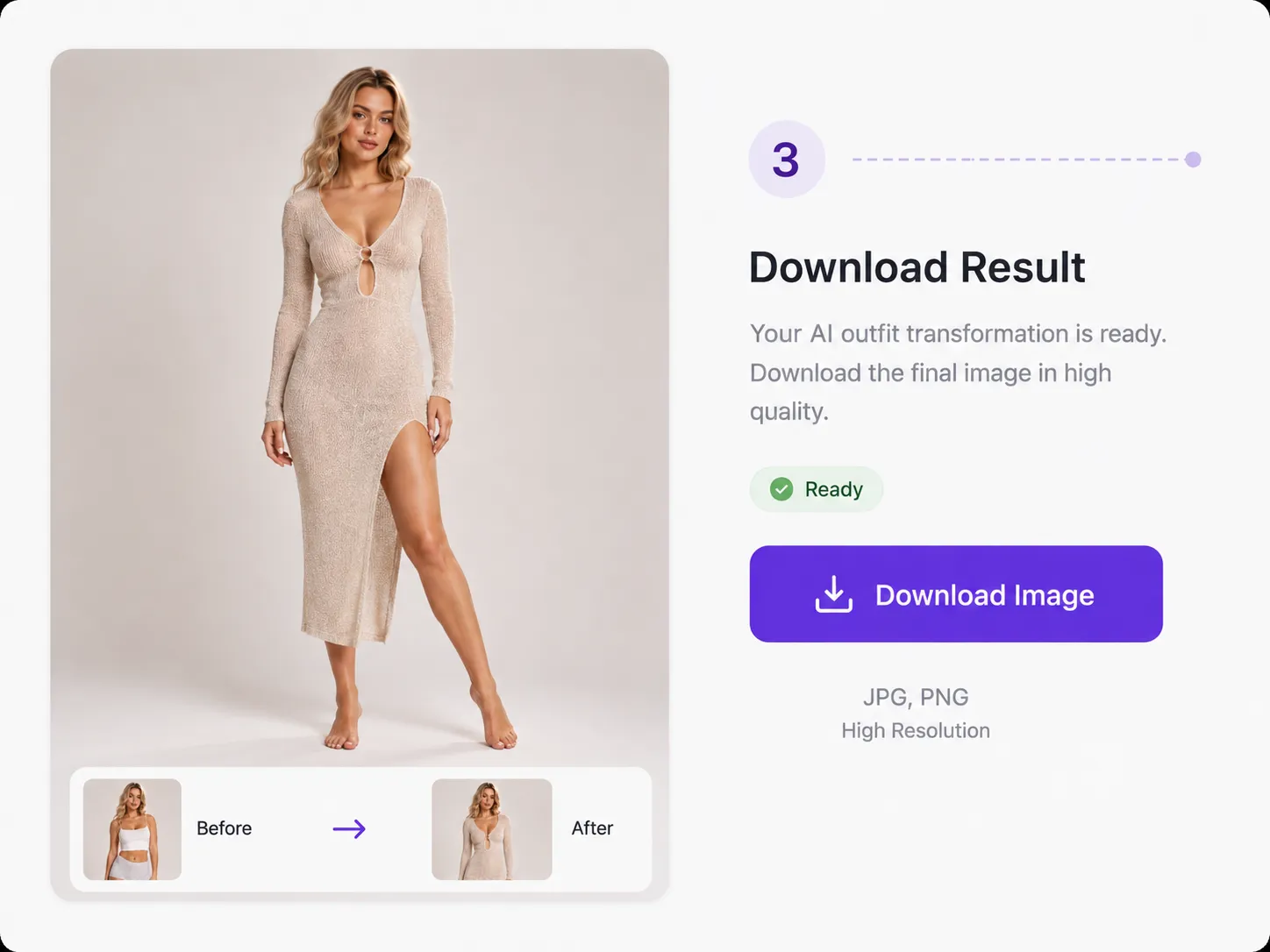
Create the outfit change, inspect the face, hands, body edges, fabric details, and background, then download the result you want to keep.
Compare colors, silhouettes, and outfit ideas before planning a look.
Explore wardrobe concepts for profile images and social posts while keeping responsible disclosure in mind.
Create early visual concepts for campaigns and product storytelling, subject to your plan and all model, image, and garment rights.
AI outfit changes are visual concepts, not measurements or real-world fittings, and this tool is not a size or fit predictor. Results can vary when arms, bags, hair, or other objects cover the clothing area. Transparent fabrics, tiny text, logos, detailed prints, unusual poses, and low-resolution images may not be reproduced exactly. You must have the rights or permission for every person and clothing image you submit.
Uploaded images are processed to provide the requested outfit change. Avoid confidential or sensitive content, and read our Privacy Policy for current details about information handling.
Get consent where a recognizable person is involved, and never use results for deception, abuse, impersonation, or unauthorized exploitation.
Read the Privacy PolicyAn AI clothes changer is a generative image tool that replaces visible clothing in a person photo using a preset style or uploaded garment references.
Upload a clear person photo, choose a preset outfit or upload one to four clothing references, generate the result, review it, and download the image you want to keep.
Yes. You can upload flat-lay, product, or model-worn garment images that you own or have permission to use.
Use clear, evenly lit images with the person and clothing area visible. Avoid heavy occlusion from arms, bags, hair, or other objects.
Sign in to generate using account credits. Available free account credits can be used. Check your balance and the cost shown in the editor before generating.
The model aims to preserve them, but facial details, body edges, pose, lighting, and the background may vary. Review every result carefully.
No. The result is a visual outfit concept and should not replace measurements, fittings, or product-specific sizing guidance.
Uploaded images are processed to provide the requested outfit change. Avoid sensitive uploads and read the current Privacy Policy for information-handling details.
Continue editing with tools for broader photo changes, transparent backgrounds, hair color, and hairstyles.
Upload a person photo, choose a preset style or add garment references, and preview a new outfit concept.
Change Clothes in a Photo