YuzuTime AI

AI photo & image editor demo result

Preview

YuzuTime V1 · default

Recent history

More

No recent edits yet.

Best Free AI Photo & Image Editing Workspace

Best Free AI Photo Editor & AI Image Editor Online

The best free AI photo editor and prompt-based AI image editor online. Edit images with text prompts, no sign-up required. Get free daily credits, claim login bonuses, and earn rewards via daily check-ins for high-quality, watermark-free downloads.

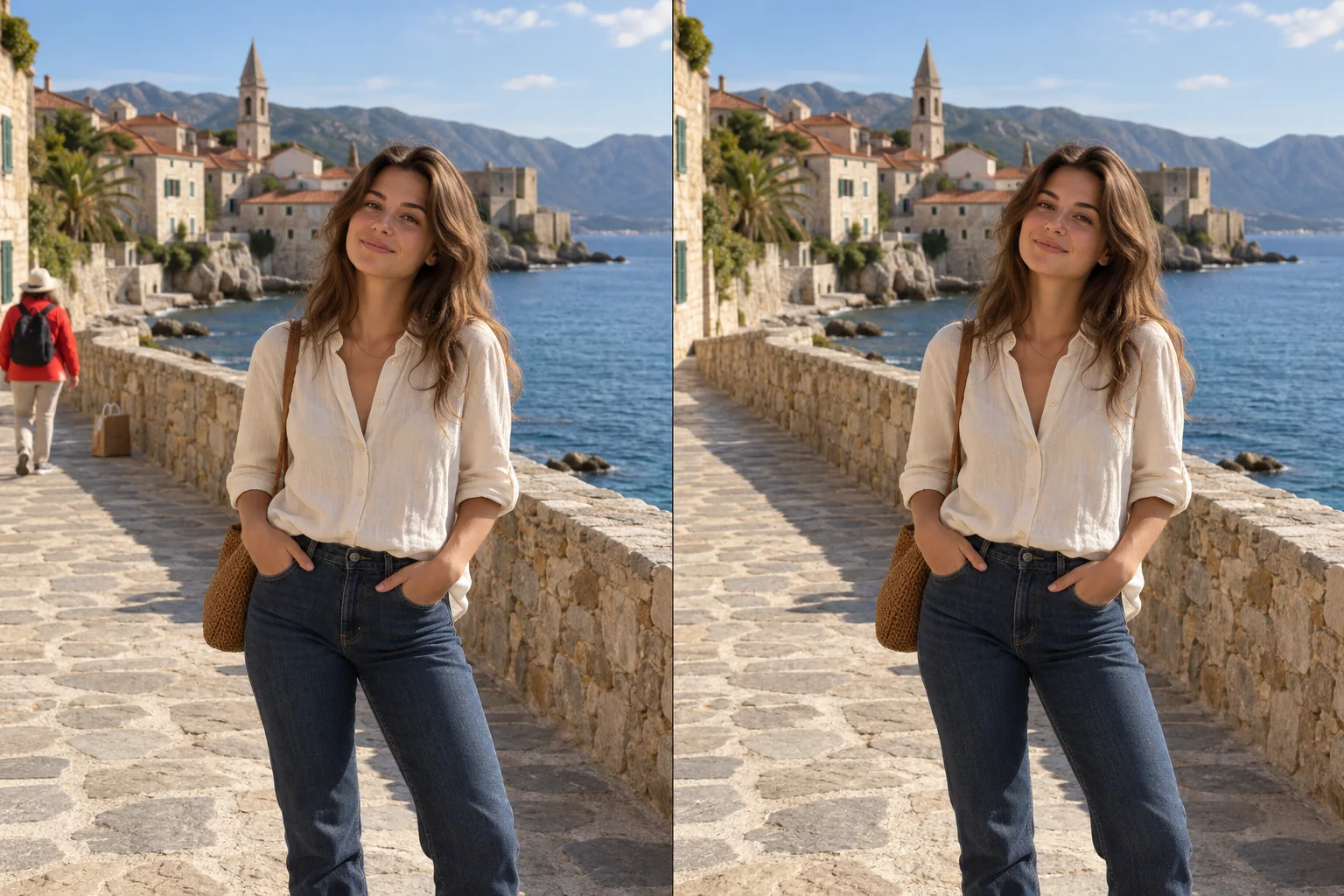
YuzuTime AI photo editor workspace demo

Use Cases & Capabilities

What Can You Do with a Prompt-Based AI Image & Photo Editor?

Transform your images using simple natural language commands. Skip tedious brush masks and manual lasso selections—just describe the result you want to achieve.

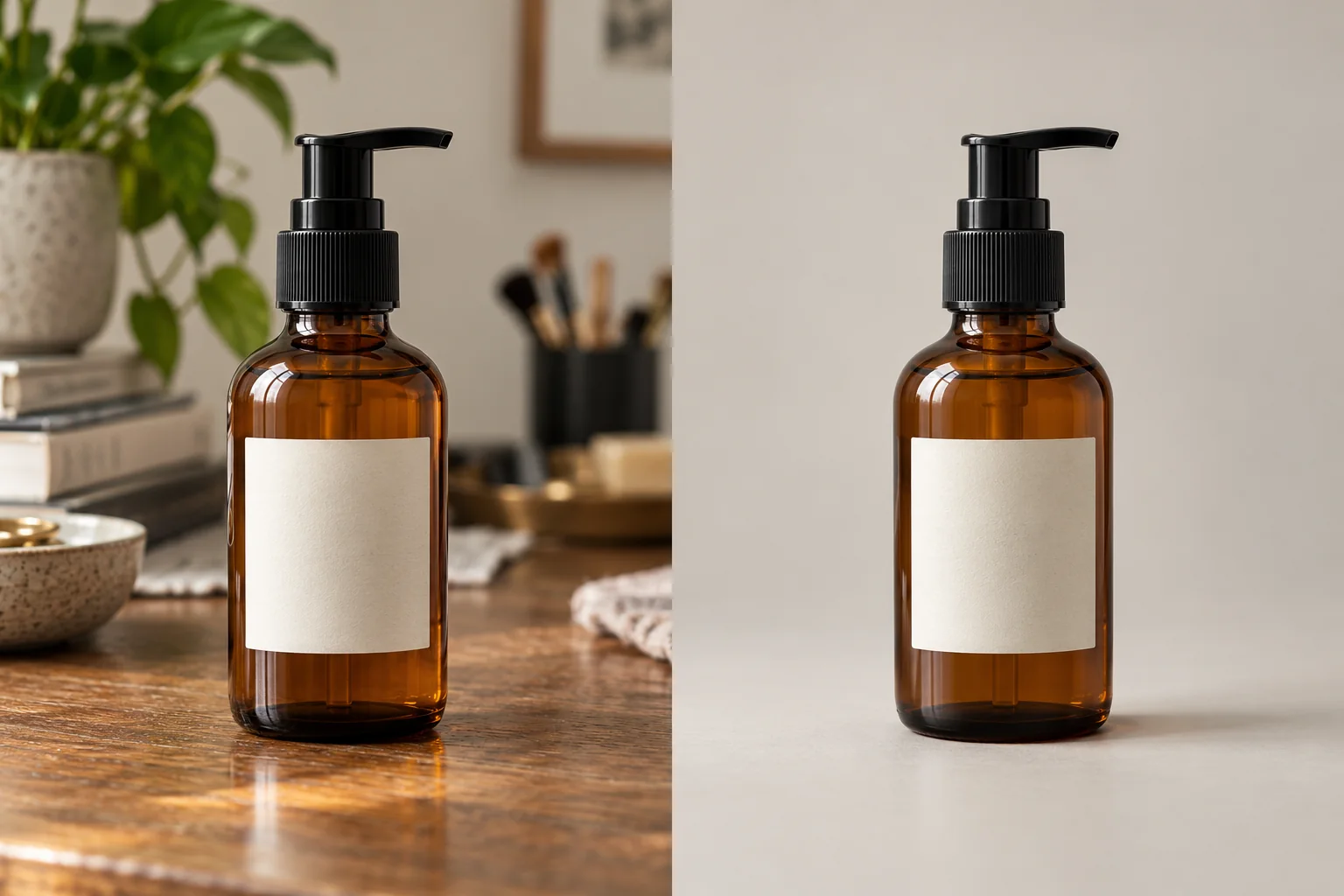
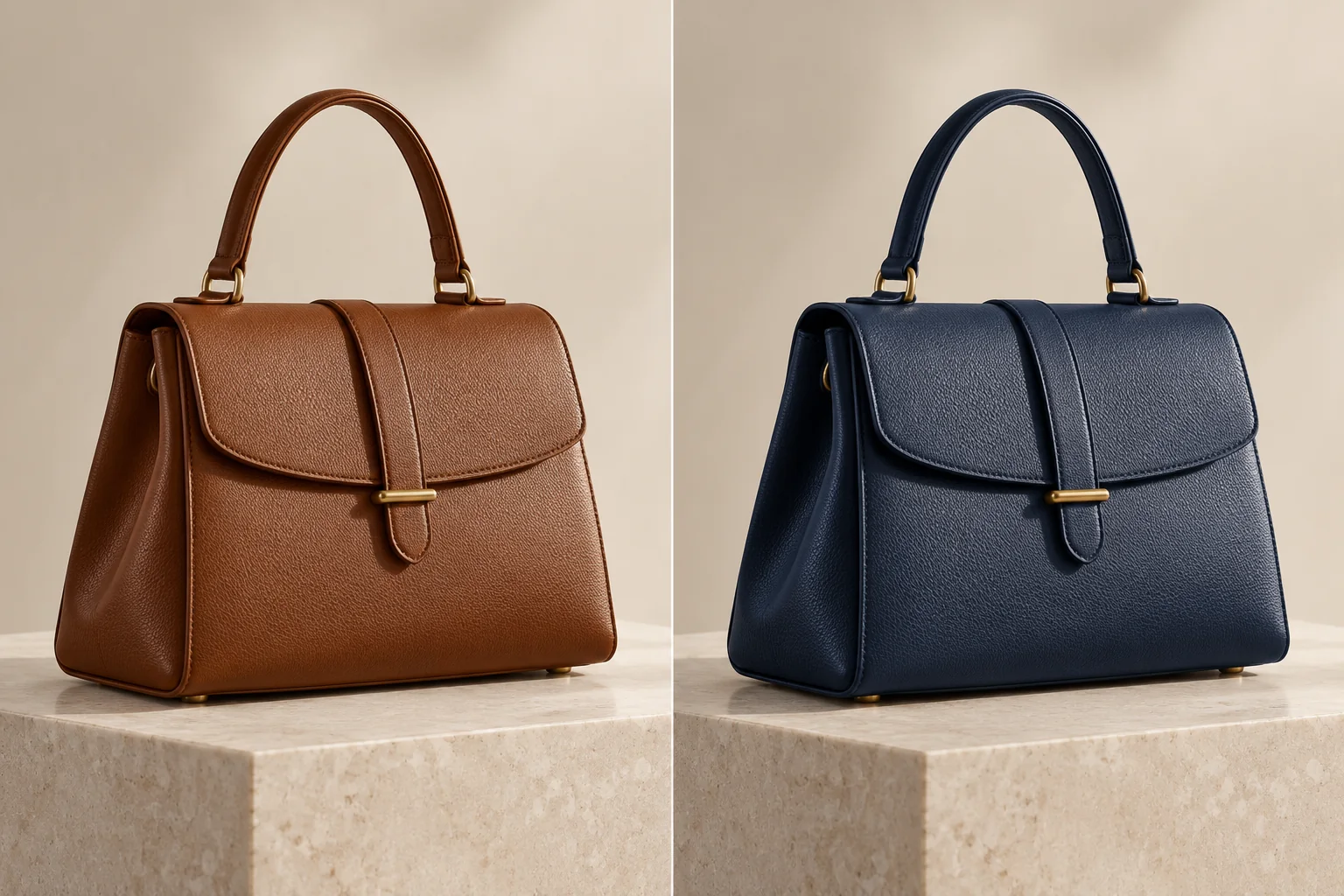
Clean & Enhance Product Photos

Clean & Enhance Product Photos

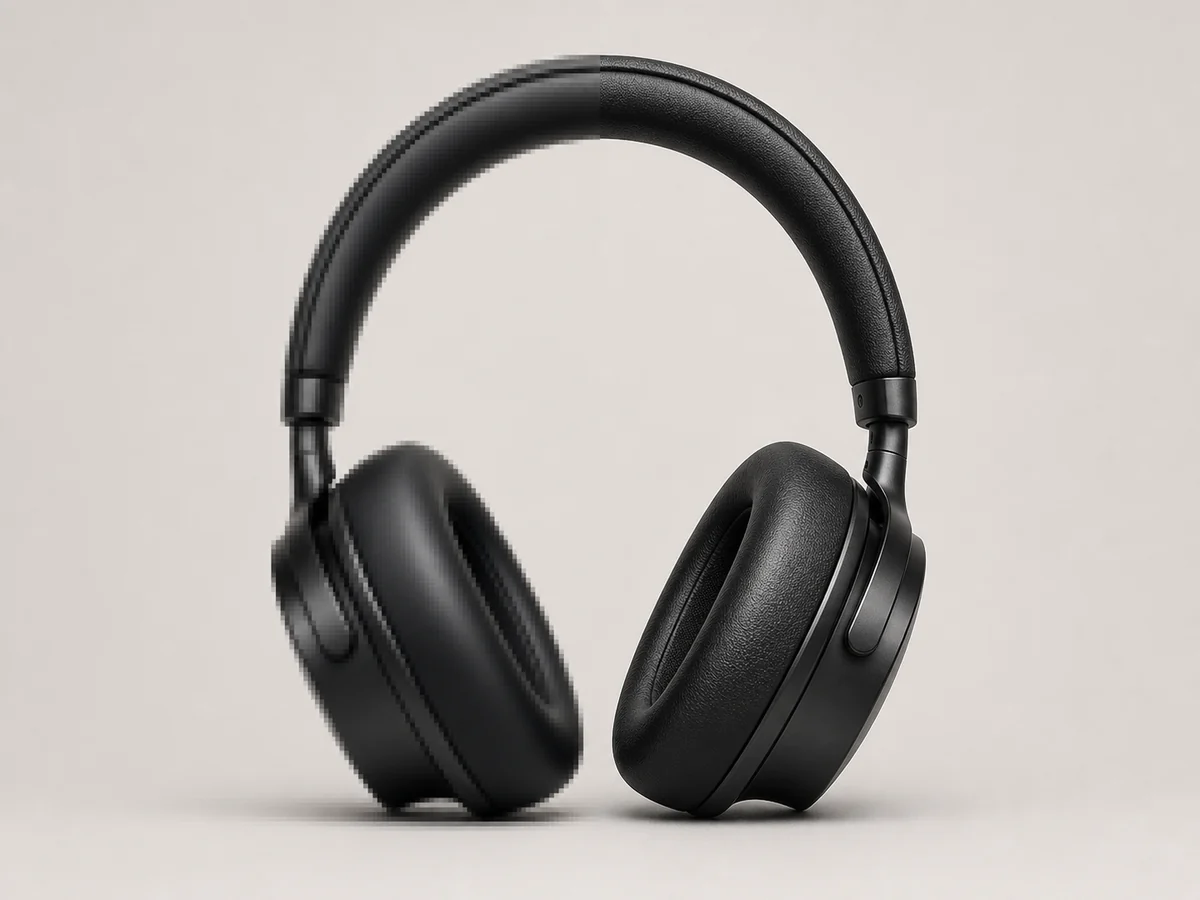
Fix bad studio lighting and eliminate messy reflections or unwanted clutter that ruin your e-commerce shots. Instead of paying for expensive manual clipping paths, simply type a prompt like 'improve product studio lighting, fix harsh shadows, and remove background distractions.' Instantly get marketplace-ready graphics for Amazon or Shopify that drive higher conversion rates.

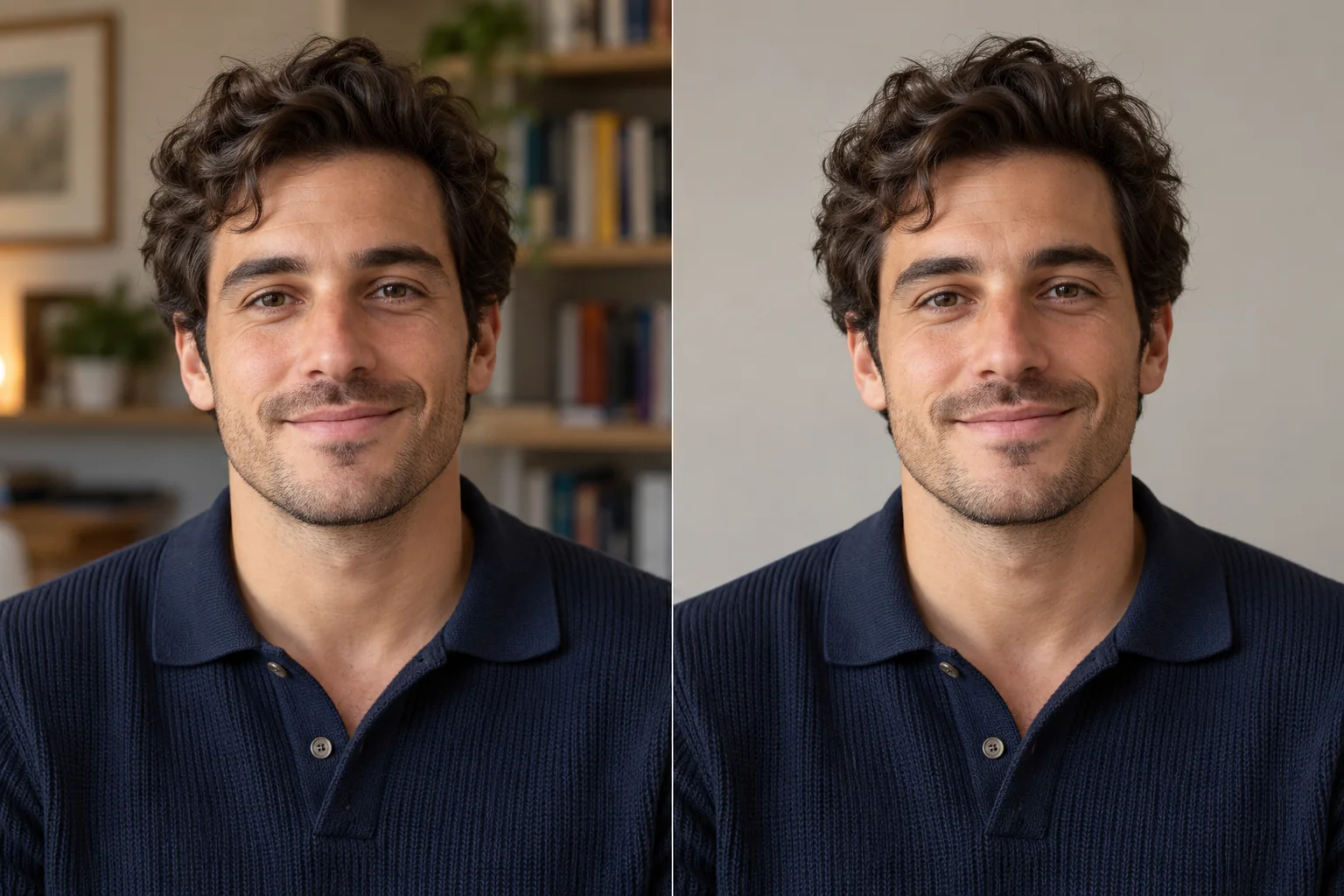
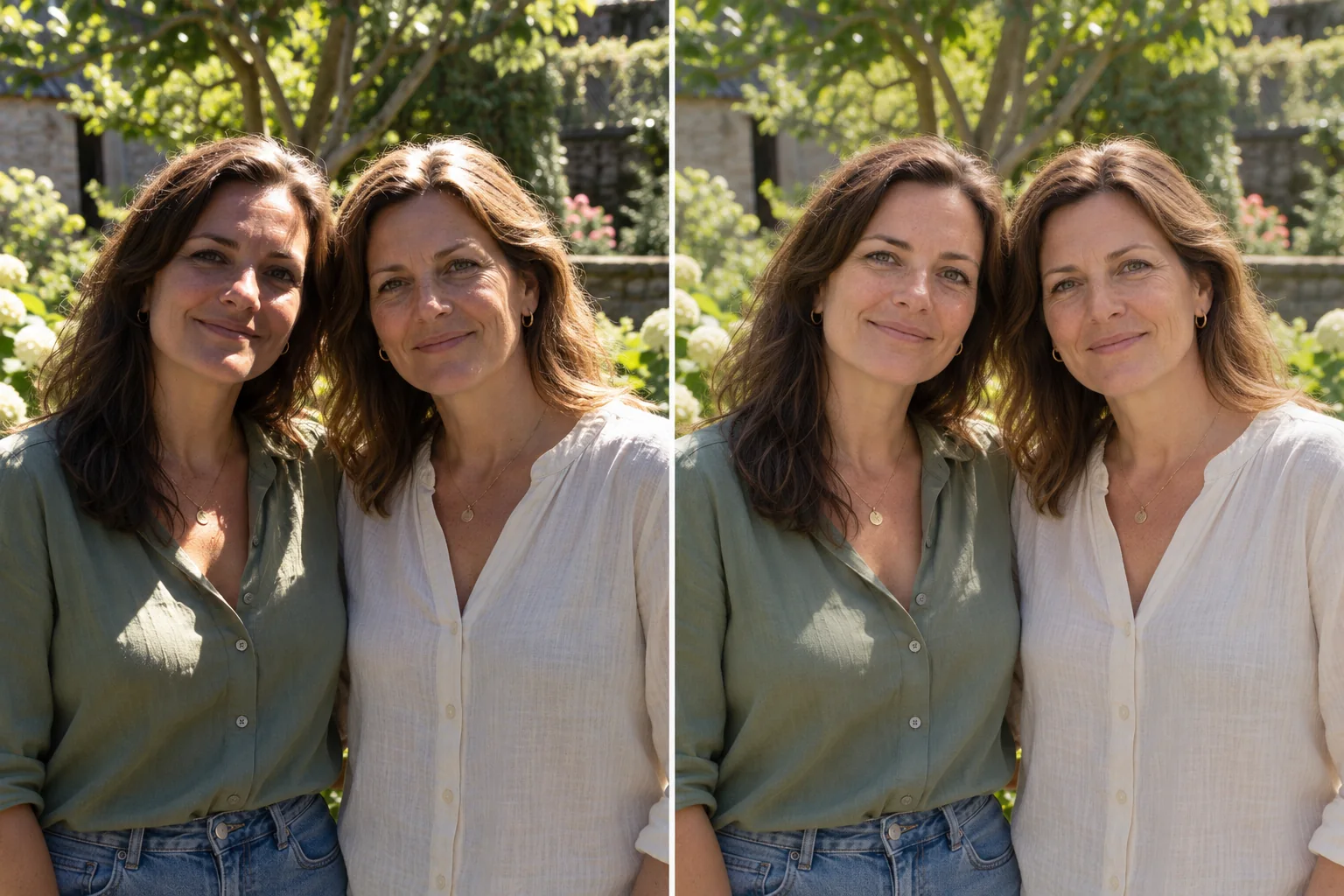
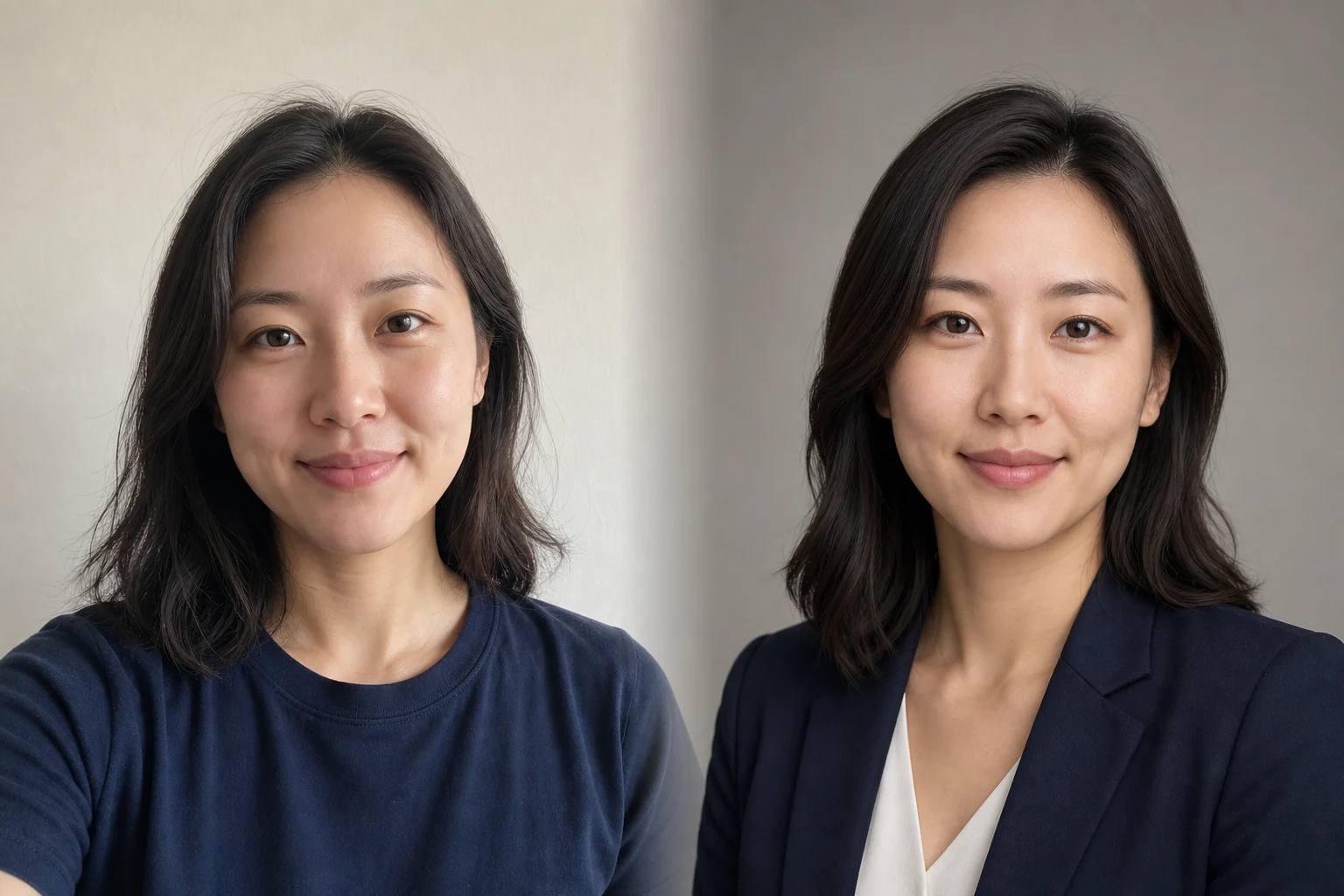
Retouch Portraits with a Natural Look

Retouch Portraits with a Natural Look

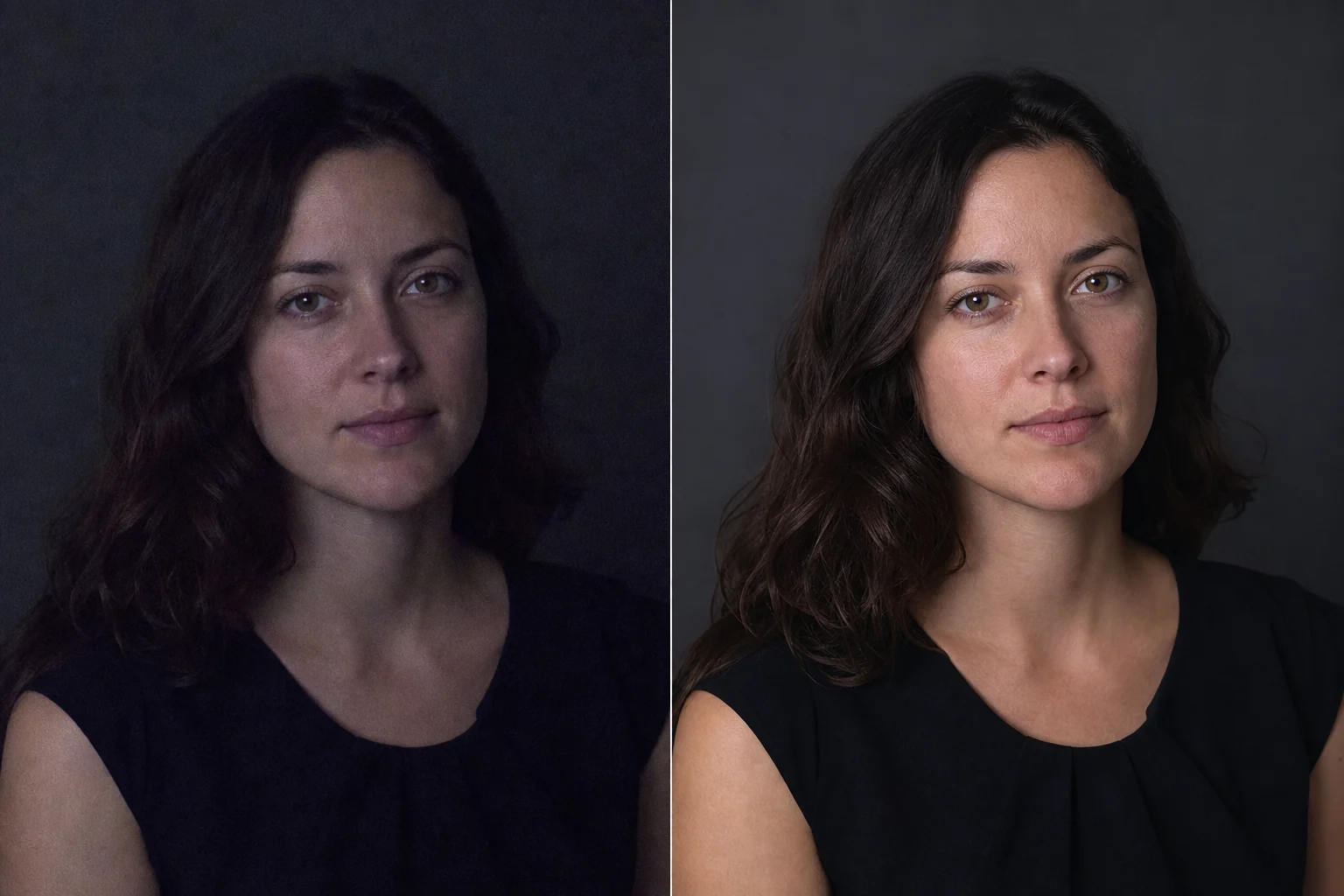
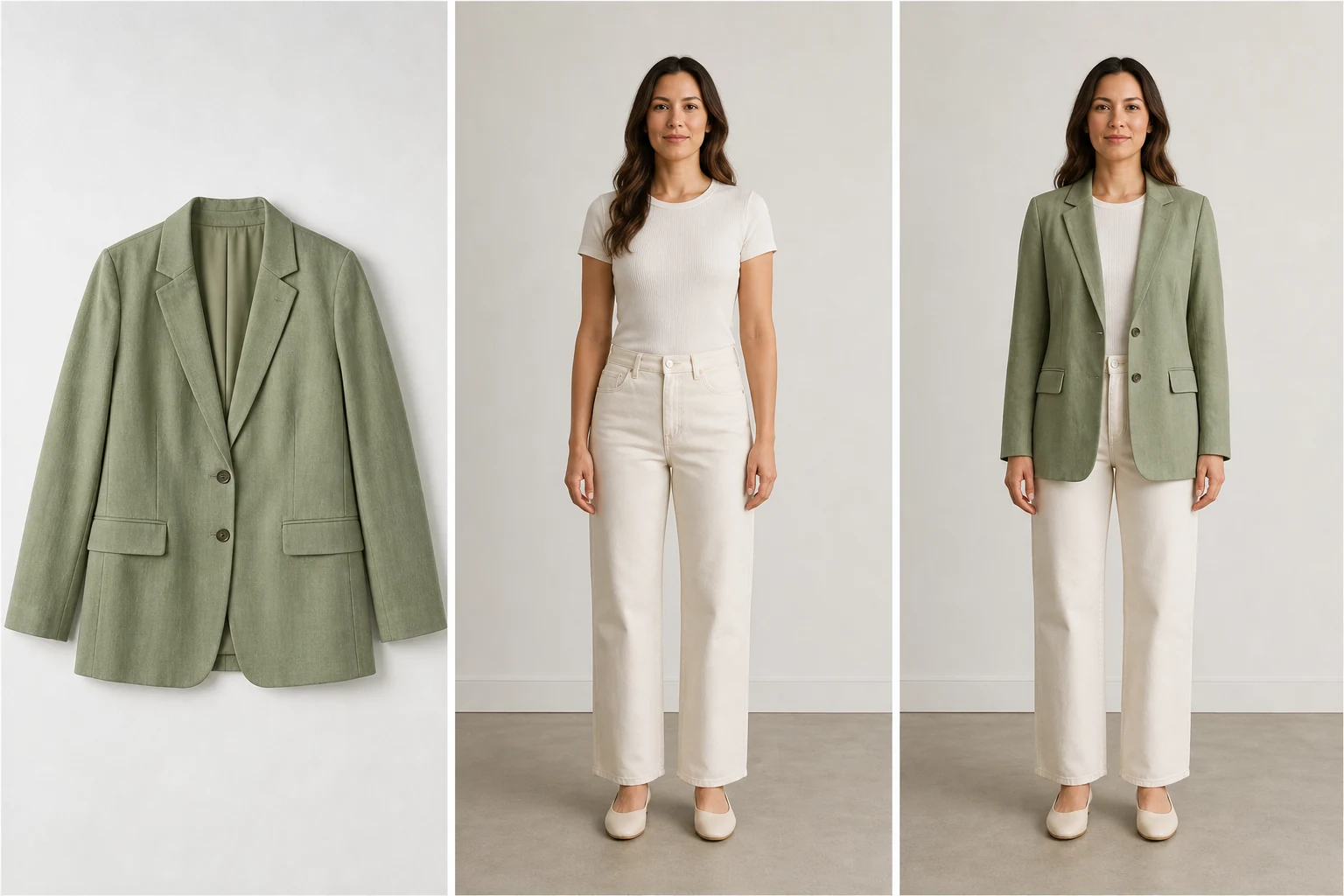
Avoid overly airbrushed, artificial-looking profile pictures that lose personal authenticity. Select our specialized Yuzu Retouch model and guide the edit with text commands like 'subtly smooth skin, soften contrast on facial shadows, and change jacket color to dark navy.' Get professional LinkedIn headshots or creative team avatars while fully preserving original facial textures.

Creative Control & Background Changes

Creative Control & Background Changes

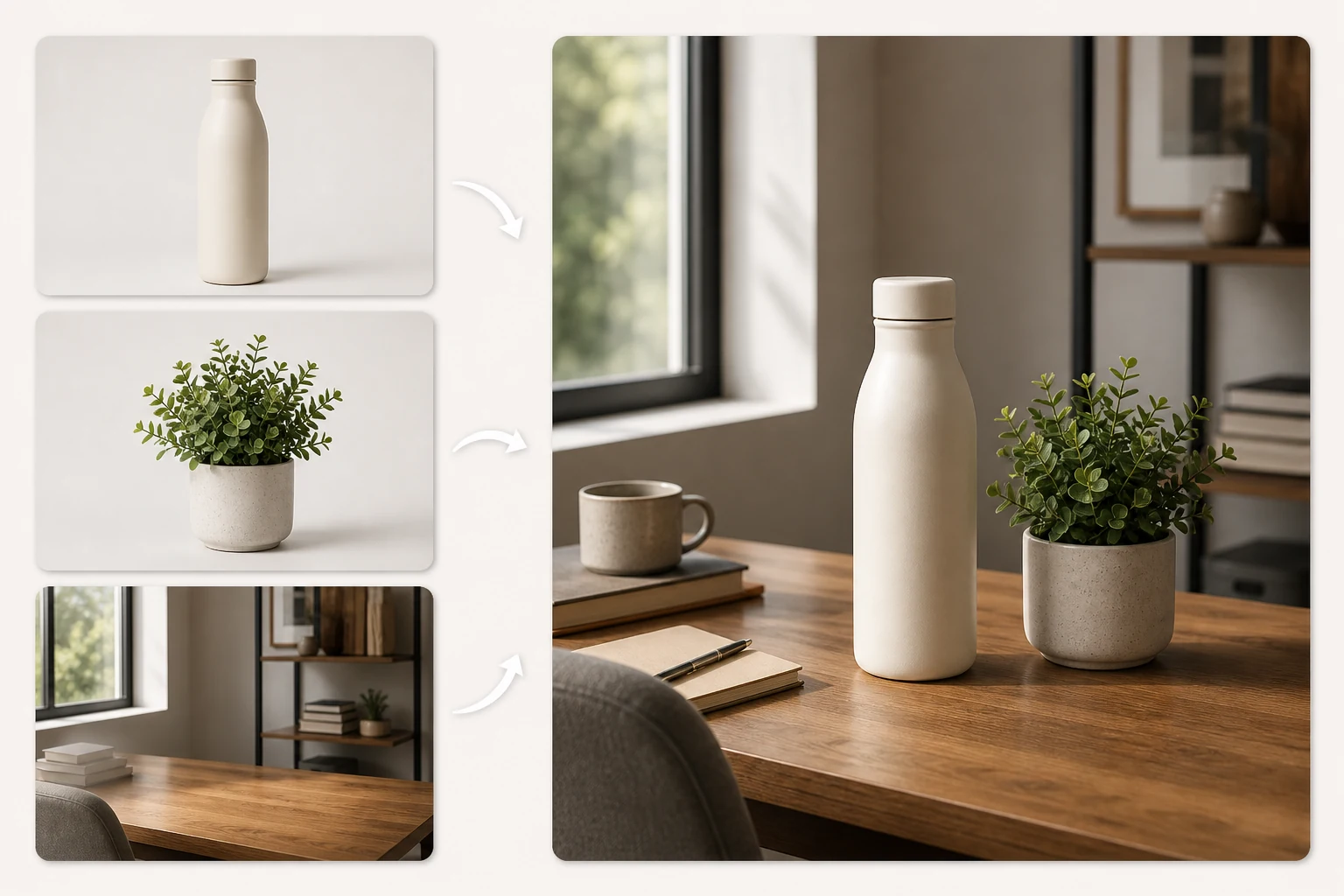
Turn one source image into polished marketing variations without arranging another photo shoot. YuzuTime lets you describe changes like 'change background to a sunlit minimalist kitchen' and create bold art adjustments in a focused workflow. Spin up multiple social ad concepts for review in less time.

Why Choose YuzuTime AI Photo & Image Editor?

100% prompt-driven workflow: type the change you want instead of painting masks, drawing selections, or rebuilding layers by hand.

Zero signup friction: open the editor, upload one image, write a prompt, and try edits without email, login, or card setup.

Generous free credit ecosystem: enjoy free daily trial credits with no sign-up. Create a free account to unlock a massive welcome credit bonus, and participate in daily check-in events to stack up continuous credits.

Flexible creative workflow: describe background, lighting, color, cleanup, and styling changes with clear text prompts.

Clean downloads: free daily credits can produce no-watermark exports, so your result is ready for review, store pages, or social posts.

What Is an AI Image & Photo Editor?

An AI image editor (or AI photo editor) is a web-based tool that uses artificial intelligence to understand a source photo and apply changes based on natural language prompts. Traditional editors depend on manual lassos, clone stamps, layers, and brush masks; generative AI editors read the image context and turn plain text instructions into a new edited result.

YuzuTime AI compresses that process into a focused workbench with upload, prompt, model, size, preview, download, and history controls on one page, so product photos, portraits, and social creatives can move from idea to usable edit faster.

How to Use the Free AI Photo Editor Online

Start with one image, guide the edit with a text prompt, then review and download the result from the same no-login workbench.

Upload a Photo

Step 1

Upload a Photo

Choose one PNG, JPG, or WEBP image and preview it directly inside the upload window before generation.

Prompt and Pick a Model

Step 2

Prompt and Pick a Model

No brush required: write a sentence such as "change background to a clean studio wall," choose a Yuzu model, and select the output size.

Review and Download for Free

Step 3

Review and Download for Free

Compare the result in preview or history, then download a clean no-watermark image using your free daily or check-in credits.

Start Editing Photos & Images with AI

Open the free AI photo editor online, upload one image, and turn a short text prompt into a clean edited result. Grab your free daily credits and sign up for extra bonuses!

Open AI Photo Editor

What Users Say

"The no-login flow makes quick product photo cleanup feel much less heavy than opening a full design suite. Plus, stacking credits via daily check-ins is awesome."

E-commerce founder

"An exceptional AI image editor for testing creative variations quickly. Highly recommended for flexible design workflows."

Brand designer

"It is fast to test background changes for paid social without asking the team to rebuild every asset."

Growth marketer

FAQ

AI Photo & Image Editor FAQ

Is YuzuTime a free AI photo editor online with no sign up?

Yes. YuzuTime is built for people who want to upload an image, describe an edit, and try AI photo editing without creating an account. Free daily credits let you test prompt-based edits before deciding whether you need more.

How much creative control does YuzuTime provide?

YuzuTime supports flexible prompt-based edits for backgrounds, lighting, color, cleanup, retouching, and creative variations while using safe and capable underlying models.

How can I get more free credits on YuzuTime?

Aside from your anonymous free daily credits, you can simply log in to receive a sign-up bonus of free credits. Additionally, our daily check-in events allow you to easily claim more credits every single day to keep editing for free.

Can I use the AI photo editor with prompt instructions only?

Yes. The editor is designed around text prompts. Describe changes such as product photo lighting, portrait retouching, object cleanup, or change background, then choose a model like Yuzu Edit Pro or Yuzu Retouch.

Do downloads have a watermark?

Free daily credits and check-in credits can create clean downloads without a watermark. Always review the preview before publishing so the edited image matches your product, portrait, or campaign use case.