YuzuTime AI

AI bikini generator demo preview

Preview

Style mode

Recent history

More

No recent edits yet.

AI swimwear photo tool

AI Bikini Generator for Swimwear Photo Ideas

Upload an adult photo, pick a bikini style, or describe the swimwear look you want. YuzuTime AI helps you create clean beach and resort photo concepts without manual retouching.

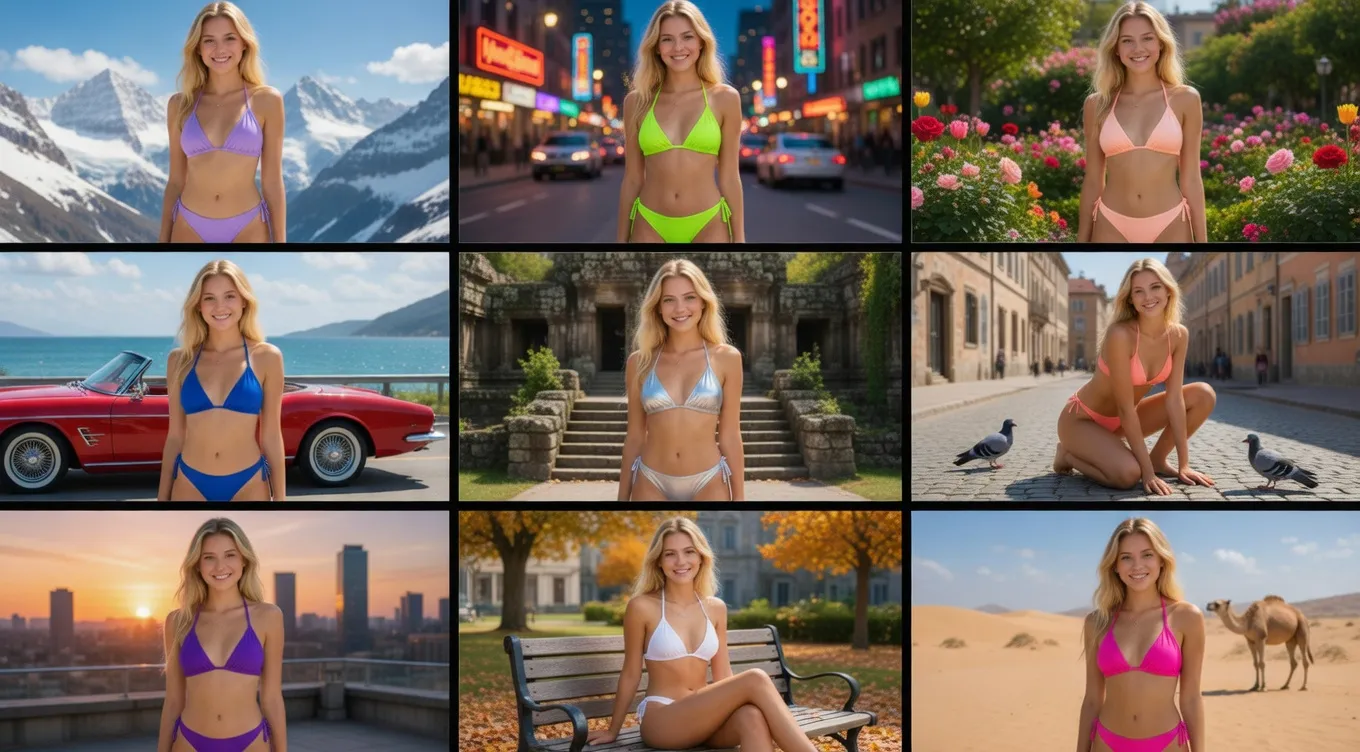
AI bikini generator swimwear preview

Use cases

Where the AI Bikini Generator Fits

Use it when you need a fast swimwear preview for a fashion idea, beach shoot, shop listing, or social post.

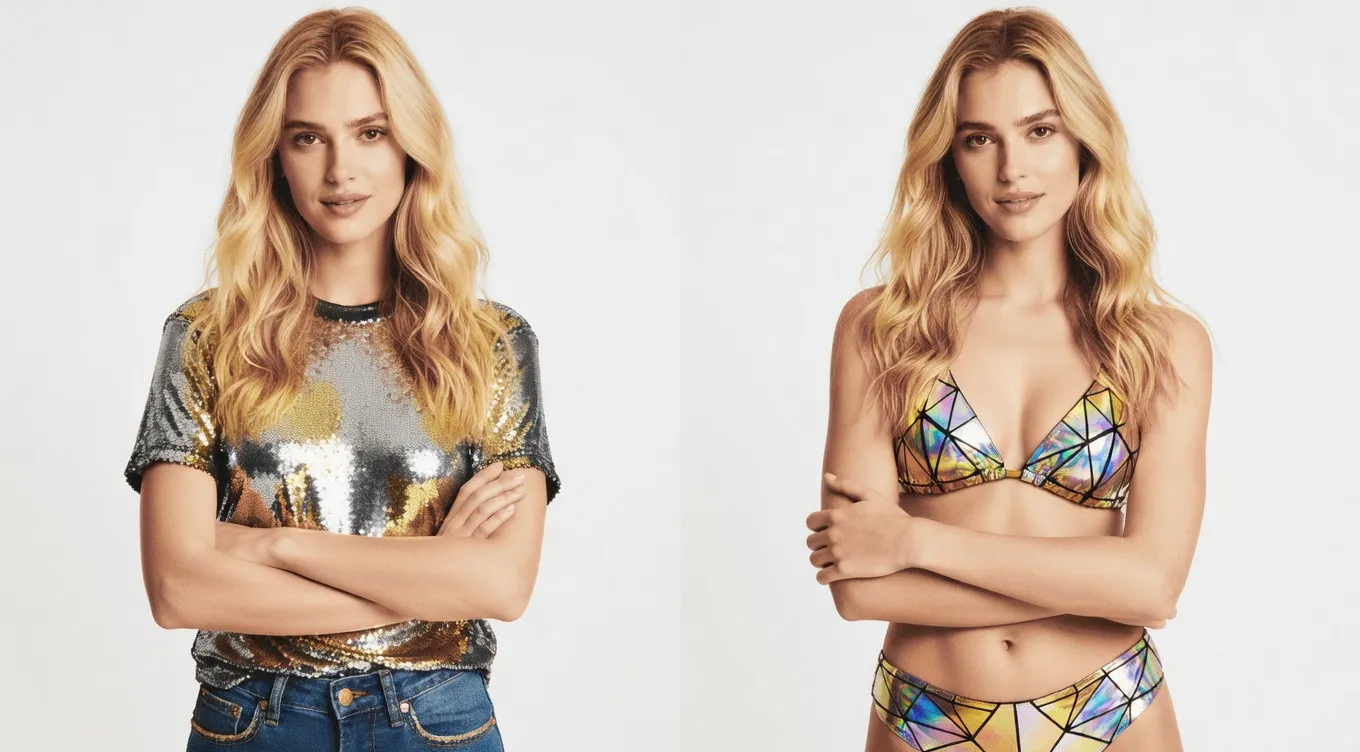
Beach swimwear concept created with AI

Plan beach and resort photos

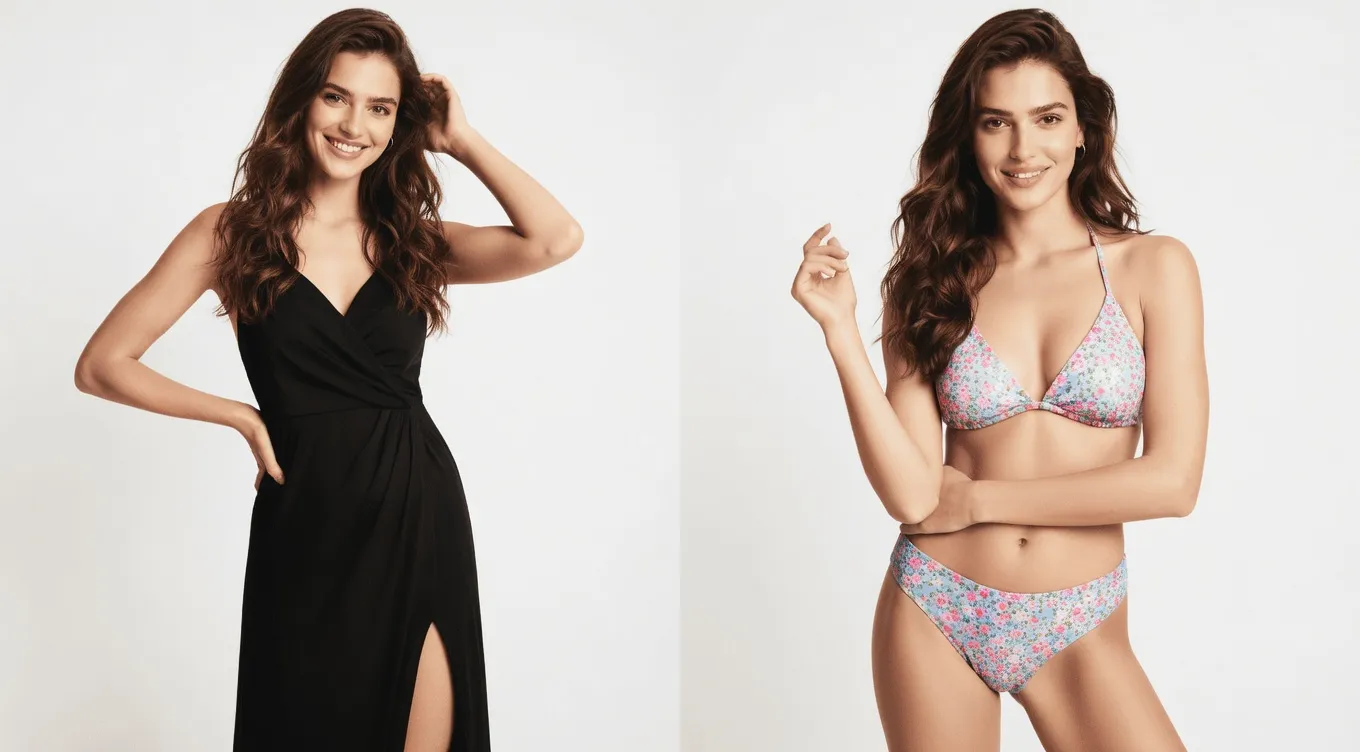
Test different bikini colors, patterns, and cuts on an adult source photo to visualize the final look before planning a physical shoot. Whether you are exploring personal beach-style inspiration, testing an AI bikini try-on concept, or building a visual direction for a summer marketing campaign, this tool helps you quickly see how high-waisted styles, sporty sets, or classic fits align with your aesthetic goals without the cost of location scouting.

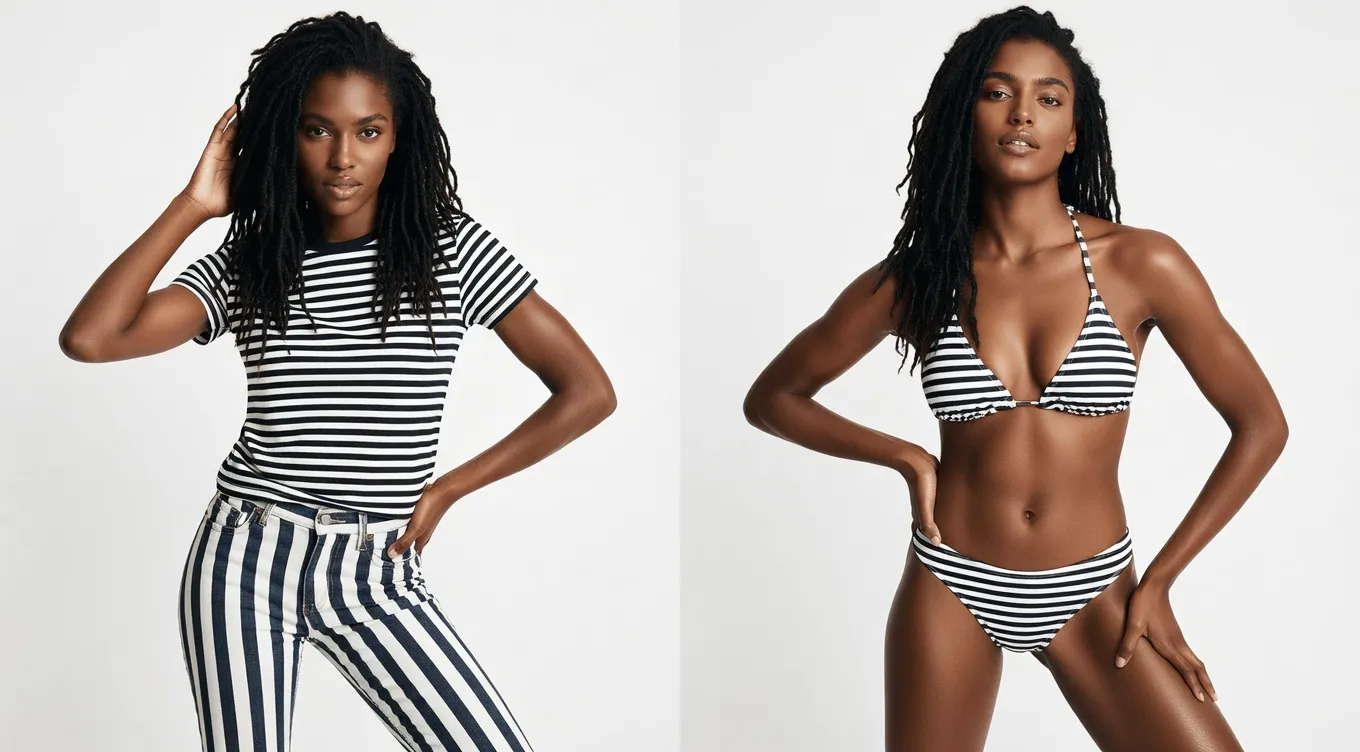
AI bikini photo preview for a resort look

Draft swimwear product ideas

Generate high-quality rough concepts for product pages, e-commerce marketplace thumbnails, fashion lookbooks, or creative mood boards. Leveraging the AI bikini model generator capabilities allows design teams and creators to rapidly prototype new swimwear designs, test different fabric textures visually, and build comprehensive seasonal reference boards long before booking models, photographers, or studio space.

Summer swimwear outfit concept

Control the look with prompts

Use detailed text instructions to fine-tune every aspect of your image. Write out specific AI bikini prompts covering the fabric type, exact fit, lighting setup, background setting, and overall photographic mood to achieve realistic results. If your generated image requires broader background cleanup, lighting adjustments, or detail refinement after the core swimwear concept is established, seamlessly transition your workflow by opening the AI Photo Editor next.

Why Use YuzuTime AI Bikini Generator?

Preset styles are useful when you want a quick direction, such as classic black, tropical print, sporty, high-waisted, or minimal swimwear.

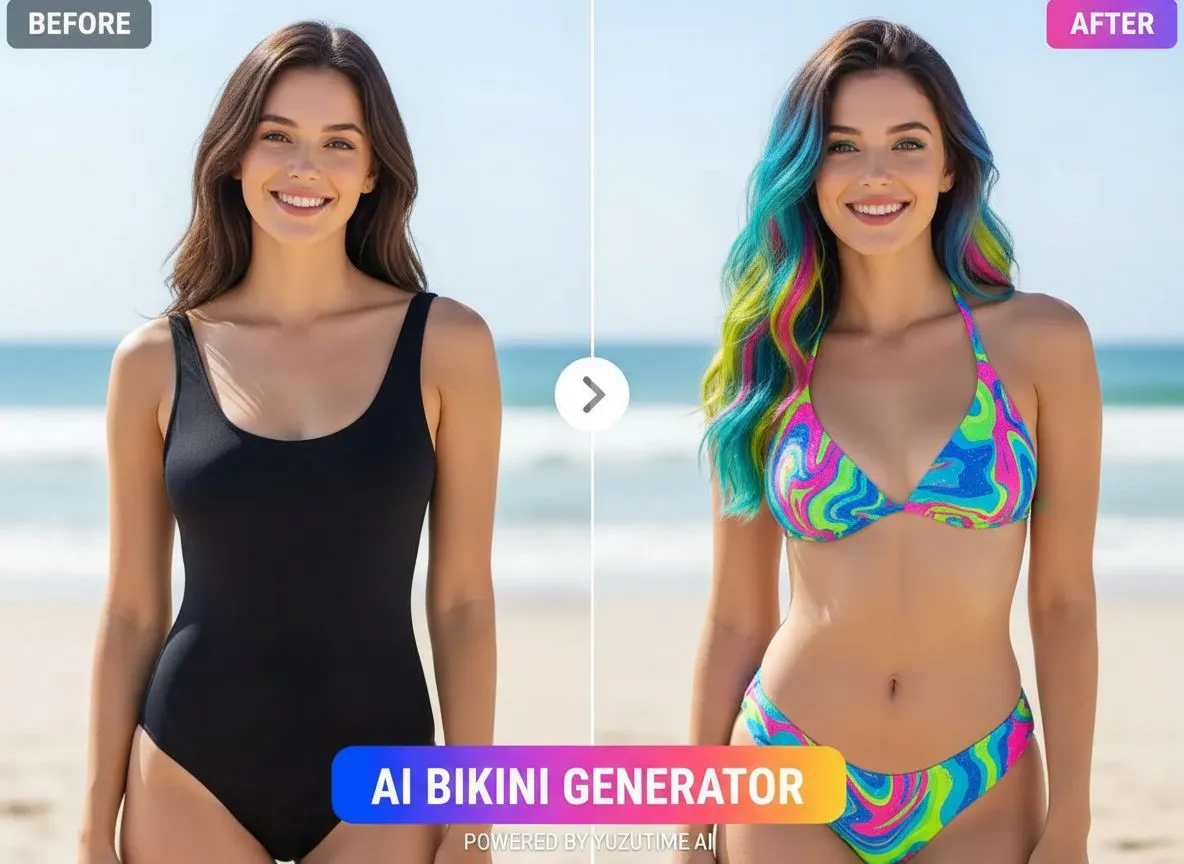
The default prompt keeps the person, body shape, pose, background, camera angle, and lighting stable while changing the outfit.

Custom prompts let you specify color, print, fabric, fit, styling details, and the mood of the final photo.

The tool runs in the browser and uses the same credits, history, and download flow as the other YuzuTime AI image tools.

What Is an AI Bikini Generator?

An AI bikini generator edits a source image or prompt into a swimwear-style photo. You can describe the bikini color, pattern, fit, scene, lighting, and camera feel instead of rebuilding the image by hand.

YuzuTime AI keeps the workflow focused on adult, consent-based swimwear previews. It is meant for fashion concepts, beach-style visuals, social content drafts, and early creative planning.

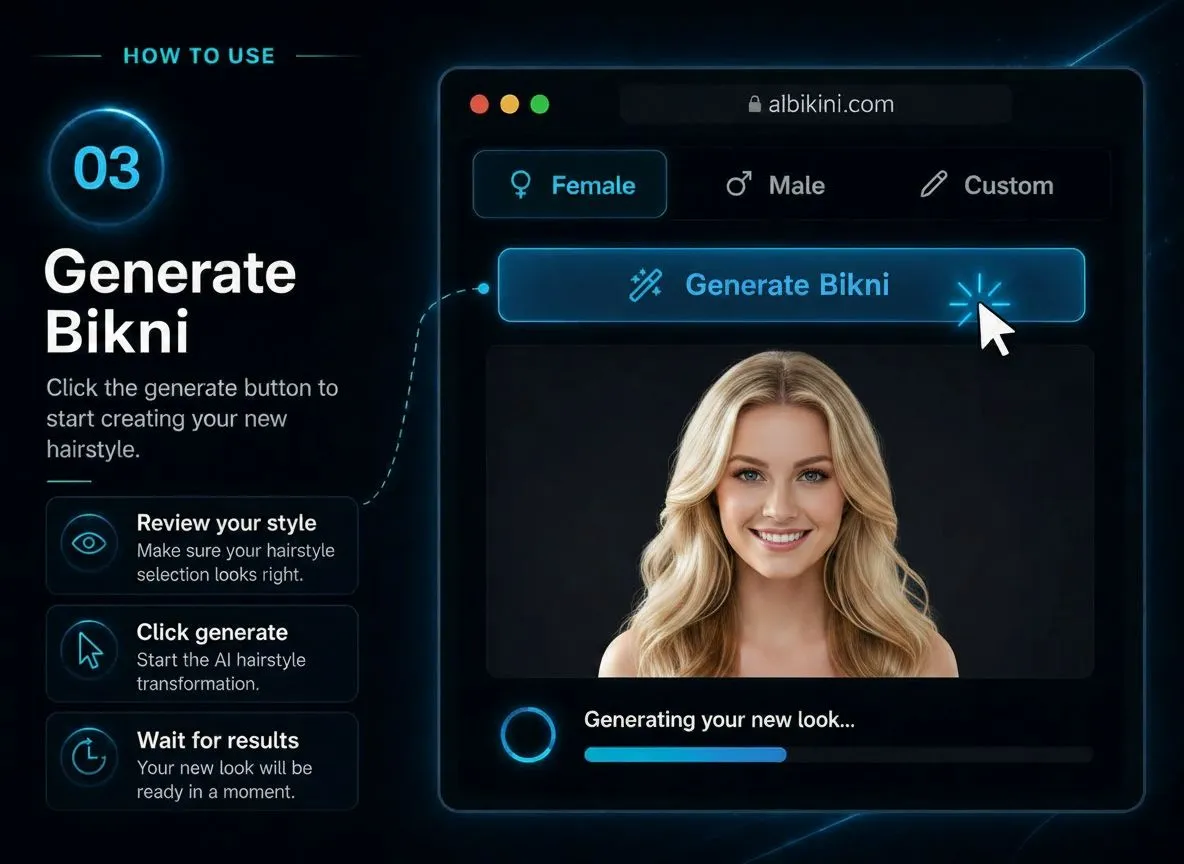
How to Use the AI Bikini Generator

Start with a clear adult photo, choose a direction, then generate and review the result.

Swimwear style preview from an uploaded photo

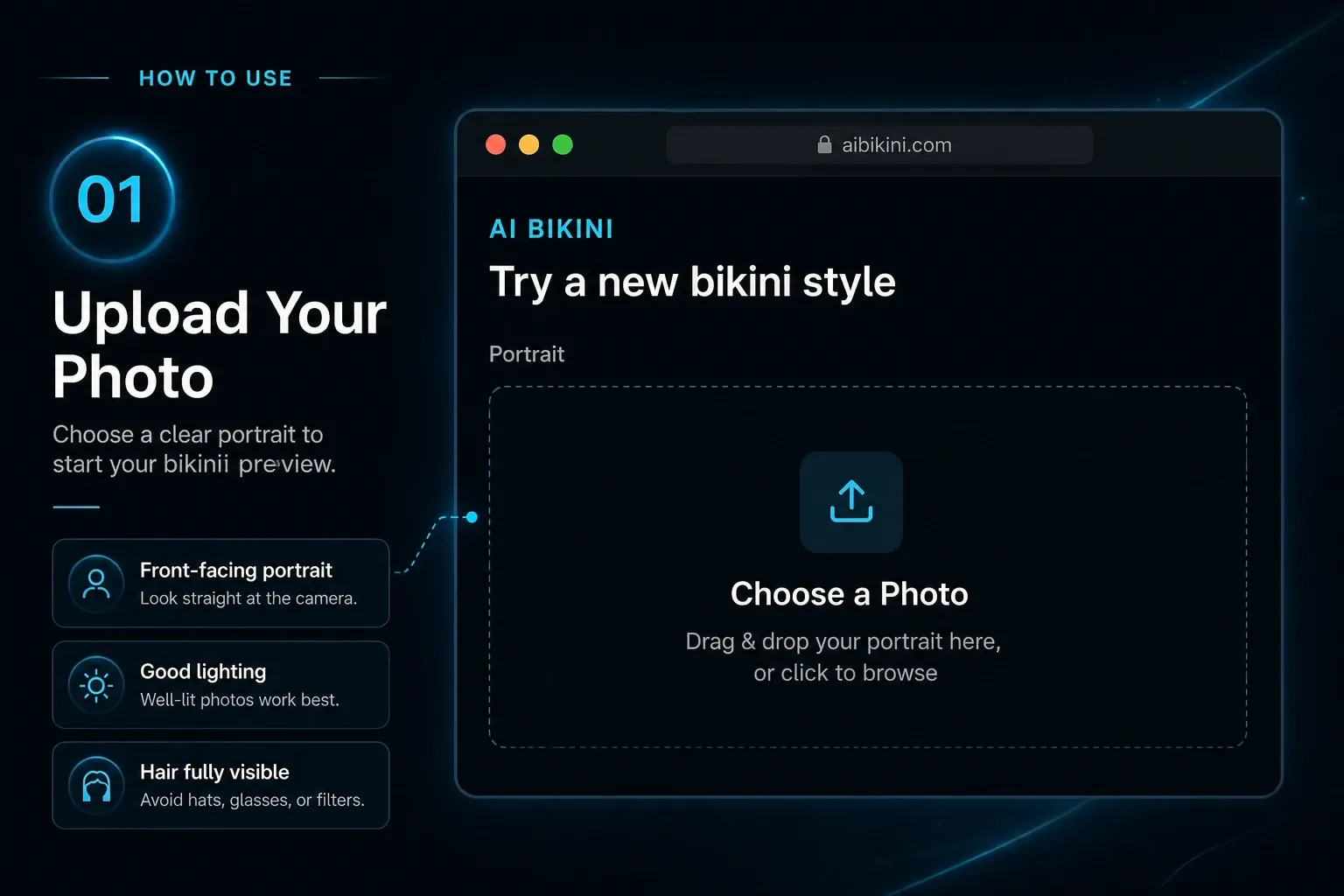
Step 1

Upload an adult photo

Choose a clear image where the outfit area is visible. Do not upload minors or images you do not have permission to edit.

High-waisted bikini concept preview

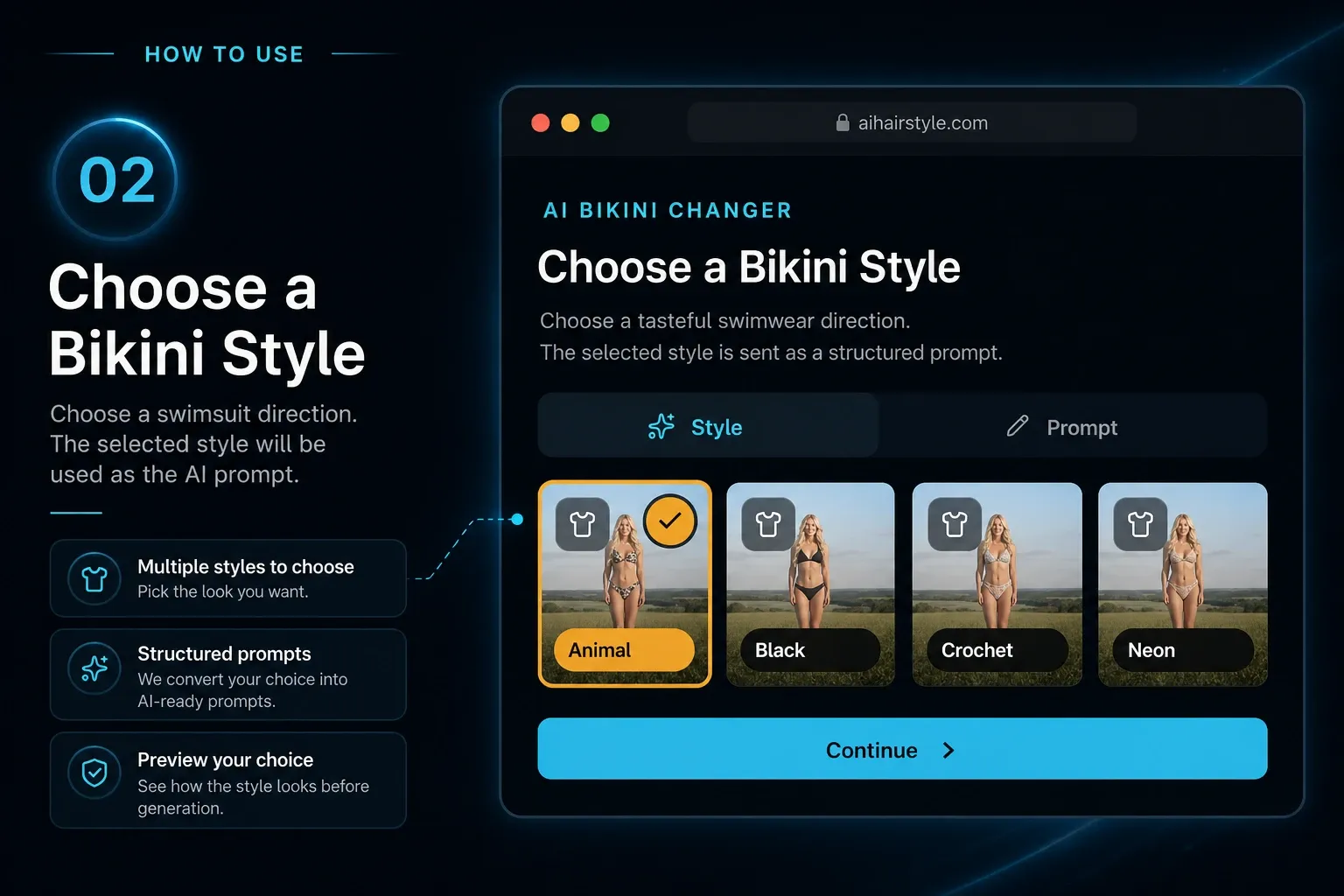
Step 2

Choose a style or write a prompt

Pick a preset for speed, or describe the color, pattern, fabric, fit, accessories, setting, and photo style yourself.

White trim bikini outfit idea

Step 3

Generate and download

Review the preview, adjust your prompt if needed, and download the image when it matches the swimwear look you had in mind.

Create a Swimwear Preview

Open the AI bikini generator, upload an adult photo, and test a tasteful swimwear direction in your browser.

Try AI Bikini Generator

Safe, Consent-Based Swimwear Editing

YuzuTime AI Bikini Generator is for adult fashion and swimwear edits. Only use images you own or have permission to edit, and do not upload private, explicit, sensitive, or non-consensual content.

Reviewed and updated by the YuzuTime AI product team. Last updated: July 2026.

Prompt Gallery

"A blue bikini look on a sunny beach, natural light, clean editorial photo style."

Prompt example

"A modern swimsuit concept for a summer campaign, simple composition, fashion magazine feel."

Swimwear prompt

"A red bikini photo by the pool, golden hour light, relaxed pose, realistic summer photography."

Poolside prompt

FAQ

Frequently Asked Questions About AI Bikini Generation

What is an AI bikini generator?

It is an online image tool for creating swimwear-style photos from a prompt or a source image. You describe the outfit, color, scene, and photo style, then generate a preview.

Is YuzuTime AI Bikini Generator free?

You can try it with the free credits available on your account. After that, the same credit rules used by other YuzuTime AI tools apply.

Can I create AI bikini photos online?

Yes. The generator runs in your browser, so you can upload a photo, choose a swimwear direction, and create a preview online.

What prompts work best for AI bikini photos?

Good prompts are specific. Mention the bikini style, color, fabric, fit, scene, lighting, and photo mood. For example: white bikini, tropical beach, natural sunlight, relaxed editorial pose.

Can I use it as an AI bikini try-on tool?

You can use it to explore swimwear try-on concepts and outfit ideas. Only upload adult images you own or have permission to use.

Can I generate AI bikini model images?

Yes, as long as the content stays within the product rules. It works best for fashion concepts, mood boards, social posts, and early campaign planning.

What content is not allowed?

Do not use it for minors, explicit nudity, non-consensual edits, impersonation, harassment, or anything that violates another person's rights or privacy.

Can I use AI bikini images for social media?

Yes, if your use follows YuzuTime AI content rules and you have the rights you need for the source image and final result.