Plan beach and resort photos
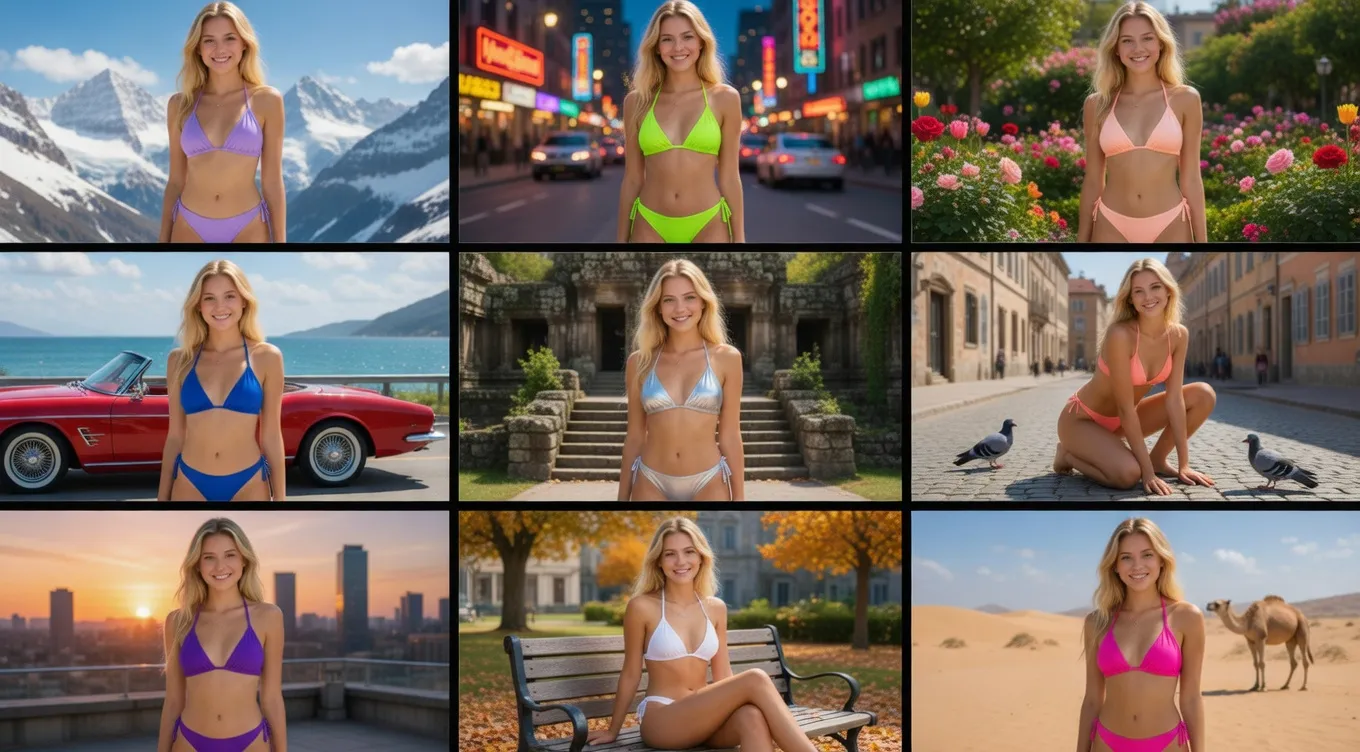
Try different bikini colors, cuts, and patterns on an adult photo before you plan a shoot or build a campaign direction.
プレビュー
Style mode
最近の履歴
さらに表示最近の編集履歴はありません。
AI swimwear photo tool
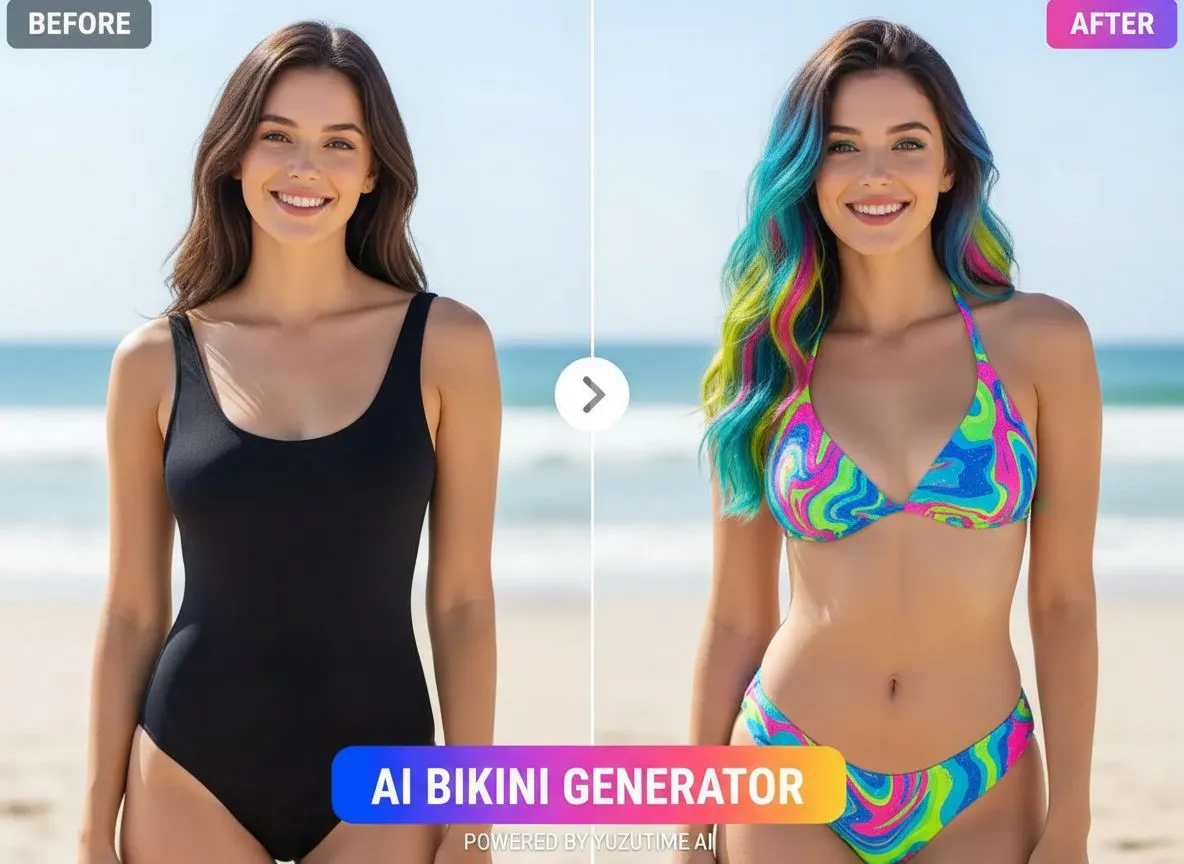
Upload an adult photo, pick a bikini style, or describe the swimwear look you want. YuzuTime AI helps you create clean beach and resort photo concepts without manual retouching.
Use cases
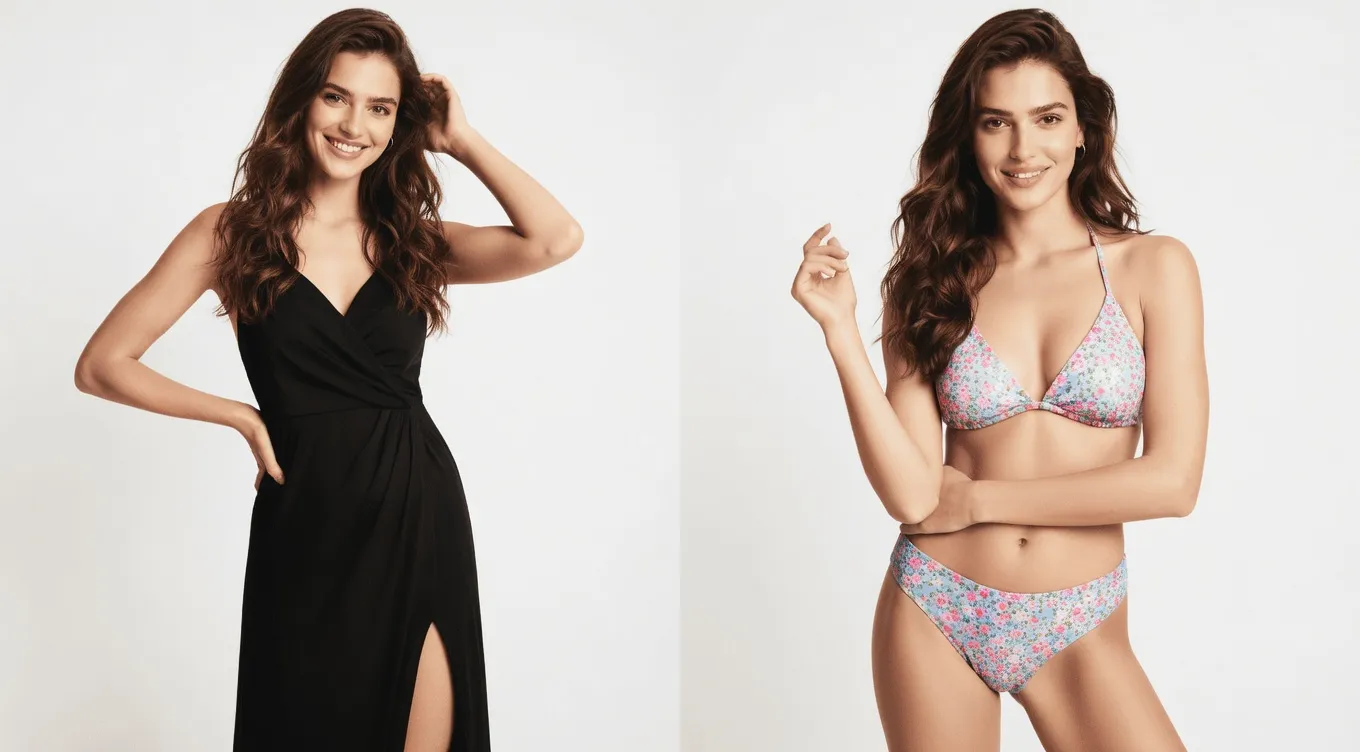
Use it when you need a fast swimwear preview for a fashion idea, beach shoot, shop listing, or social post.
Try different bikini colors, cuts, and patterns on an adult photo before you plan a shoot or build a campaign direction.
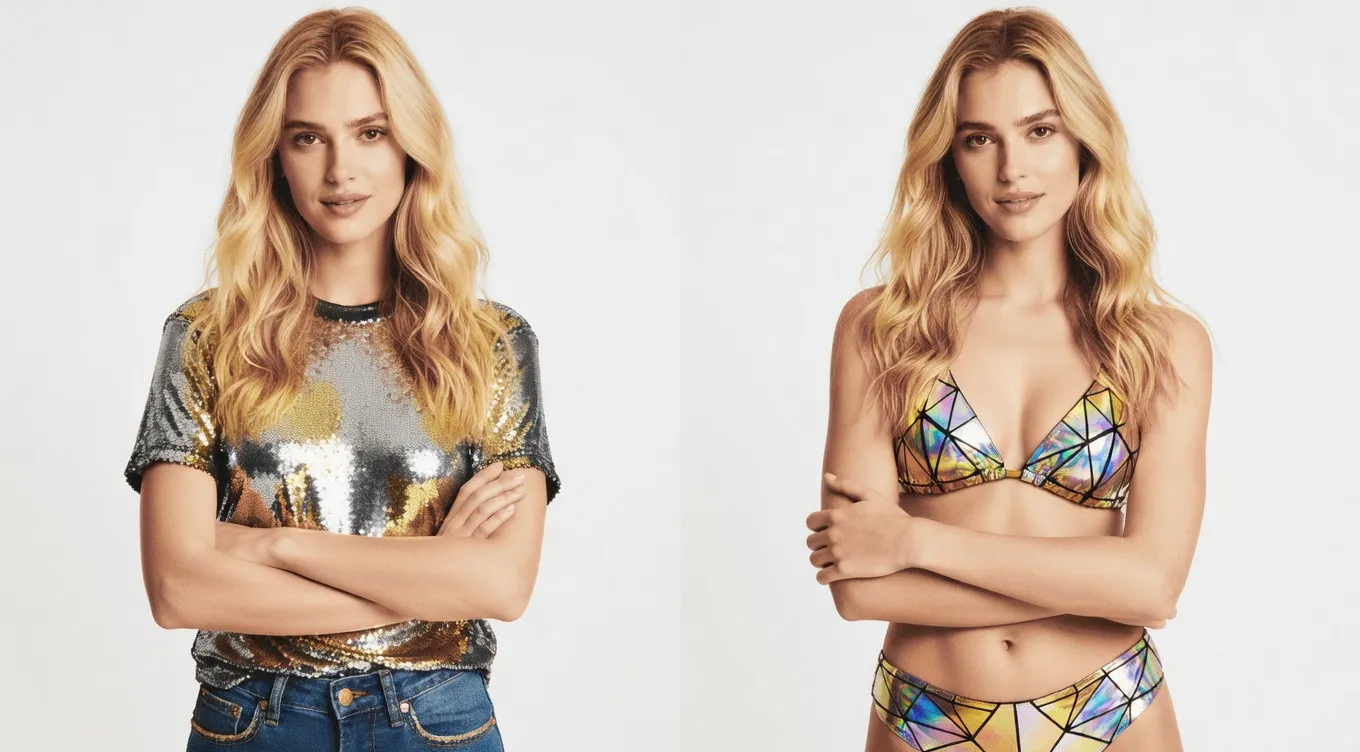
Create rough concepts for product pages, marketplace thumbnails, lookbooks, or mood boards before booking models or locations. To explore complete everyday, formal, or seasonal outfits beyond swimwear, continue with the virtual clothes changer.
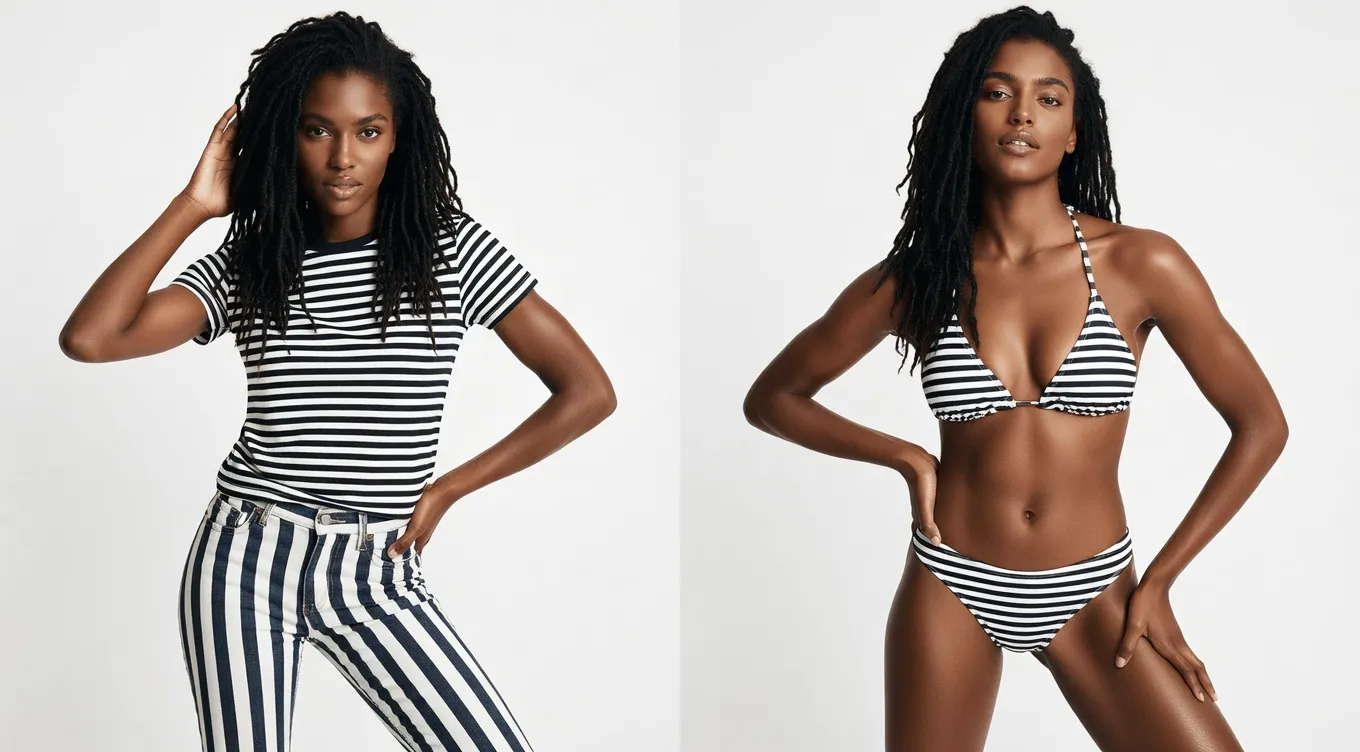
Write the color, fabric, fit, setting, and photo mood you want. If the image needs broader cleanup after the swimwear concept is ready, open the AI Photo Editor next.
Preset styles are useful when you want a quick direction, such as classic black, tropical print, sporty, high-waisted, or minimal swimwear.
The default prompt keeps the person, body shape, pose, background, camera angle, and lighting stable while changing the outfit.
Custom prompts let you specify color, print, fabric, fit, styling details, and the mood of the final photo.
The tool runs in the browser and uses the same credits, history, and download flow as the other YuzuTime AI image tools.
AIビキニジェネレーターは、元の写真をもとに水着姿のプレビューを生成するツールです。Styleでプリセットを選ぶ、Promptで希望を文章にする、Referenceで試着したいビキニの画像を使う、という3つのモードがあります。どのモードでも人物の元写真が必要です。
YuzuTime AI keeps the workflow focused on adult, consent-based swimwear previews. It is meant for fashion concepts, beach-style visuals, social content drafts, and early creative planning.
編集の許可を得た成人の写真を用意し、プリセット、自分の言葉での説明、ビキニの参考画像から、生成ごとに1つのモードを選びます。
クラシックな黒、トロピカルな花柄、レトロなハイウエストなど、一覧からビキニのスタイルを選びます。選んだスタイルが衣装の指示になるので、プロンプトを書かずに好みの雰囲気を試せます。
ビキニの色、カット、柄、素材を文章で指定します。元の顔、ポーズ、背景など、変えたくない部分も記載できます。具体的なイメージを自分の言葉で伝えたいときに使うモードです。
試着したいビキニが写った2枚目の画像をアップロードします。元の写真は着せる人物、参考画像は衣装として使います。参考画像の衣装を人物に着せる指示が自動で設定されるため、プロンプト入力やスタイル選択は不要です。
Start with a clear adult photo, choose a direction, then generate and review the result.
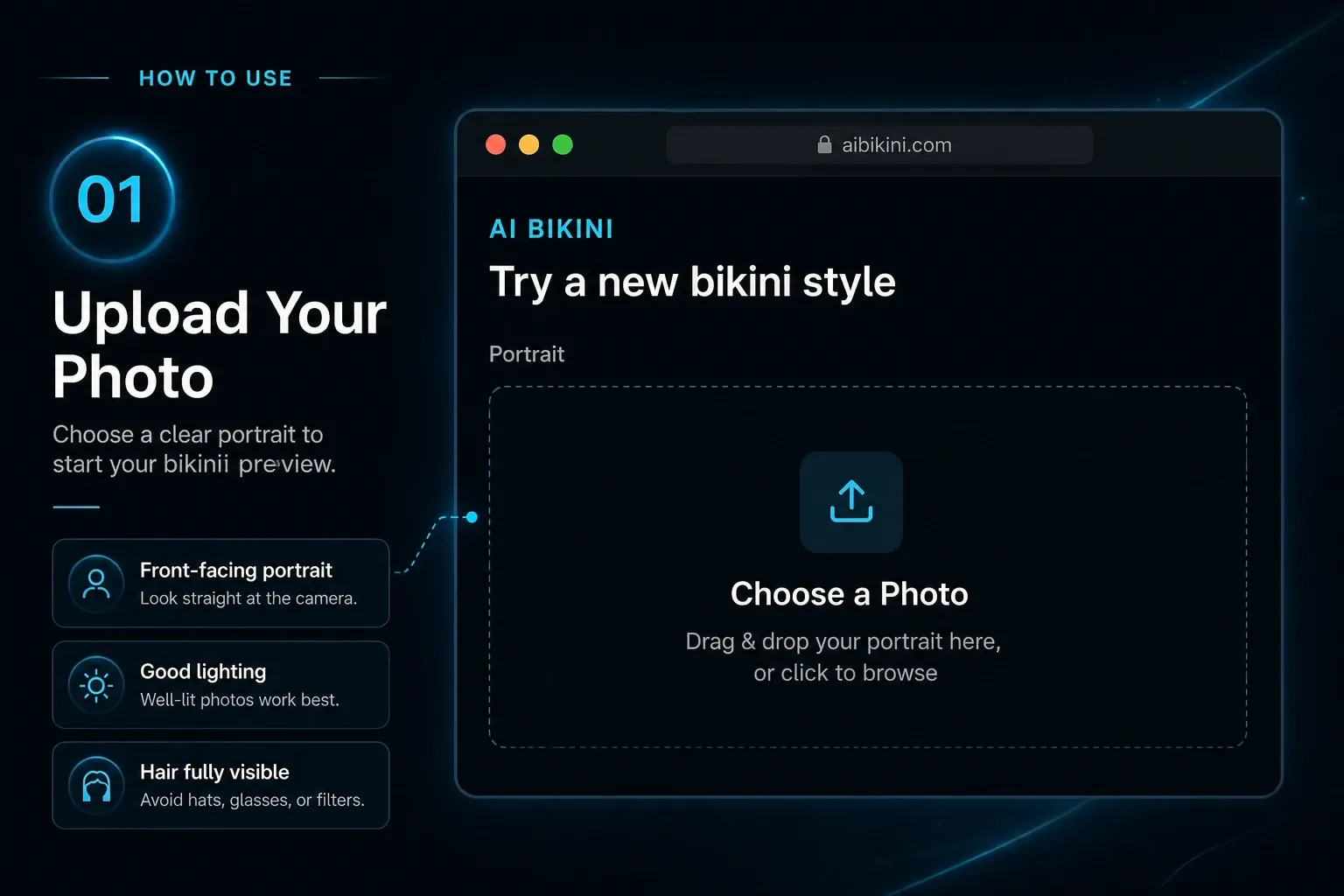
ステップ 1
Choose a clear image where the outfit area is visible. Do not upload minors or images you do not have permission to edit.
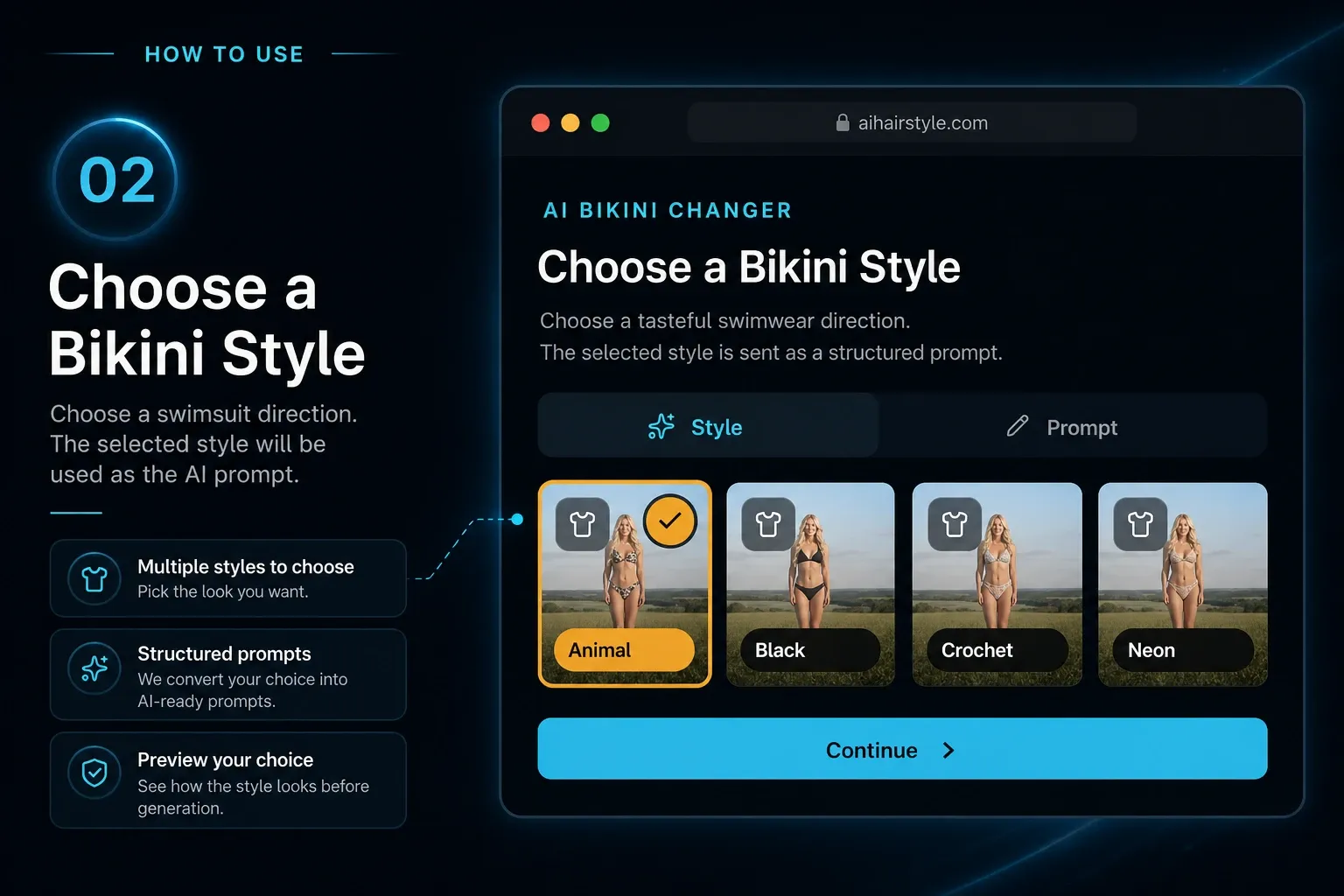
ステップ 2
Styleでプリセットを選ぶ、Promptで希望を文章にする、またはReferenceで試着したいビキニの画像をアップロードします。生成ごとに1つのモードを選び、着せる人物には元の写真を使います。
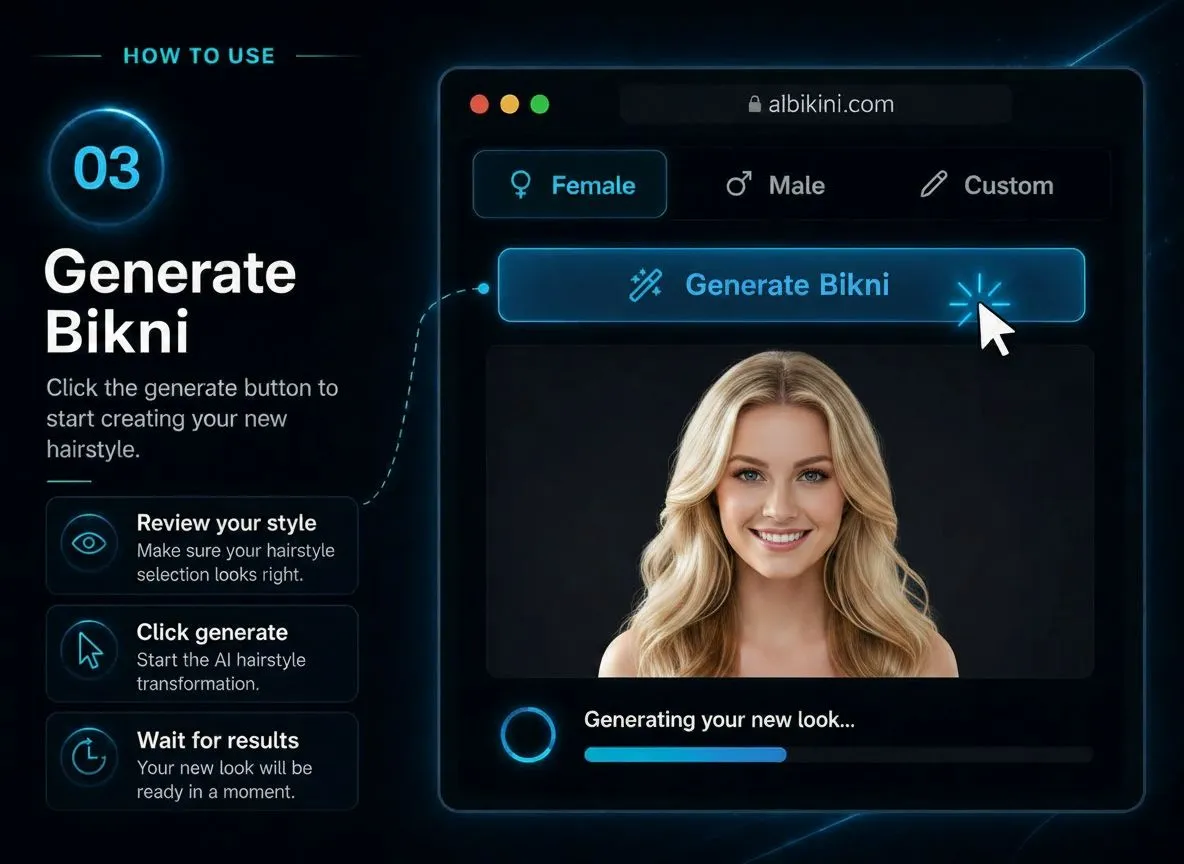
ステップ 3
Review the preview, adjust your prompt if needed, and download the image when it matches the swimwear look you had in mind.
Open the AI bikini generator, upload an adult photo, and test a tasteful swimwear direction in your browser.
Try AI Bikini GeneratorYuzuTime AI Bikini Generator is for adult fashion and swimwear edits. Only use images you own or have permission to edit, and do not upload private, explicit, sensitive, or non-consensual content.
Reviewed and updated by the YuzuTime AI product team. Last updated: July 2026.
"A blue bikini look on a sunny beach, natural light, clean editorial photo style."
"A modern swimsuit concept for a summer campaign, simple composition, fashion magazine feel."
"A red bikini photo by the pool, golden hour light, relaxed pose, realistic summer photography."
FAQ
You can try it with the free credits available on your account. After that, the same credit rules used by other YuzuTime AI tools apply.
Use adult photos only, and only edit images you have the right to use. Do not upload minors, private images without permission, or content meant to create explicit results.
The default prompt asks the model to keep identity, body shape, pose, lighting, background, and camera angle stable while changing only the outfit.
Yes. Prompt mode lets you describe non-explicit swimwear details such as color, fabric, pattern, fit, resort styling, accessories, and photo direction.
No. The product is for swimwear previews, e-commerce concepts, resort styling, and social creative planning. Prompts should not request nudity or sexually explicit output.