Four image models
Choose Z-Image Turbo, FLUX.2 Klein 4B, Banana, or GPT Image 2. The same prompt can produce different visual interpretations.
Preview
Z-Image Turbo · Auto
History
MoreYour generated images will appear here.
Text-to-image examples
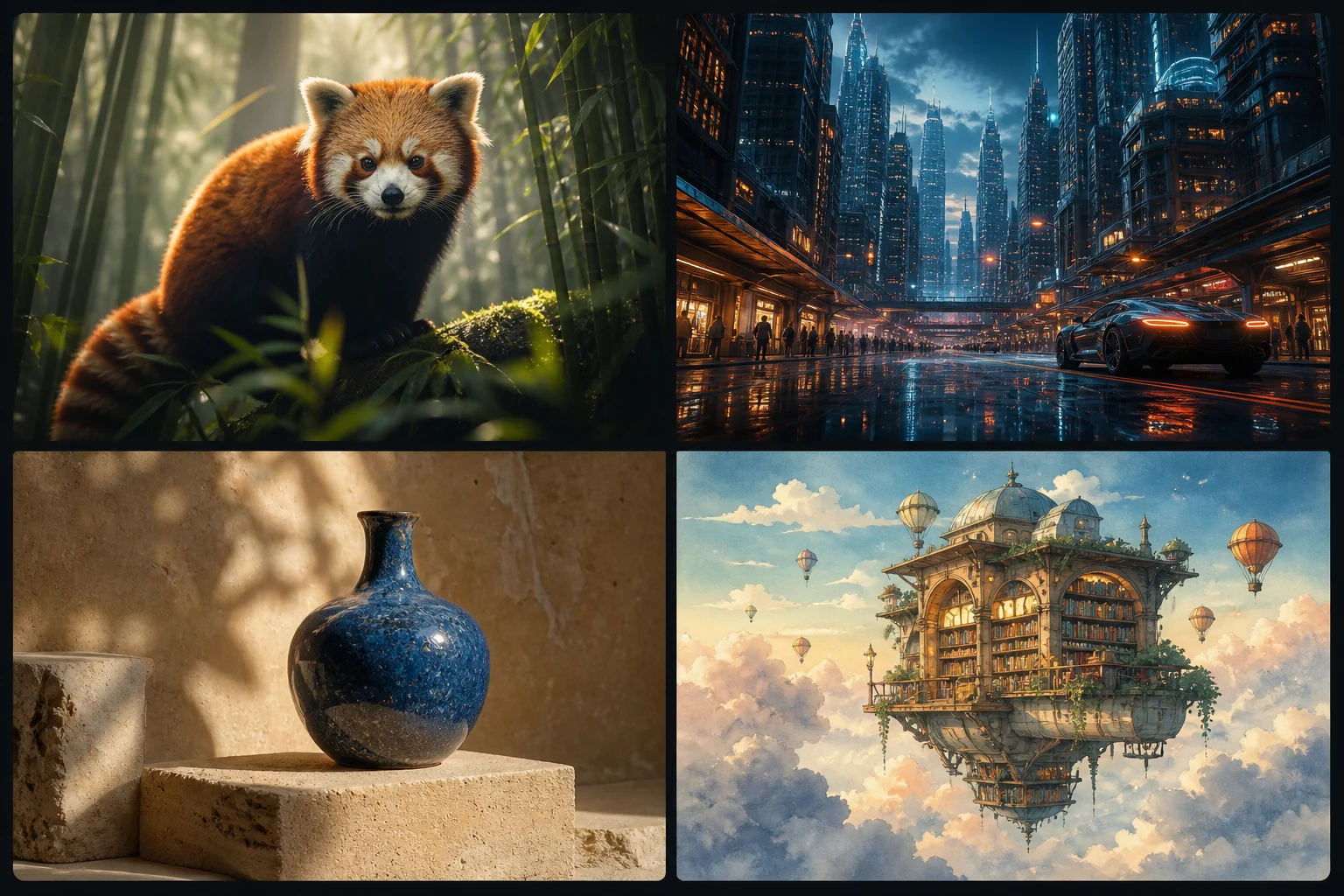
A prompt can set the subject, medium, framing, light, and mood. These AI-generated editorial examples show four useful visual directions; they are inspiration, not a controlled model benchmark.
Simple workflow
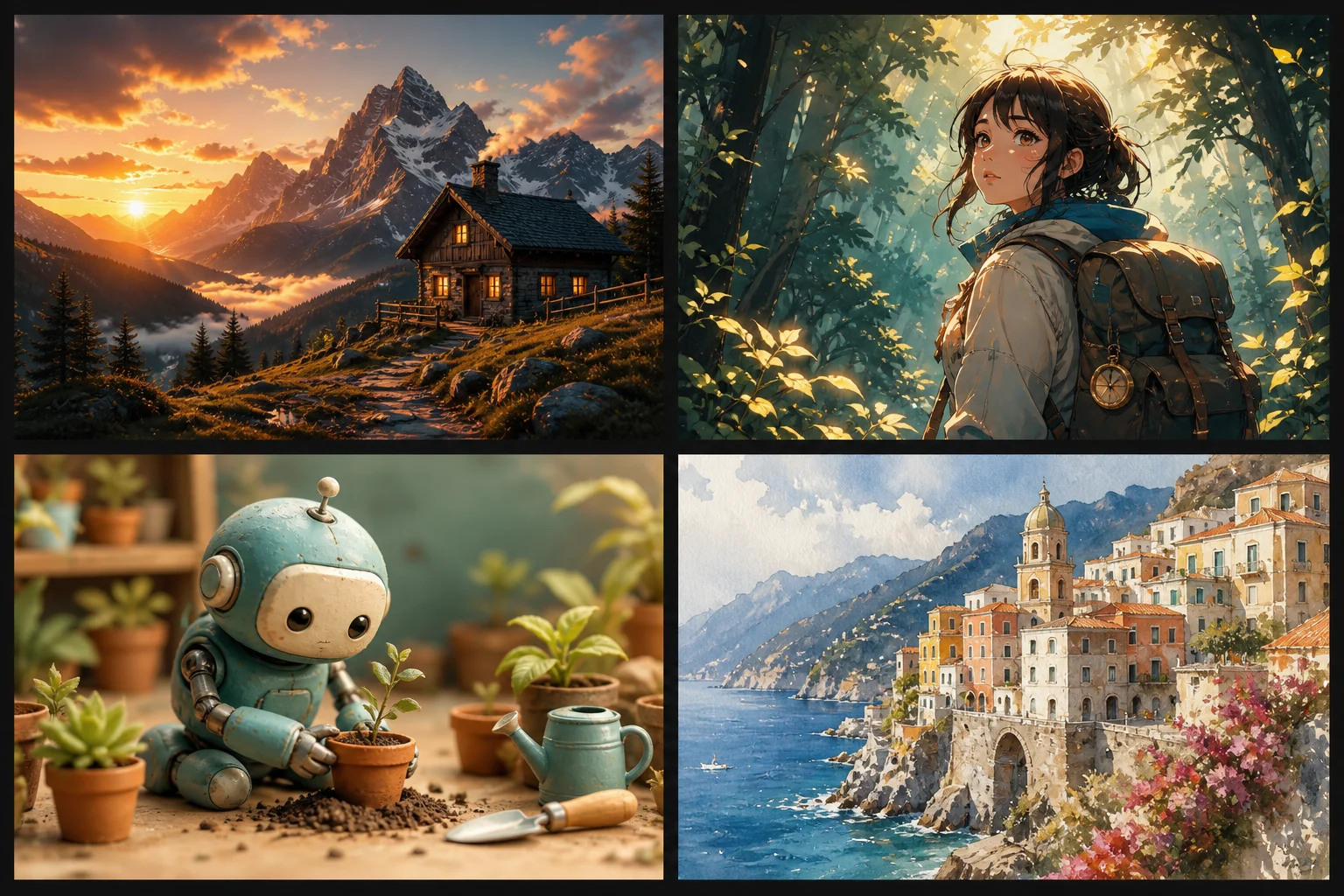
Start with a concrete visual description, choose the frame before generation, and review the output as a creative draft. Drawing or design experience is not required.
Name the subject, action, setting, and details that must appear.
Select an AI model, then frame the result for a square post, portrait story, landscape banner, or another placement.
Inspect the output, revise one part of the prompt when needed, and download the result you want to keep.
Generator controls
Choose Z-Image Turbo, FLUX.2 Klein 4B, Banana, or GPT Image 2. The same prompt can produce different visual interpretations.
Every model includes eight core ratios. Z-Image and FLUX add ultrawide options, while Banana also includes practical 4:5 and 5:4 frames.
Anonymous visitors receive one generation per day across all four models. Signed-in generations cost 2 credits, or 3 credits for GPT Image 2.
Same idea, different visual direction
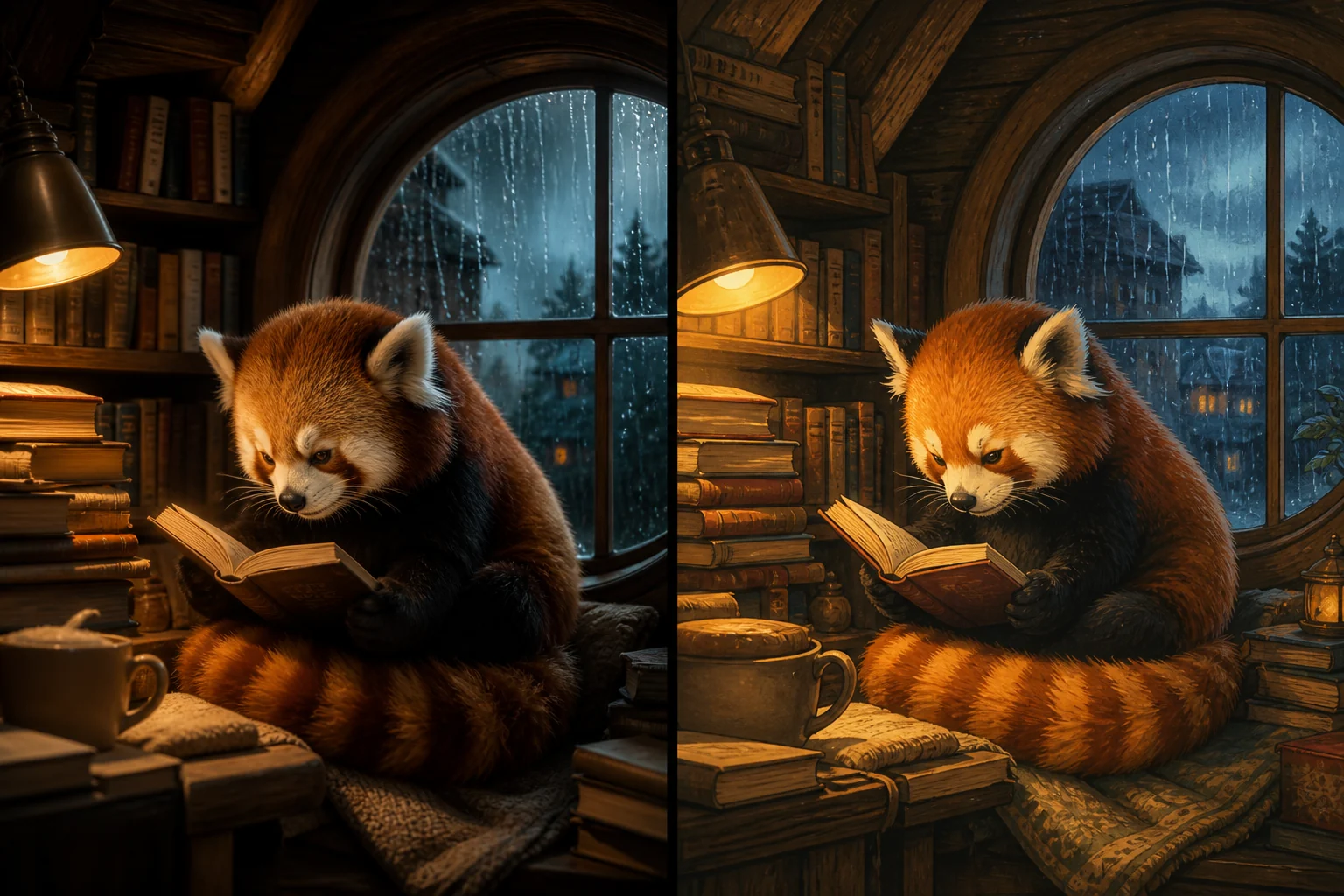
A model interprets—not retrieves—your description. Keep the subject and composition stable when comparing results, then change one variable such as medium or lighting.
Editorial illustration for this guide. It demonstrates prompt variation and is not a side-by-side benchmark of the selectable models.
Prompt writing guide
Use: subject + action + setting + medium + composition + lighting + constraints. Put the most important visible facts first and avoid filler words.
Too vague
“Make a beautiful red panda picture.”
The subject is clear, but the scene, visual medium, framing, and light are left to chance.
More controllable
“A red panda reading beside a round window on a rainy evening, cozy storybook illustration, medium shot, warm lamp light, amber and teal palette, no text or watermark.”
Practical use cases

Example prompt: An unbranded frosted-glass skincare bottle on pale travertine, warm morning sunlight, soft leaf shadow, premium editorial product photography, 3:2, no text or logo.
AI-generated editorial example · 3:2 composition
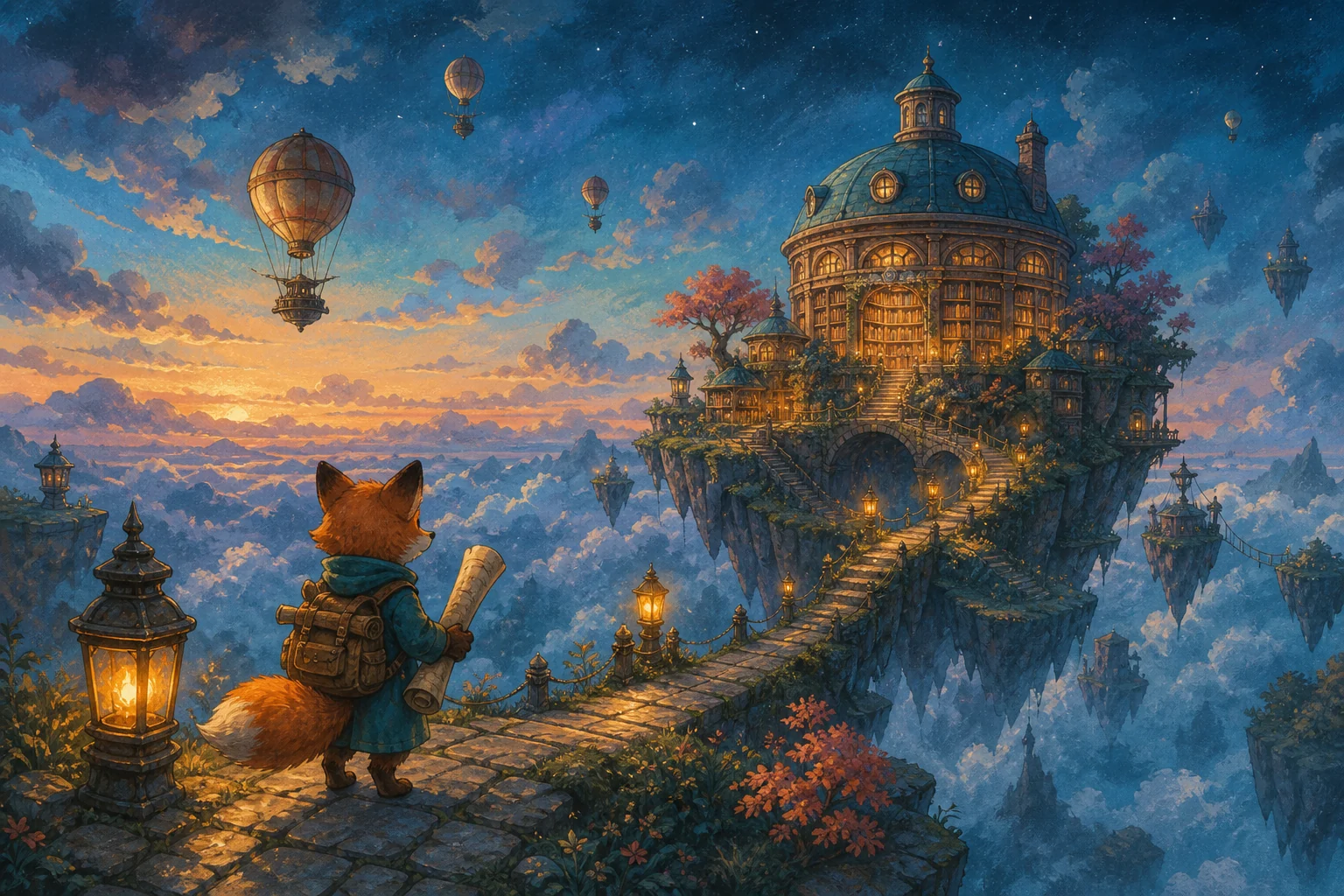
Example prompt: A curious fox cartographer discovering a floating library above the clouds, whimsical storybook illustration, amber and teal palette, atmospheric depth, 3:2.
AI-generated editorial example · 3:2 composition
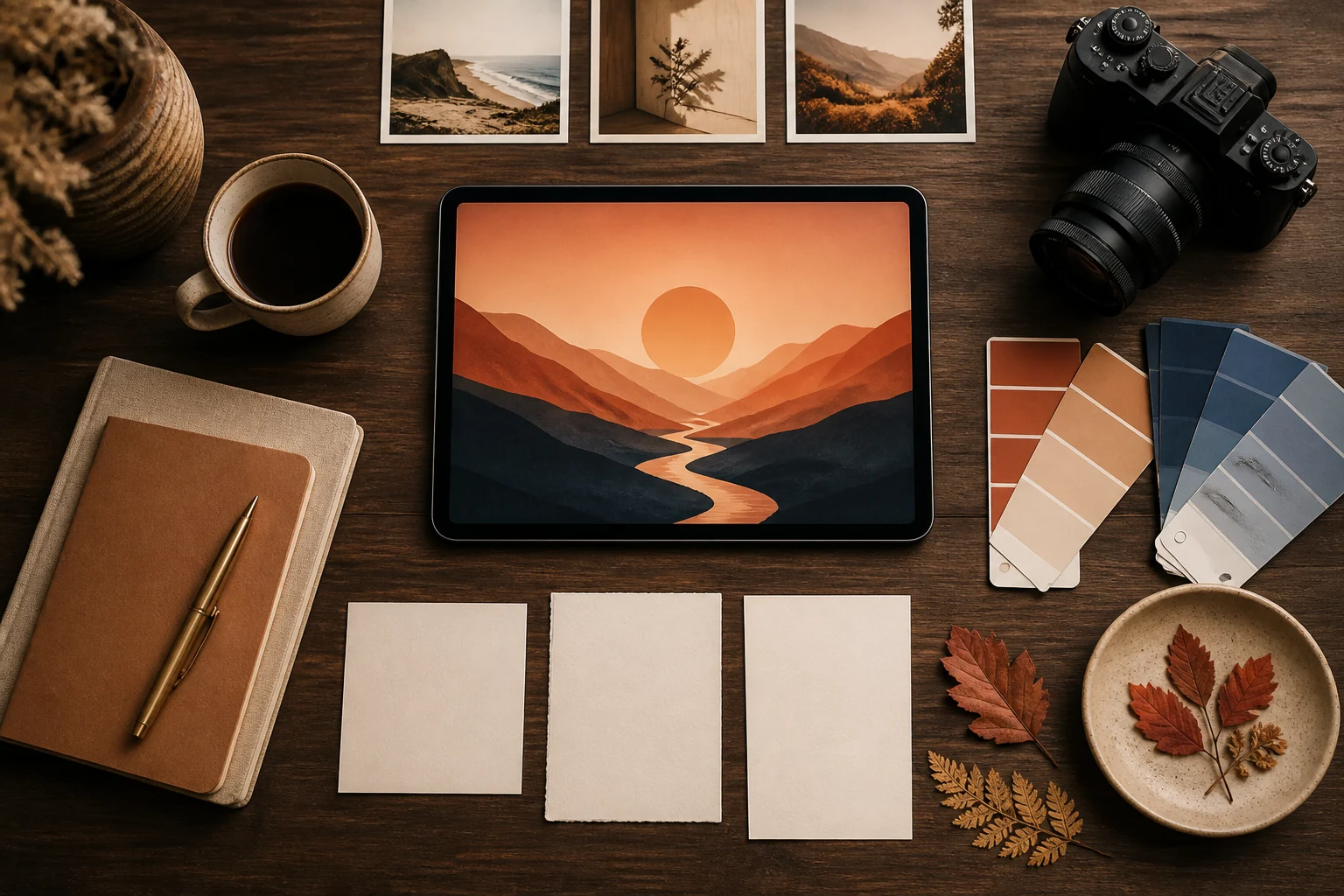
Example prompt: Overhead creative desk with a tablet showing abstract sunset artwork, paper swatches and stylus, warm natural shadows, editorial photography, clean composition, 3:2.
AI-generated editorial example · 3:2 composition
Honest expectations
Long or exact text inside an image may be misspelled or distorted. Add important copy in a design tool after generation.
Hands, faces, reflections, and repeated objects can contain small errors. Check them at full size before publishing.
A new generation may not preserve the same character, product, or composition. Save strong results and describe repeatable details precisely.
Generated scenes can invent visual facts. Do not treat an image as evidence of a real person, place, event, or product.
Prompts are screened before a generation task is created. You remain responsible for likeness, copyright, trademark, privacy, disclosure, and platform requirements. Commercial suitability is not guaranteed; review the current terms before publishing or selling a result.
Updated August 12, 2026. Feature and pricing claims were checked against the current public generation contract. The five page illustrations are labeled AI-generated and were compressed to WebP without presenting them as controlled outputs from either selectable model.
Read the Privacy Policy for current data-handling terms; this page does not promise a specific retention period or training policy.
Continue your workflow
Clear answers
A text-to-image generator is an AI tool that interprets a written prompt and creates a new image from that description. A prompt can define the subject, action, setting, medium, composition, color, and lighting.
The model translates words into visual patterns learned during training, then synthesizes a new image that fits the prompt. It interprets your request rather than searching for and returning an existing picture.
Yes. Anonymous visitors can create one image per day across all four available models. The limit is shared by IP address and a stable browser fingerprint. Signed-in generations cost 2 credits for Z-Image Turbo, FLUX.2 Klein 4B, or Banana, and 3 credits for GPT Image 2.
The current tool offers Z-Image Turbo, FLUX.2 Klein 4B, Banana, and GPT Image 2. GPT Image 2 uses the API fixed low-quality setting; model availability may change over time.
Every model supports Auto, 1:1, 3:2, 2:3, 4:3, 3:4, 16:9, and 9:16. Z-Image Turbo and FLUX.2 Klein 4B also support 21:9 and 9:21. Banana adds 4:5, 5:4, and 21:9. The controls update automatically for the selected model.
Start with the main subject and action, then add the setting, visual medium or camera style, composition, lighting, and important constraints. Name visible details instead of relying on vague words such as beautiful or amazing.
Yes. A prompt can request photographic, illustrative, watercolor, anime-inspired, 3D, or other visual directions. Results vary, so describe the lens or medium, light, composition, and texture that define the look you want.
Short lettering may work, but exact words, labels, and long sentences are not reliable. Generate the visual first, then add important text in a design or photo-editing tool.
Text-to-image starts from a written description. Image-to-image starts from an uploaded image plus instructions, making it more suitable when you need to preserve or transform an existing visual.
Commercial suitability depends on your prompt, the output, applicable law, third-party rights, and the current YuzuTime terms. Review copyright, trademark, likeness, and disclosure requirements before publishing or selling a result.
Prompts and outputs must be processed to provide the service and may involve service providers. Consult the current YuzuTime Privacy Policy for the applicable data-handling terms; this page does not promise a specific retention period or training policy.
A prompt can be rejected by safety screening, or a request can fail because of invalid settings, a daily limit, insufficient credits, or a generation-service error. If a created task fails, keep its job ID and check your account balance before contacting support.
Write a specific prompt, choose a frame, and create your first result above.