
Portrait hair
Keep flyaway hair and the natural silhouette visible when separating a person from a busy scene.
プレビュー
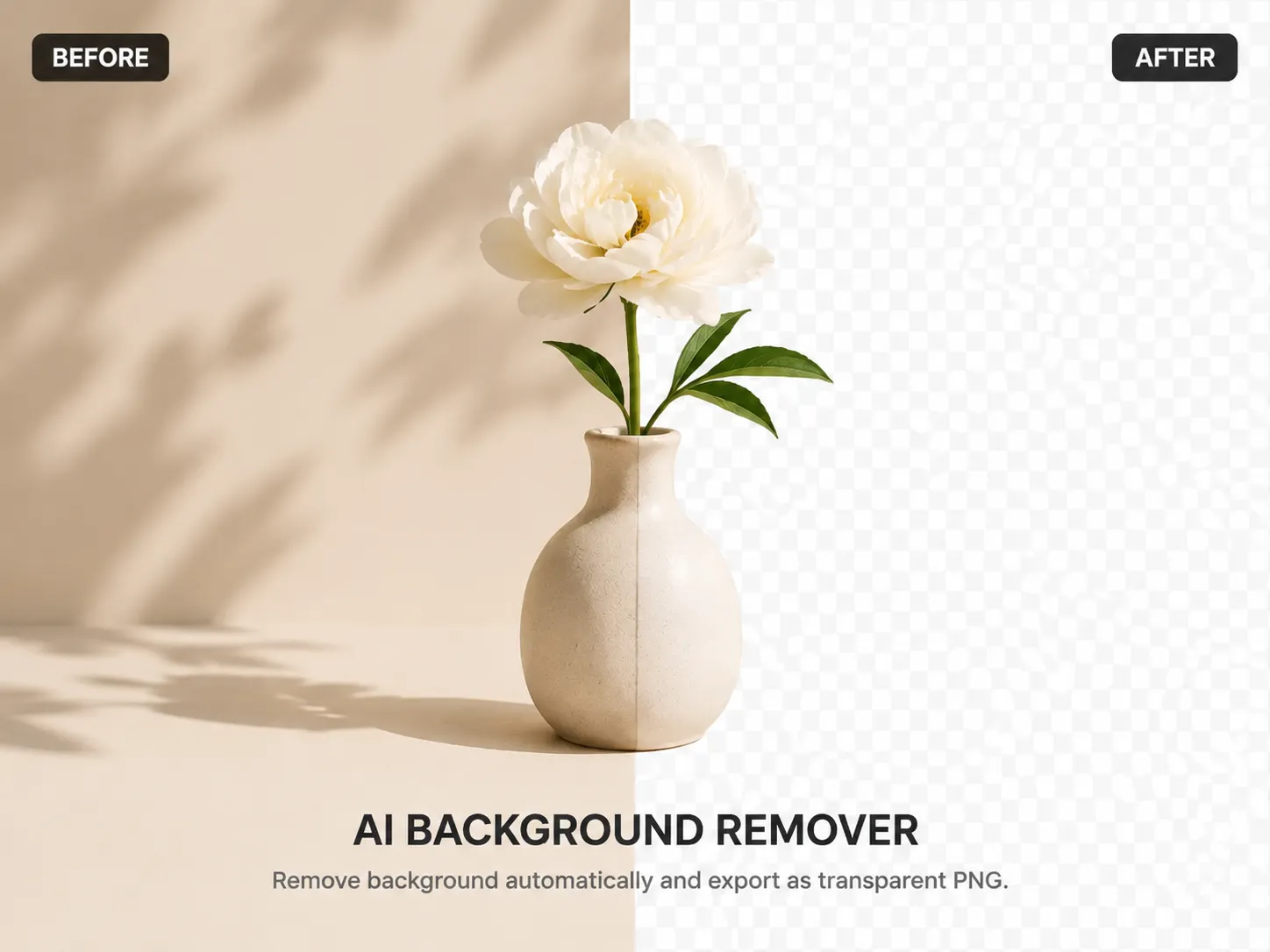
Transparent cutout
最近の履歴
さらに表示最近の編集履歴はありません。
Automatic image cutouts
Upload a photo and let AI isolate the subject automatically. Download a transparent PNG or continue editing in YuzuTime.
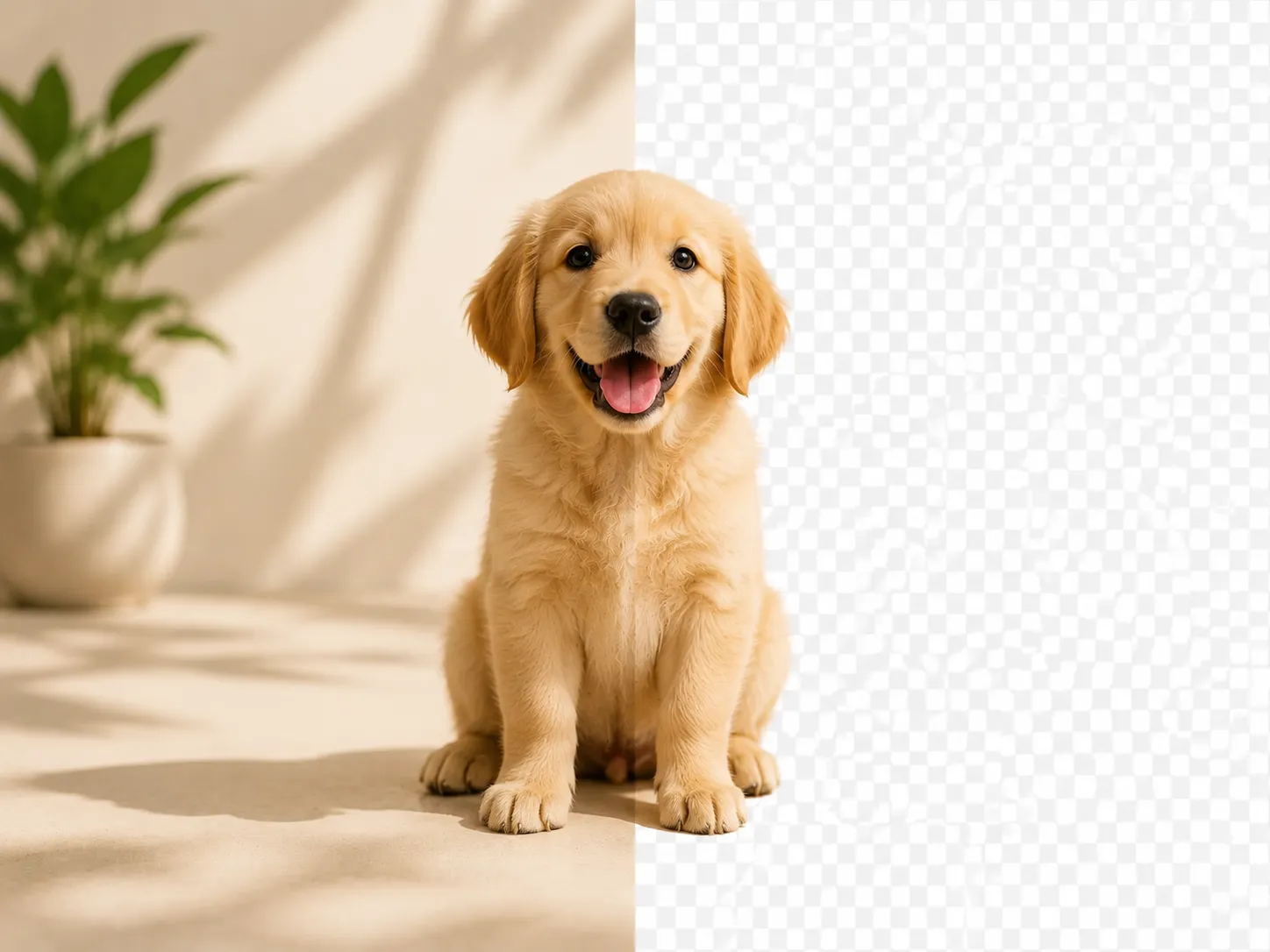
Before and after proof
Automatic removal works best with clear, high-resolution images. These examples represent the subject types worth checking before a production batch.
Keep flyaway hair and the natural silhouette visible when separating a person from a busy scene.
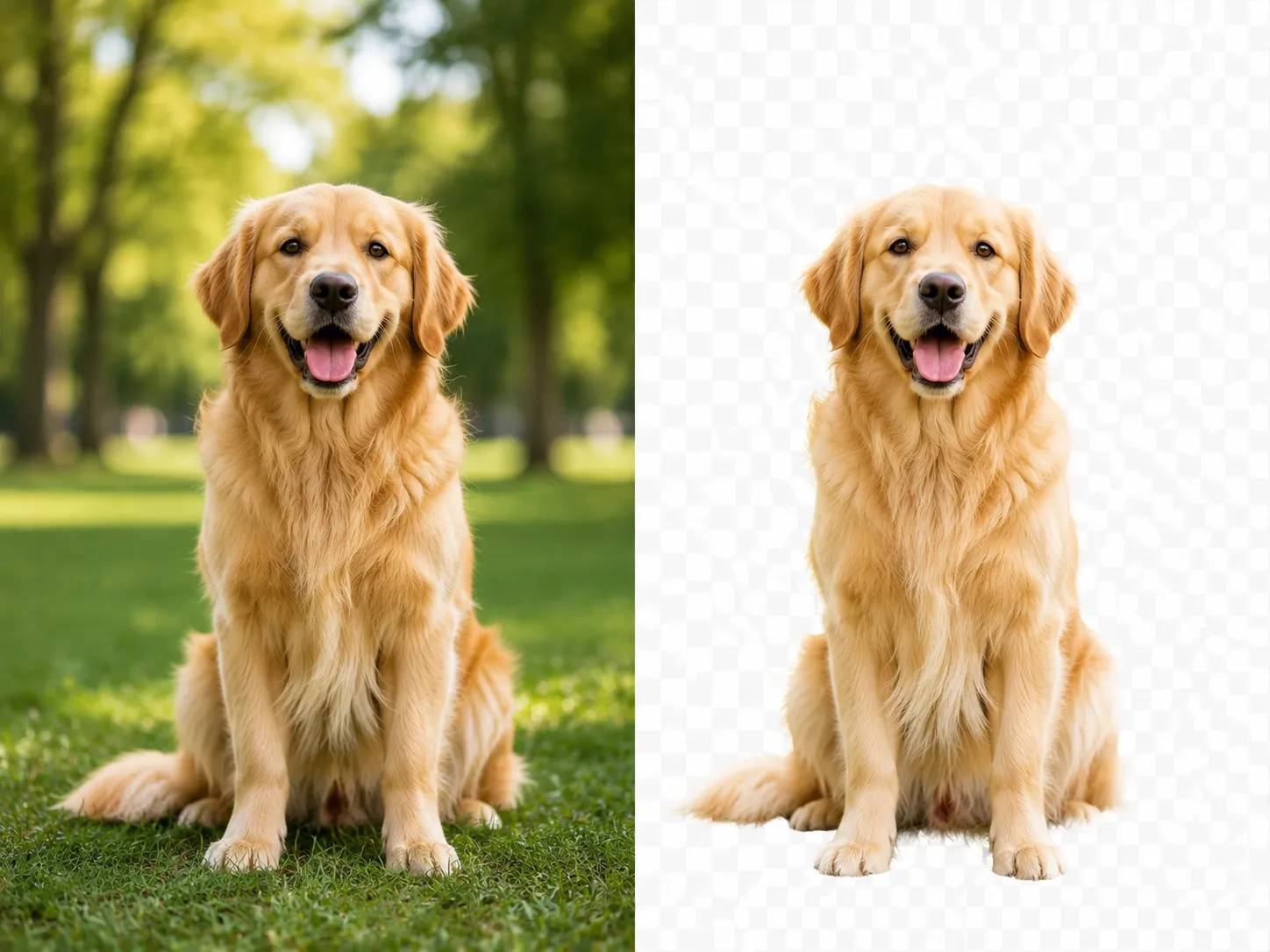
Start with a sharp, well-lit pet photo so the AI has enough contrast to preserve soft fur edges.
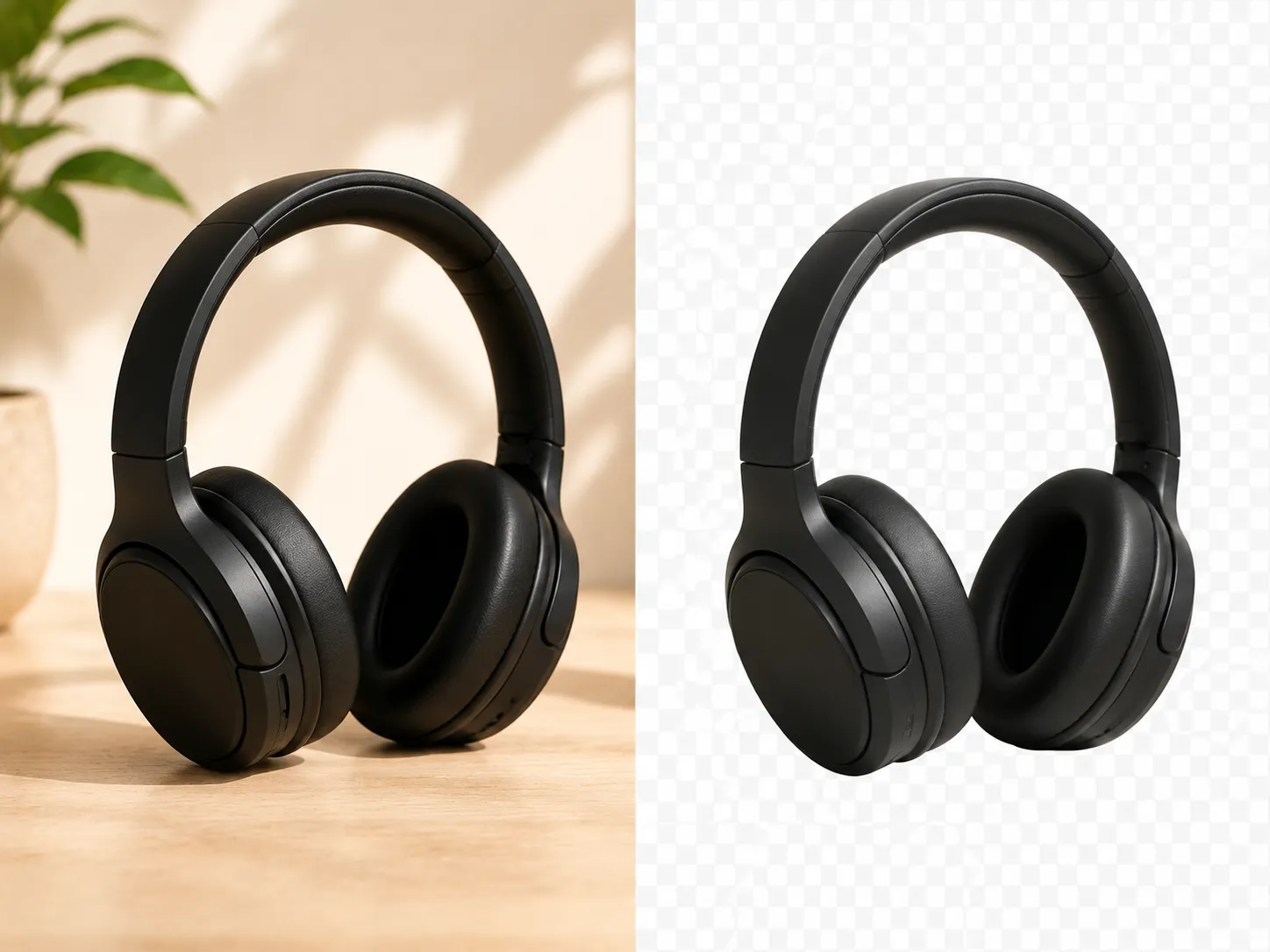
Create a reusable product cutout for store listings, marketplace thumbnails, ads, and new layouts.
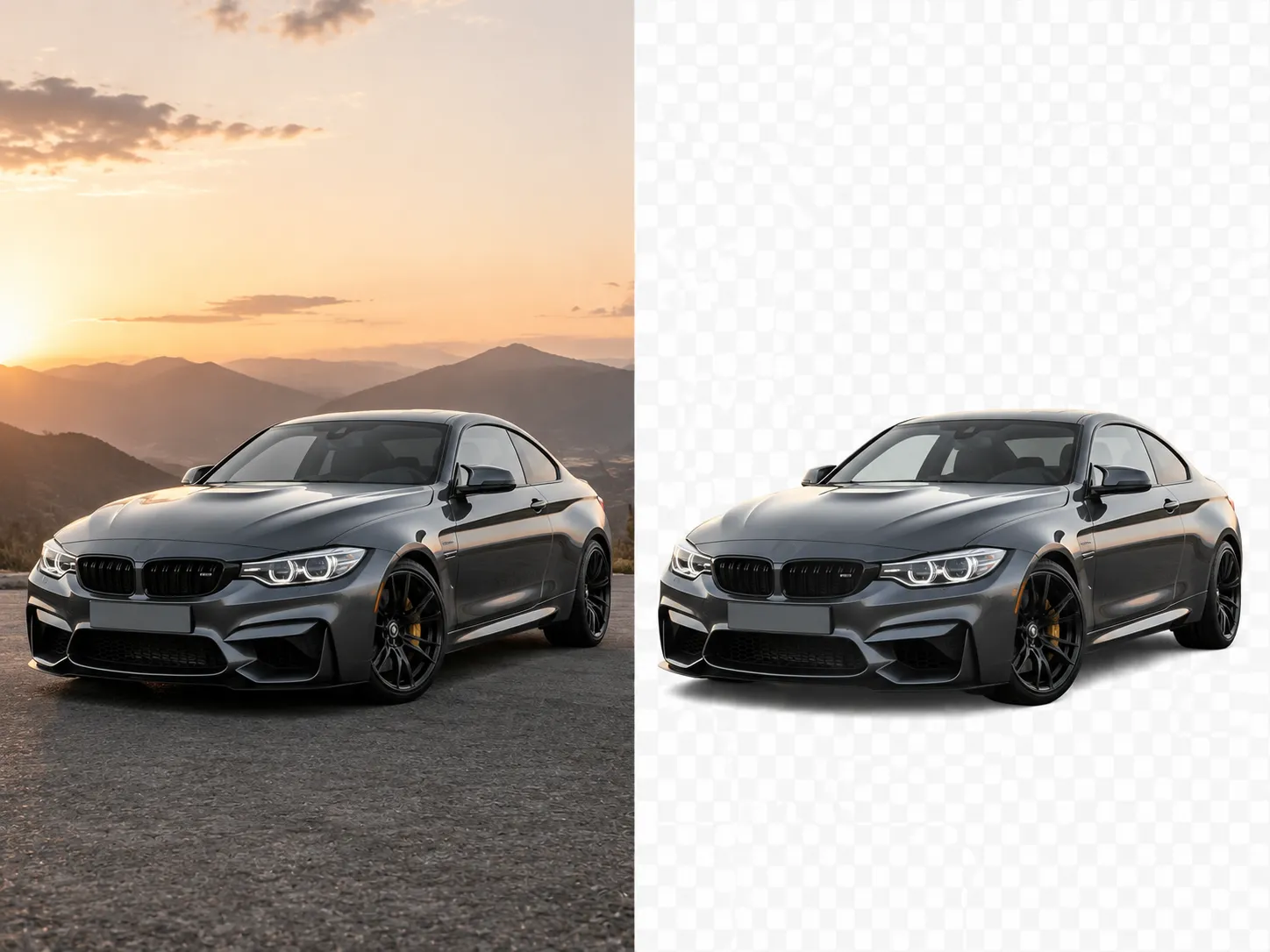
Cars, accessories, and irregular shapes work best when the subject is fully visible and clearly separated.
Upload, process, and export a clean cutout in three straightforward steps.
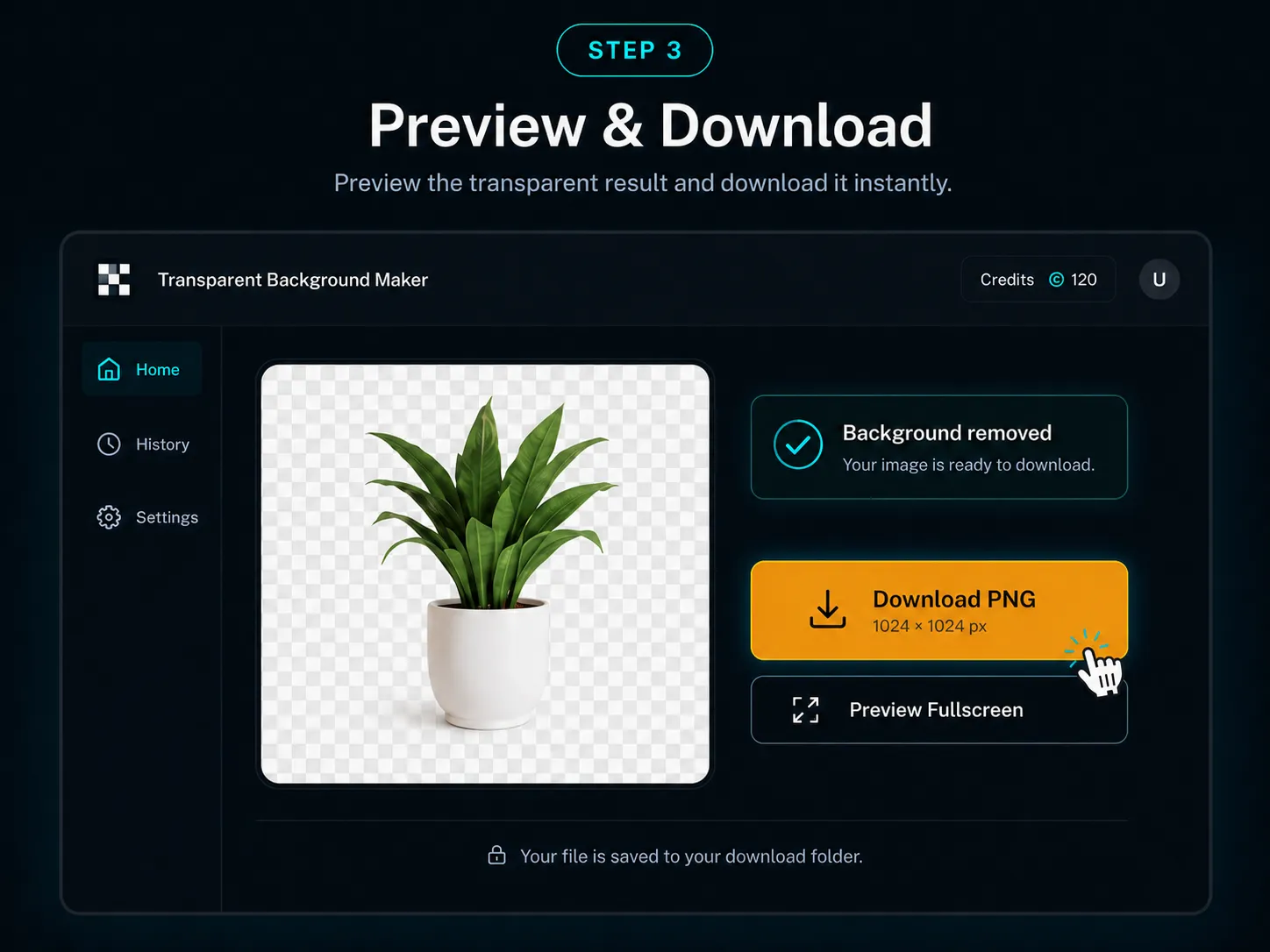
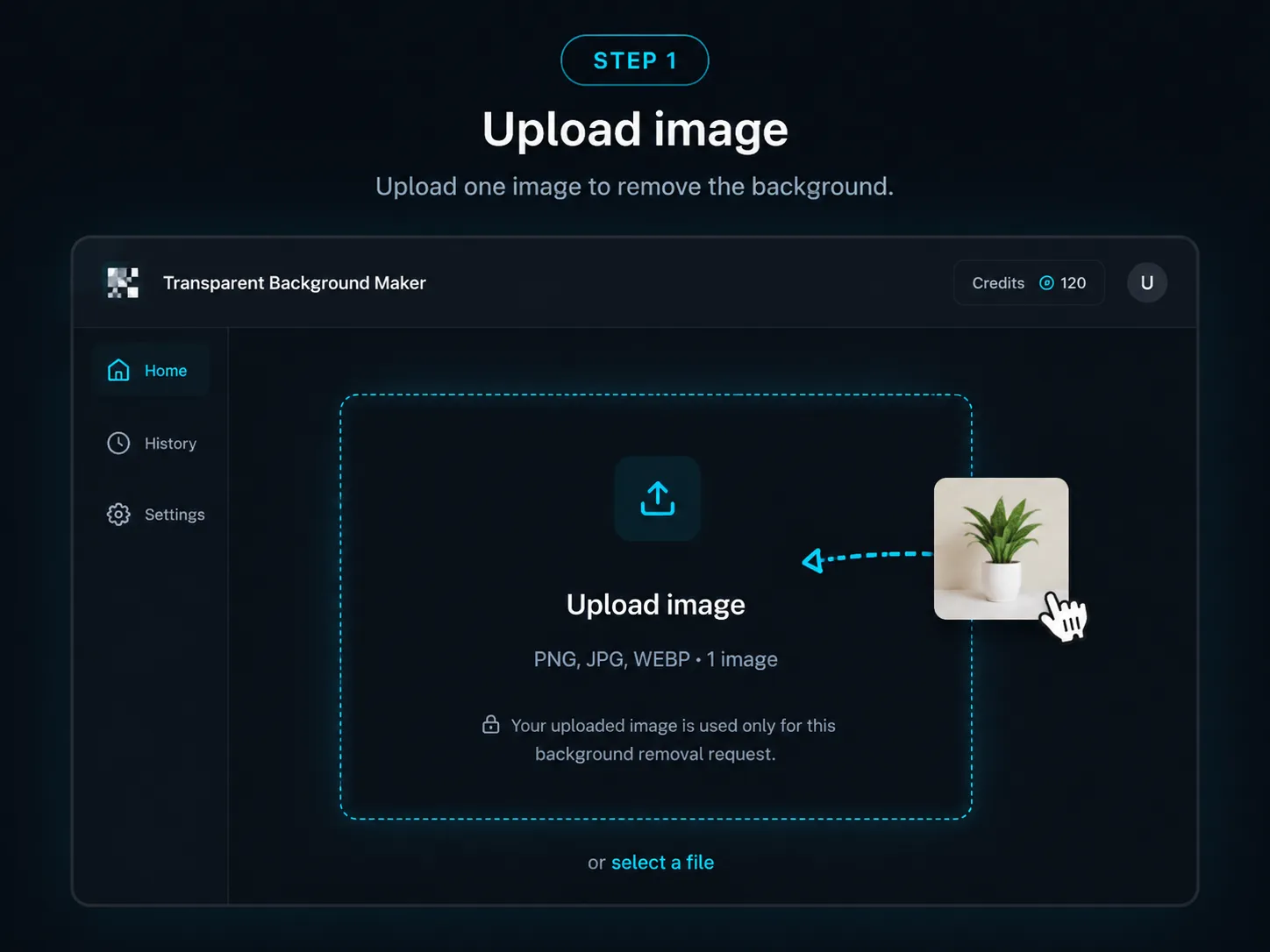
Step 1
Choose one JPG, JPEG, PNG, or WebP image. A centered, well-lit subject gives the remover the clearest starting point.
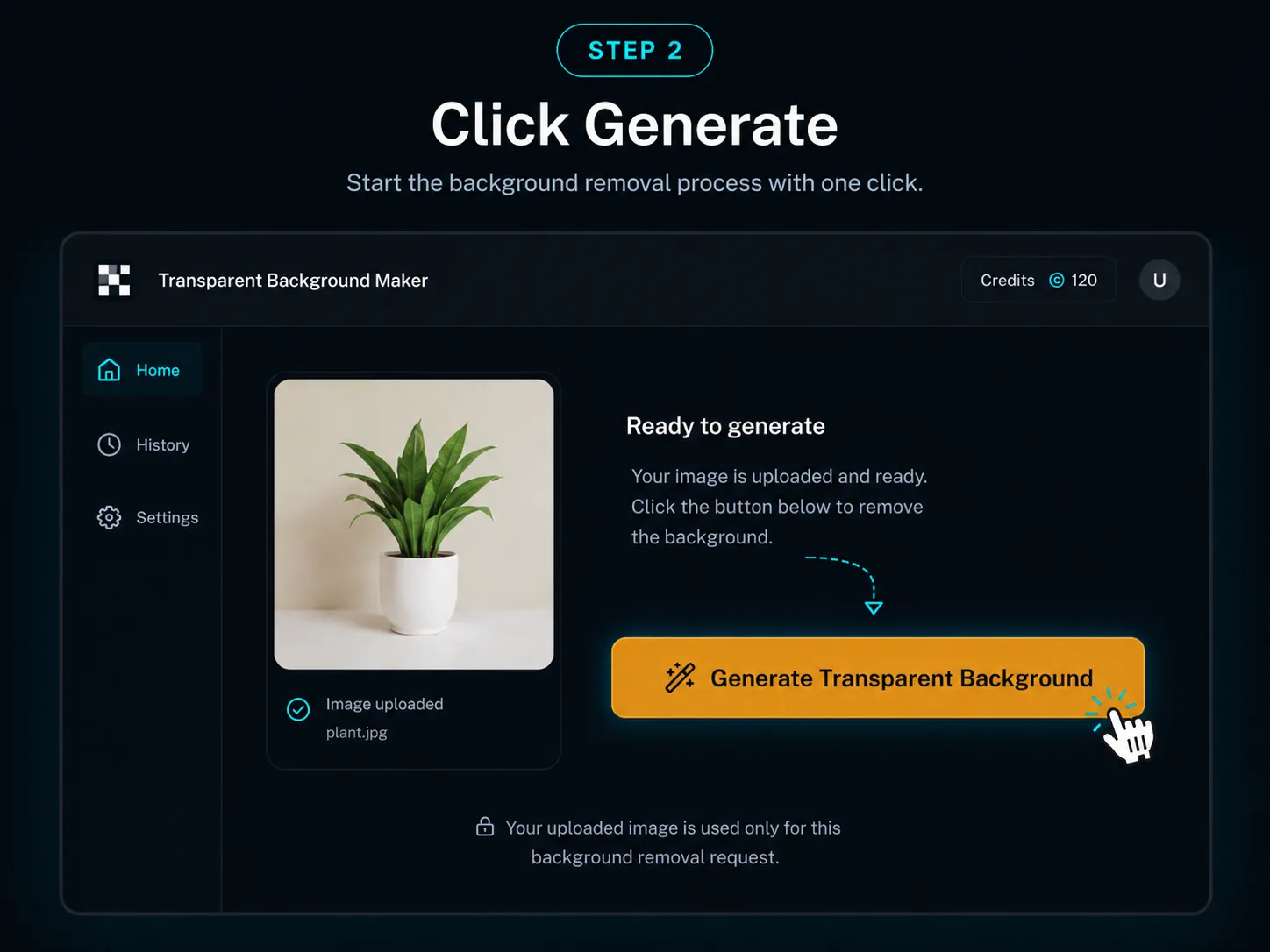
Step 2
YuzuTime detects the main subject, separates it from the surrounding pixels, and prepares a transparent cutout.
Step 3
Download the transparent PNG, review it in history, or continue with YuzuTime AI tools when the image needs more work.
Remove a background without tracing the subject by hand or building a layer mask.
Keep the alpha channel so your cutout can sit on a website, slide, store page, or new background.
Use clear source images to preserve hair, fur, products, logos, and irregular outlines more reliably.
Upload, process, preview, download, and revisit recent results from the same YuzuTime workspace.
Prepare reusable cutouts for ecommerce listings, catalogs, ads, white layouts, and marketplace thumbnails.
Remove distracting scenes from profile photos, team images, creator graphics, and campaign portraits.
Isolate cats, dogs, and other animals for stickers, cards, social posts, and custom designs.
Clear a flat background around a logo, icon, badge, or graphic before placing it in another design.
Turn one photo into a flexible subject layer for thumbnails, stories, posts, and promotional creative.
Output and next actions
The generated cutout uses transparent pixels around the subject, making PNG the appropriate download format. Open a result from history, refine the broader image in the AI Photo Editor, or combine it with another visual in the Image Combiner.
Use a sharp, high-resolution source with visible contrast between fine strands and the background.
Expect partial transparency and reflections to be more difficult than a solid subject.
Soft shadows and blurred boundaries may be removed or simplified by automatic segmentation.
Improve lighting or choose a clearer source when the subject and background have similar colors.
Keep the intended subjects close together and fully visible so the main cutout is unambiguous.
Avoid crops that touch hair, clothing, wheels, or product corners directly against the image boundary.
Upload one JPG, JPEG, PNG, or WebP image that you own or have permission to edit. Each successful background-removal request costs 1 credit for signed-in users. Automatic results vary with source quality, edge contrast, transparency, reflections, blur, shadows, and the number of subjects. Review the Privacy Policy for current image-handling and retention terms.
Reviewed and updated by the YuzuTime AI product team. Last updated: July 2026.
FAQ
It identifies the main subject, separates its edges from the surrounding scene, and returns an image with transparent pixels where the background was.
The uploader accepts common web image formats including JPG, JPEG, PNG, and WebP, one image at a time.
Yes. The result is designed for PNG download so the alpha channel can preserve transparent areas.
This remover creates a transparent cutout. You can place that PNG on white in another editor or continue editing it with YuzuTime.
It can handle fine details, but results depend on sharpness, lighting, contrast, motion blur, reflections, and the complexity of the subject.
Signed-in accounts can use available free credits. Each background removal costs 1 credit, and additional credits follow the current YuzuTime pricing.
Images are sent for the requested background-removal job. Only upload content you own or have permission to edit, and review the Privacy Policy for the current handling terms.
Yes. The upload, processing, preview, and download flow is designed to work in modern mobile and desktop browsers.
Upload one image, create a transparent cutout, and download or continue editing your result.
Open AI Background Remover